
DOWNLOAD THE APP


Customer Services
Copyright © 2025 Desertcart Holdings Limited
DOWNLOAD THE APP


💼 Elevate your workspace with storage that means business.
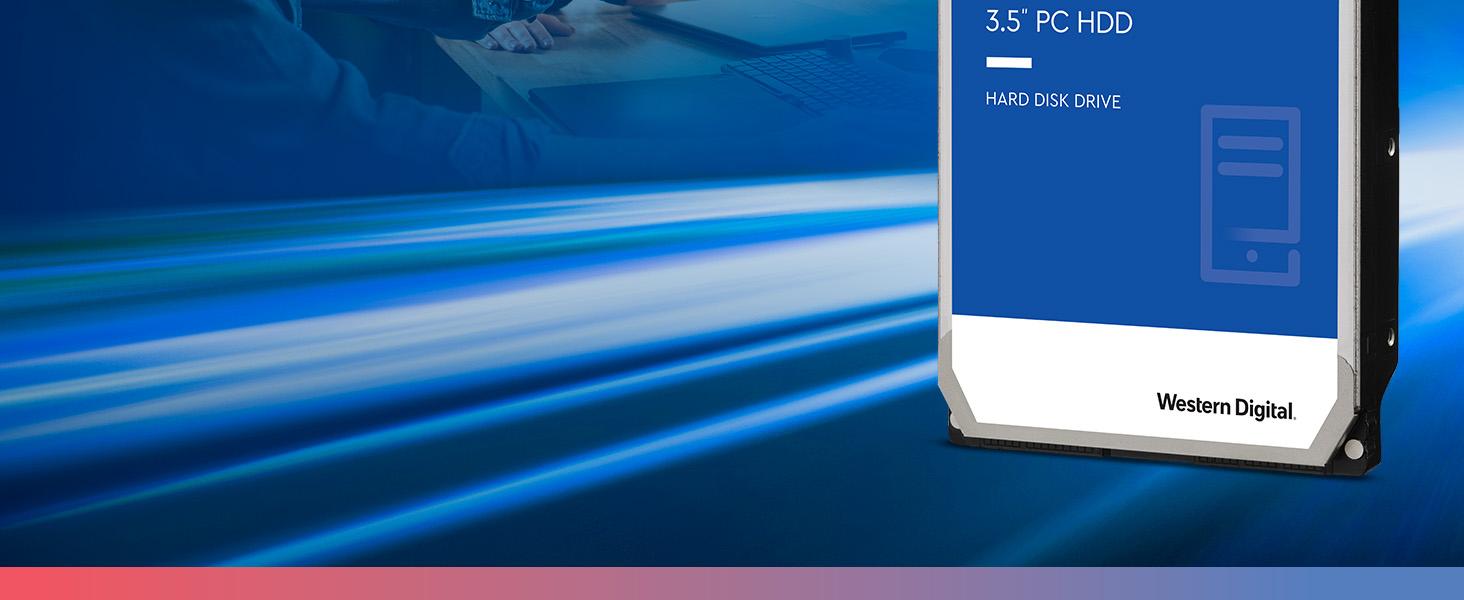
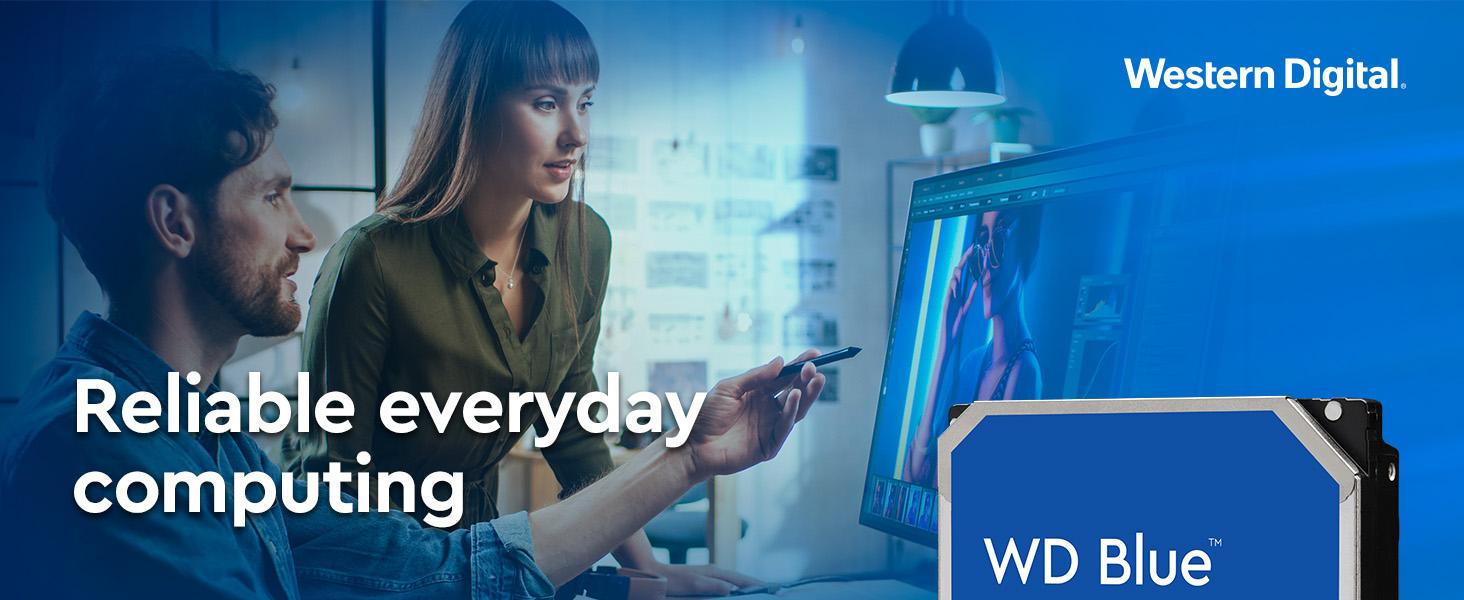
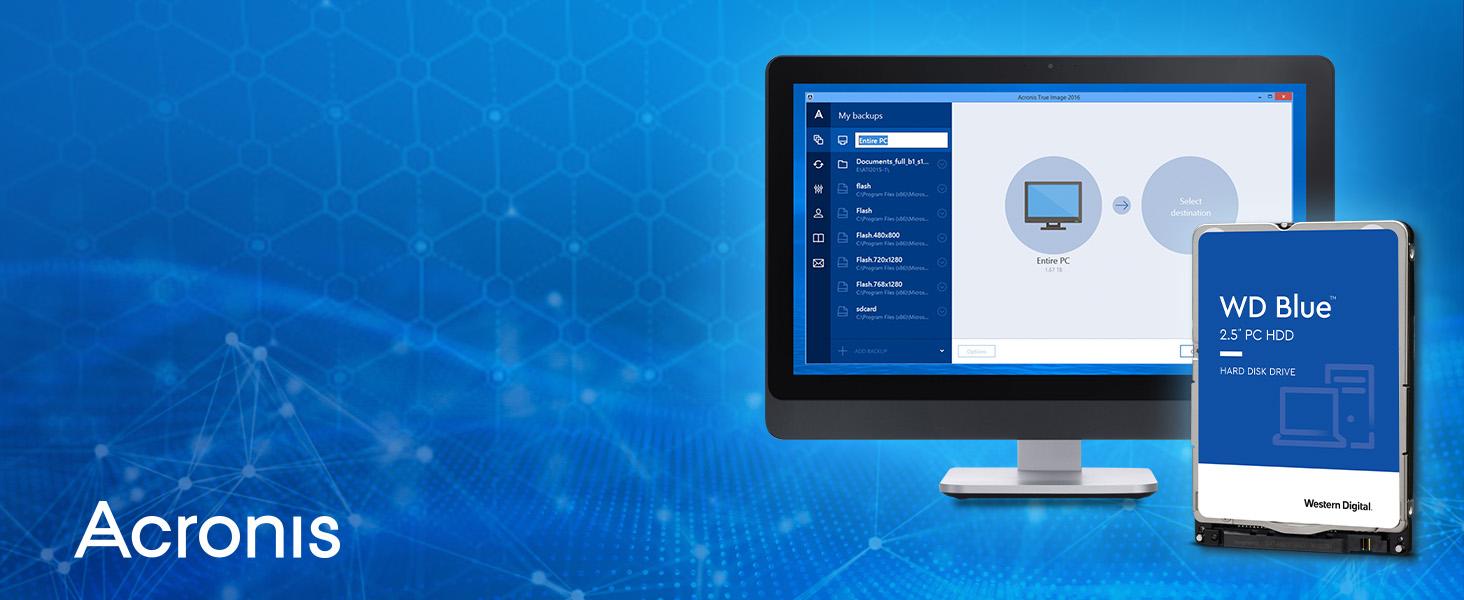
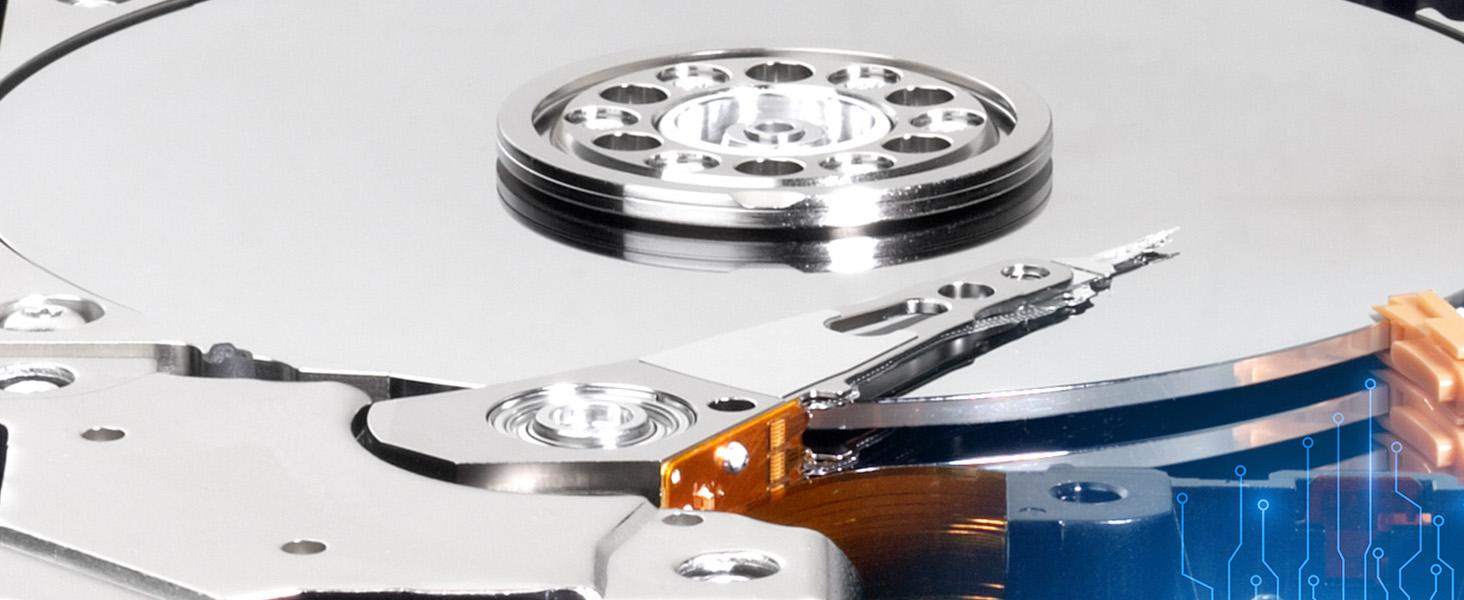
The Western Digital 2TB WD Blue internal hard drive combines a spacious 2TB capacity with a quiet 5400 RPM motor and a high-speed SATA 6 Gb/s interface. Featuring a 256MB cache, it delivers reliable, efficient performance ideal for professional desktop computing and office applications. Backed by WD’s trusted quality and bundled with cloning software, it’s the smart choice for seamless upgrades and dependable everyday use.



| ASIN | B07JC1TQ7N |
| Best Sellers Rank | #466 in Internal Hard Drives |
| Brand | Western Digital |
| Color | Blue |
| Customer Reviews | 4.6 4.6 out of 5 stars (11,817) |
| Date First Available | October 18, 2018 |
| Flash Memory Size | 2000 |
| Hard Drive | 2 TB Mechanical Hard Disk |
| Hard Drive Interface | Serial ATA-600 |
| Hard Drive Rotational Speed | 5400 RPM |
| Hardware Platform | Mac, PC |
| Is Discontinued By Manufacturer | No |
| Item Dimensions LxWxH | 5.79 x 4 x 1.03 inches |
| Item Weight | 15.9 ounces |
| Item model number | WD20EZAZ |
| Language | English, English, English, English, English |
| Manufacturer | Western Digital |
| Product Dimensions | 5.79 x 4 x 1.03 inches |
| RAM | 256 MB |
| Series | WD Blue |
C**R
Still Working after all these years
Still working 3 years after purchase. Western Digital is solid.
S**S
Brand
Good to use
B**S
Reliable
No idea how long it's been since I bought this, but it's still working great and storing files to this day.
D**R
What can you say, it's a 2TB SATA 5400 RPM mechanical drive with a fair cache at a decent price
I broke the SATA connector on the 2TB boot drive in a work computer I use at home. Rather than tape the cable in place I spent about $50 on a replacement drive that has no problems performing the same task with equivalent capacity to the one I broke. I had no problem restoring the linux boot by recovering from the drive I broke the connector on. This drive is 4 inches wide and the doesn't need a mounting tray to fit my workstation. I replaced, the drive I broke the connector on, so all is well. I don't use it for gaming so that vote is an assumption that top performance games would benefit from something at least faster and probably higher capacity. Not concerns for this linux boot disk. As usual for disks it's capacity is about 2 decimal power TB rather than 2 binary power TiB, so the binary power capacity is about 1.82 TiB. Same as the drive it replaced but kind of annoying in the present day, though that's not really much of a case. The drive is fine, cheap, decent capacity and a trusted brand for my use.
J**N
This is not an external hard drive.
I really needed more space for my computer and this was a life saver. My drive that I got was able to run at 500MB/s for both read and write, though to be fair that was only a 1 time thing. But when this drive is under load you can really hear that disc going off. If it bothers you you might as well end up just buying an SSD as those emit almost no sound at all. But back to the product I bought here, it isn't the easiest thing to install if you know very little or next to nothing about installing new computer hardware. But it is also not as hard as something like a CPU or a M.2 SSD. So my advice if you are looking for storage update is to do a little bit of research to see if you laptop or PC will be able to fit/run properly with this hard drive.
****
ALWAYS TEST YOUR NEW HARD DRIVES - PSA
What I'm about to tell you will potentially save you from future catastrophic failures including loss of data. Nothing beats having multiple good backup copies.; however, the following information will instruct you on how to test your new drive to make sure it's free from defects. Imagine, you have a spinning disk rotating thousands of times per minute separated by its recording/reading head by less thickness of a human hair. Just one wrong thing and .. "click..click..click". You don't want that. Generally speaking a bad hard drive will make itself known sooner vs later when it's tested fully. Not always. What YOU can do is put the hard drive through its paces to really give it a good solid work out and make sure every space designated by the drive as available/writeable space, is in fact GOOD. Its magnetic/electrical properties strong. This test is a LONG test. What it does is write all 01010101s,10101010s,11111111s,and 00000000s, binary, to the disk.--filling it. It does this in 4 passes (i.e. writes the disk fully) 4 times. After each write it will read what was just written beginning to end to ensure all bits were written exactly right. If they wern't, the drive's detection mechanism for errors (SMART) will notice (i.e. a bit was not written to a sector correctly) and flag the SMART COUNTER. For example, uncorrectable or reallocated sector count would show a non-0 value. During operation, if the drive encounters a fault with a sector it will swap that sector with another known good sector the drive has in reserve and will log it via SMART. A PERFECTLY WORKING HARD DRIVE WILL SHOW '0' for 'Reallocated Sector Count','Reported Uncorrectable Errors','Current Pending Sector Count','Uncorrectable Sector Count'.IF ANY OF THESE VALUES SHOWS ANYTHING OTHER THAN A 0 (zero), THEN YOU HAVE A FAILING HDD AND SHOULD REPLACE IT ASAP. DO NOT TRUST YOUR DATA ON IT. This command will erase everything on the disk if there is data already on there when you run this test. For this 2TB it would have taken about 30 hours, but I stopped it at the start of the final pass since I was confident--4 passes are better but do at least 2. But I am confident the data will be safe because it worked out the drive hard and pictures above show good numbers. Boot up your computer using a linux distribution boot usb/cd. Debian Ubuntu, any one will do--it doesn't matter. In a terminal type: sudo fdisk -l *Identiy which /dev is your HDD you wish to test. Also note if it says 512 or 4096 where it says "Sector size (logical/physical)". For example, if it's /dev/sde and says 4096 Sector Size (such as this 2tb drive) then type the following command: sudo badblocks -wsv -b 4096 -c 131072 /dev/sde This will 0101,1010,1111,and 0000 write and read/verify the drive back-to-back in 4 passes. On my slow computer this took around 24-30 hours to complete or 2tb. The ' -b ' option is the Block Size. This should match the drive. 512 or 4096. The '-c' option tells badblocks how many blocks to test at time. Changing this number will alter the speed and will either make the process go along faster or slower (dependant on Drive Interface, Ram/Cpu speed, etc.). Instead of '-c 131072' ,try '-c 65536 if it seems the test is taking too long to increment the %'s. In fact try it with '-c 65536' option. Let it run or 30 sec then CTRL-C to cancel it. Then run the command again but with '-c 131072' instead. Run it for 30 sec then CTRL-C to cancel. Compare the 2 and whichever command that had the higher % when you CTRL-C'd would be the number you would choose since that one ran a little bit faster. Google or man page 'badblocks' for more information. Whenever you buy a new hard drive get into the mindset/habit that you will NOT use them for awhile because you have to test them out first. Trust me on this and it's totally worth it. I'd like to think I avoid catastrophic failures because I did this test and it would have presented itself (or at least more likelihood) then vs months/years down the road. That's not a given--any drive can fail anytime or any reason but this is just an additional layer. Like a "shakedown cruise' if you will. Regarding this drive: Western Digital 2TB WD Blue PC Internal Hard Drive HDD - 5400 RPM, SATA 6 Gb/s, 256 MB Cache,, I can say that I am pleased it tested clean and I look forward to using this drive.And I'm confident it will keep my data intact. You are welcome!
O**E
Great performance and value, easy to use, very quiet, and proven Western Digital reliability
Got this to replace my WD Caviar Green 1.5TB drive, which is 6 years old, mostly in continuous (24 hr/d) use in that time and starting to show some early wear indications on disk health programs (no failures indicated though). I've tried several brands of hard drives over the last 30 years, and have found Western Digital drives to be the most reliable for me. I chose the WD Blue 3 TB 5400 rpm drive because it was WD (i.e., reliability, ease of use, support, etc., all the things WD is known for), provides excellent capacity and performance for the price, and would be quiet and low power. My current desktop build is nearly absolutely silent (which is what I was shooting for when I spec'd out the components) and I wanted to keep it that way. The power and noise levels for the 5400 rpm Blue were much better than alternative 7200 rpm drives. The file operations were already about 50% faster than my existing Caviar Green unit (6GB/s vs. 3). Since I use the drive in a Maxell "hyper-duo" hybrid configuration paired with an Adata 60GB SSD (my Asus mother board has that feature built in) I was not too concerned about speed of file operations. I have all of my programs and the most frequently accessed data files on a 250 GB SSD, I just want the hard drive for media files (pictures, videos, music) and less accessed other data. This drive is very quiet and so far is performing well.
T**.
Useful
Always nice to just have a big ass hard drive to store music, movies, stuff for mods, etc.
K**K
Needed to increase computer storage. Went from 2TB drives to this. Well worth it. Highly recommend having a SSD for your primary and have good space for your secondary storage. Storage is more important than ever with most items being digital download. I placed my order and received the item within two days. Package was in great condition. Transferred the contents of my 2TB drive no problem. Western Digital has always been my go to since every Seagate drive I've ever had died on me within months or a year. WD has yet to fail me outside of a single external drive, which I was able to recover by removing the external package and installing the drive directly to the PC. Still running great years later.
J**E
Brilliant, super easy to install and so far I'm very satisfied with the performance of this hard drive.
G**J
Reliable, easily installed. I am now on my fourth, and will buy more
L**G
Using this as secondary backup storage on own rig (self-built). It's good quality, and reliable (being WD, it seemed to usually be a given). It's sitting in the rig with a 128GB Samsung SSD for booting (holding just Windows 10 and the basics), and another WD (Blue) with just 1TB HDD, and the three of the, are getting along really well with no trouble. Have had this a few months, and I've had absolutely no trouble with it at all. It's been quite the life (well, data) saver. It's a little slow, obvious not as zippy as a faster rpm would allow but I'm not asking much of it, nor do I need extra-zippy rpm for what I'm using it for. It's a great backup HDD, but would obviously just recommend a decent SSD for anything that involves booting operating system as HDDs are just too slow for that. At the very least would need faster rpm for booting than this has.
P**E
Western Digital has always lived up to my expectation. Far better than Seagate. Lasts pretty long and even if it fails the warranty claim process is smooth unlike Seagate.
Trustpilot
3 weeks ago
2 days ago