
DOWNLOAD THE APP


Customer Services
Copyright © 2025 Desertcart Holdings Limited
DOWNLOAD THE APP


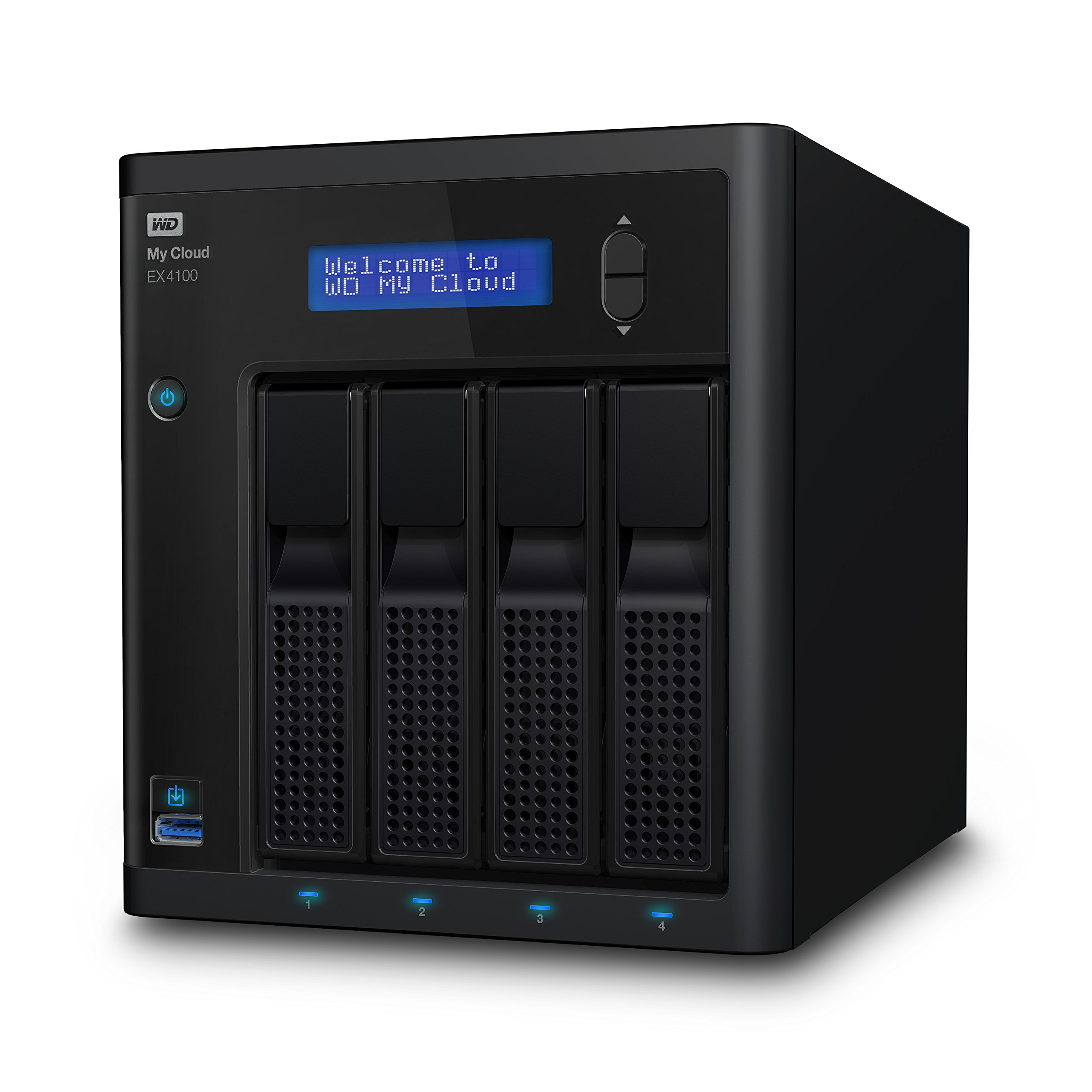


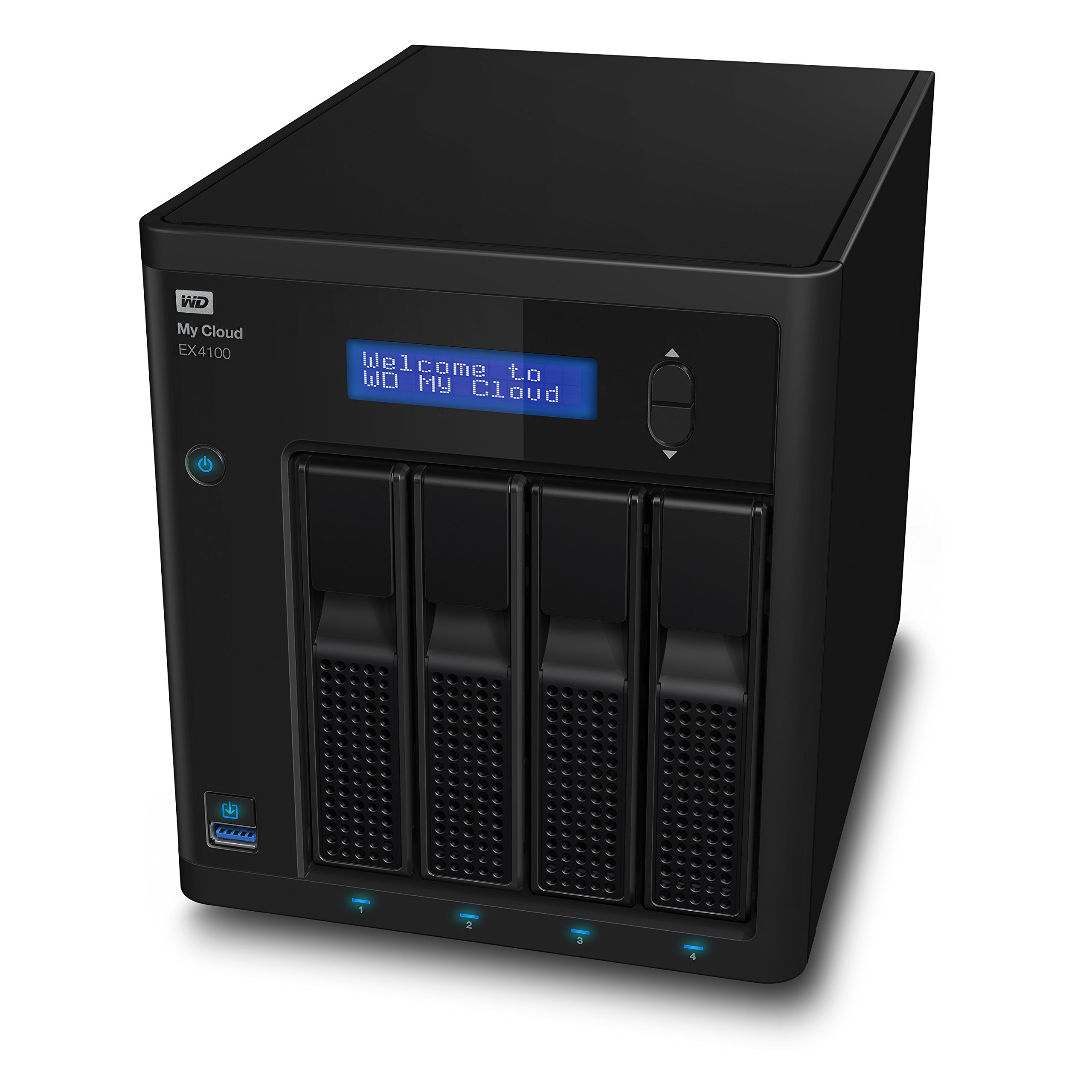
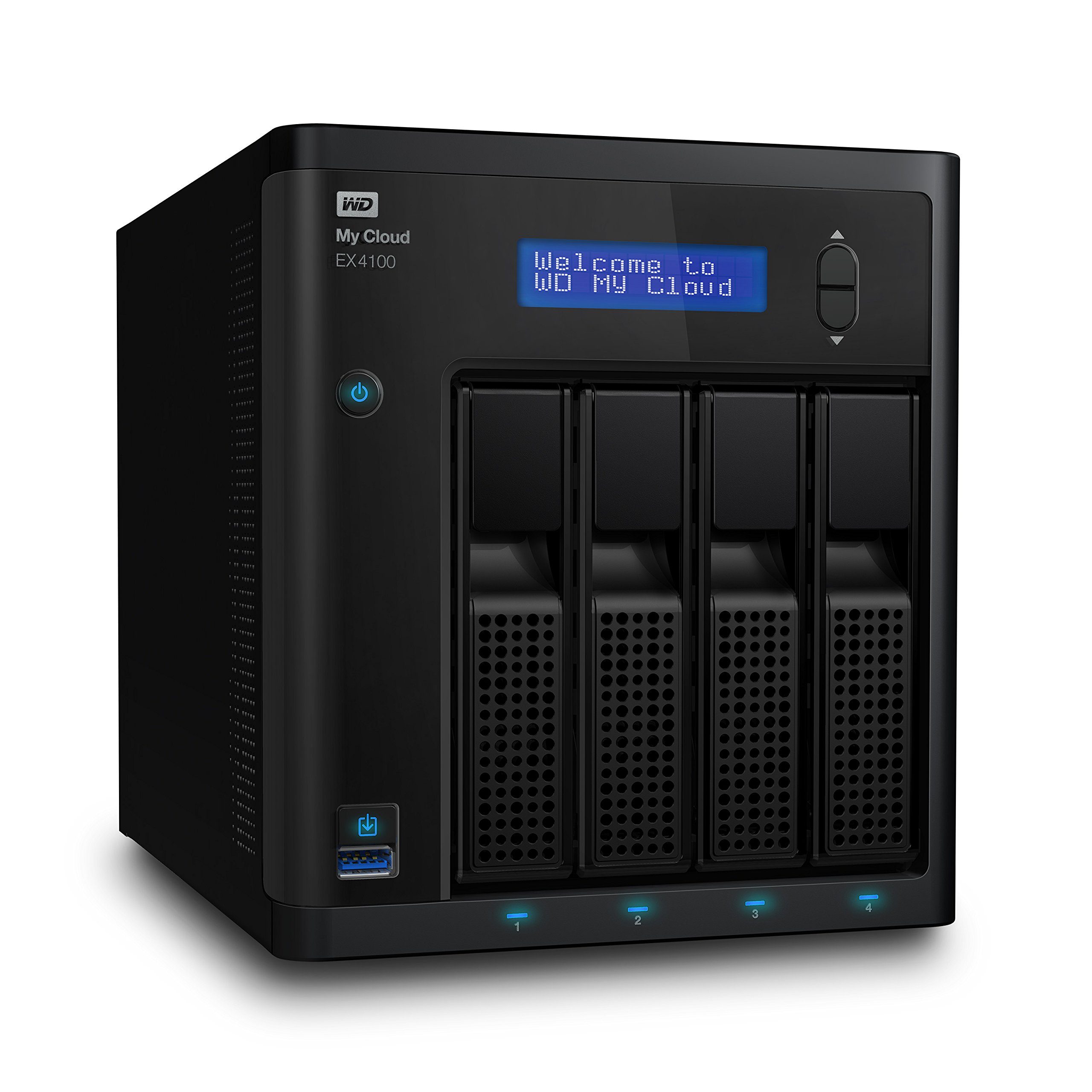
💼 Elevate your digital workspace with silent power and endless storage.
The WD 24TB My Cloud EX4100 is a professional-grade 4-bay NAS featuring a 1.6 GHz dual-core processor, 2GB DDR3 memory, and flexible RAID configurations. Designed for seamless centralized storage, it offers quiet fanless operation, integrated backup solutions for PC and Mac, and anytime, anywhere access to your media and files—perfect for managers and creatives who demand reliable, high-capacity storage with minimal noise.


| ASIN | B00TB8XNEC |
| Best Sellers Rank | #148 in Network Attached Storage (NAS) Devices |
| Brand | WD |
| Color | Black |
| Computer Memory Type | DDR3 SDRAM |
| Customer Reviews | 4.0 4.0 out of 5 stars (143) |
| Date First Available | February 27, 2015 |
| Flash Memory Size | 24 |
| Hard Drive | 24 TB Desktop |
| Hard Drive Interface | Raid |
| Hardware Platform | Mac, PC |
| Is Discontinued By Manufacturer | No |
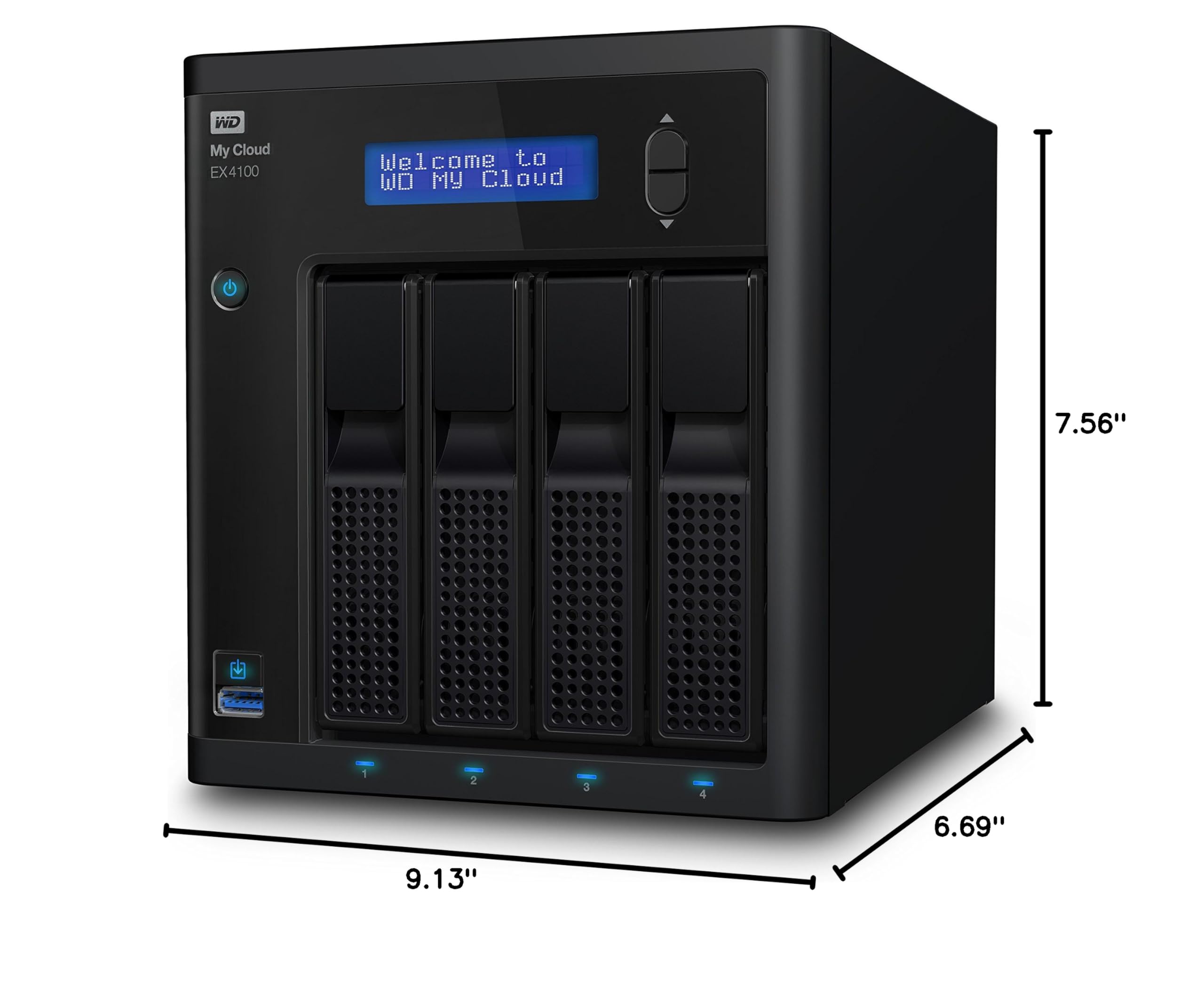
| Item Dimensions LxWxH | 9.13 x 7.56 x 6.69 inches |
| Item Weight | 2.43 pounds |
| Item model number | WDBWZE0240KBK-NESN |
| Manufacturer | Western Digital |
| Number of Processors | 2 |
| Number of USB 2.0 Ports | 1 |
| Number of USB 3.0 Ports | 3 |
| Operating System | PC; Mac |
| Product Dimensions | 9.13 x 7.56 x 6.69 inches |
| RAM | 2 GB |
| Series | WDBWZE0240KBK-NESN |
| Voltage | 19 Volts |
C**R
Thanks for the memories EX4100 and PR4100
I’ve had the WD 24TB My Cloud EX4100 for a year and a half now. The device has been working nearly flawlessly—I had to reset it once after a power surge. I Liked that NAS enough that I bought the larger Western Digital PR4100 32Tb from Dell—they had the lower price at the time. I just started using their software and web page features. I am now syncing my design-desk computer with my test-bench computer. I have to say this feature is pretty cool. In the past I would maintain two different schematic files — one on each computer. Later, I would manually combine the documents. Now I can work from a single document that is securely stored in three physical locations. I’m using the backup software from their SmartWare software. It works well enough but I’m also using some other third party backup software. I Like using NTI’s Backup Now EZ5 software for backups that are stored in a native folder and file format that mirrors my computer drives in an easily searchable format. I did encounter network issues due to my limited Windows networking skills. But with the help of their technical staff I can now view my files from both home and office. WDsupport is a tenacious group. Once you get them on the case they bulldog their way through. Their dedication to seeing my request through inspired me to leave a five start review.
M**1
Fast and quiet
I bought the EX4100 seeking a NAS device for media hosting and backups. I wanted an array for redundancy and capacity but I also wanted a device that could be left on 24/7 without noisy fans. It turns out that the EX4100 fits this need to perfection. I have owned NAS devices before -- I have a 6-drive NetGear ReadyNAS -- but they tend to be noisy and run the drives constantly even when power saving mode is enabled. The ReadyNAS spins up its drives in response to routine activity by other devices on the network so it's effectively always on. The array's cooling fans are loud enough to prevent the enjoyment of music or movies in the same room, particularly as they cycle up to maximum speed for 10 minutes or so out of every hour. In addition to the noise (and attendant power consumption), the ReadyNAS is slow, as are most of the consumer NAS drives I've tried (e.g., WD My Cloud Mirror ). Copying files to and from the NAS is only about half as fast as copying between PCs, usually about 40MB/s on Windows's speed indicator. I've experimented with many different settings trying to get more performance but never succeeded. The EX4100 solves these issues in spades. When the array is active, the only sound you hear is the whirring of the drives and the occasional "rumble" as the heads seek. No fan noise. When the array goes into standby mode, it's totally silent, and it stays in standby mode unless you specifically make use of it. Waking the device from standby takes between 10 and 15 seconds so it's no hardship. Even better, the EX4100 is fast. An totally unscientific test -- copying some media files -- moved 23GB onto the array in 3min 41sec (6GB/min, 106MB/s) with a reported Windows speed of over 100MB/s. I don't notice a substantial difference in performance between PC-to-PC and PC-to/from-array transfers. The EX4100 is ideal for my needs. I can stream music or movies to my HTPC or tablet without annoying noise and data transfer performance seems fine. I should note that I haven't used the array's cloud features. I turned off remote access because I have no use for it, so I can't offer any comments on how well the cloud features work. As a pure NAS, the EX4100 has been everything I want it to be.
H**Y
Western digital got this one right!
Well, I bought this from amazon first, but it didn't let me read or write to it. So returned it. Went ahead and got one from WD themselves. Wasn't going to remove a star for a bad unit. This unit runs flawlessly! I have been reading and writing data to it for almost 2 months straight. I have over 5TB of movies and TV shows, and 2 TB of music. So I have been building my iTunes library on it to stream with my appleTV. No hickups, no crashes, the only time you hear the fan, is when you power it up. Other than that, it is quiet as a mouse! Never runs hot, if I didn't put my ear close to it, I wouldn't know it was on. I owned the previous model of 16TB my cloud 4 EX, and it ran hot a lot. Crashed when to much data was being transferred to it. But this one, no complaints, its going to serve my purposes for a long time. Some put it in mairroring mode, I am not going to waste half my storage to backup files, when that backup could fail also. Plus I have external USB drives for this purpose. But yes, this device is the best I have used from western digital, and I have been using there products since 2008. Good job WD, you finally got it right!
M**K
Just like all the WD network drives
It's a constant battle keeping them working. You get them all set up and start using them. Within a couple of months they have a problem. They remove you as the owner, they change the permissions, they change IP addresses and any thing else you can think of. I spend more time trying to keep this thing on line than actually watching videos on it.
R**R
Good home office storage solution
Well built Network Attached Storage array offers popular features, is designed for ease of use. Some features need to be updated, such as automated backups to a attached USB drive. Easy to reach from anywhere using IOS or OS X apps, web interface offers easy access.
F**S
Works as described - super easy set-up!
D**N
El producto está bastante bien. Me encanta la interfaz de administración y de usuario.
K**R
Perfect for my needs easy set up and reliable
A**O
Después de unos meses de uso y pruebas, considero que es un producto con varias fallas, intermitentemente se desconecta de la red, se queda congelado y no es posible apagarlo desde el botón de inicio ni desde el pase del control web, sólo desconectándolo completamente desde la corriente. Hay inumerables quejas al respecto en el sitio de Western Digital desde hace un año y ninguna respuesta de soporte, por lo que se entiende que No han podido resolverlo. Estoy esperando respuesta de Western Digital,. Una vez que la reciba actualizaré esta reseña, por lo pronto no recomiendo adquirir este producto.
G**O
I bought this system to unify all my HDD into one single accessible place. It works very well and it exceeded my expectations!
Trustpilot
3 days ago
4 days ago