

Desert Online General Trading LLC
Dubai, United Arab Emirates
Desert Online General Trading LLC
Dubai, United Arab Emirates


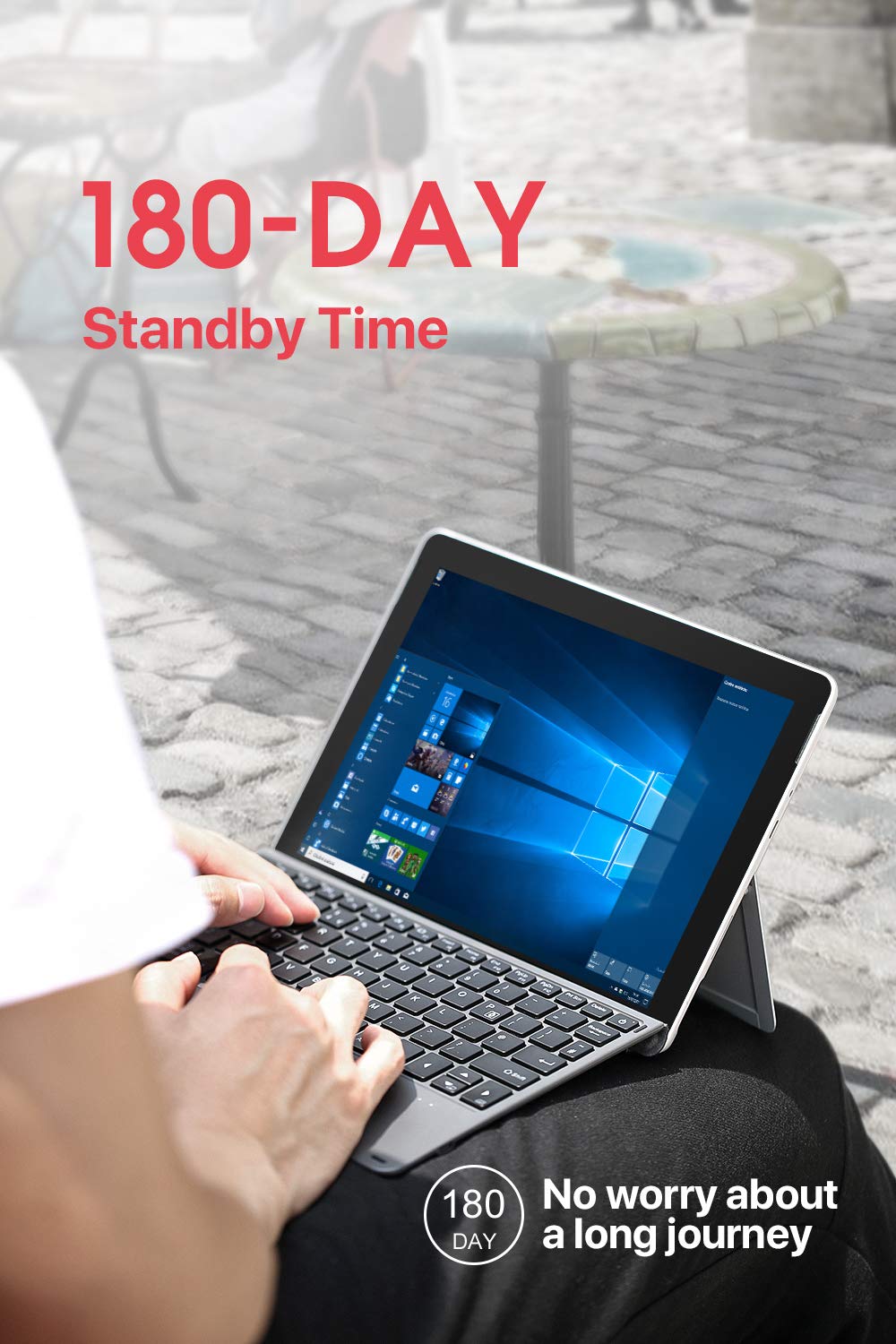
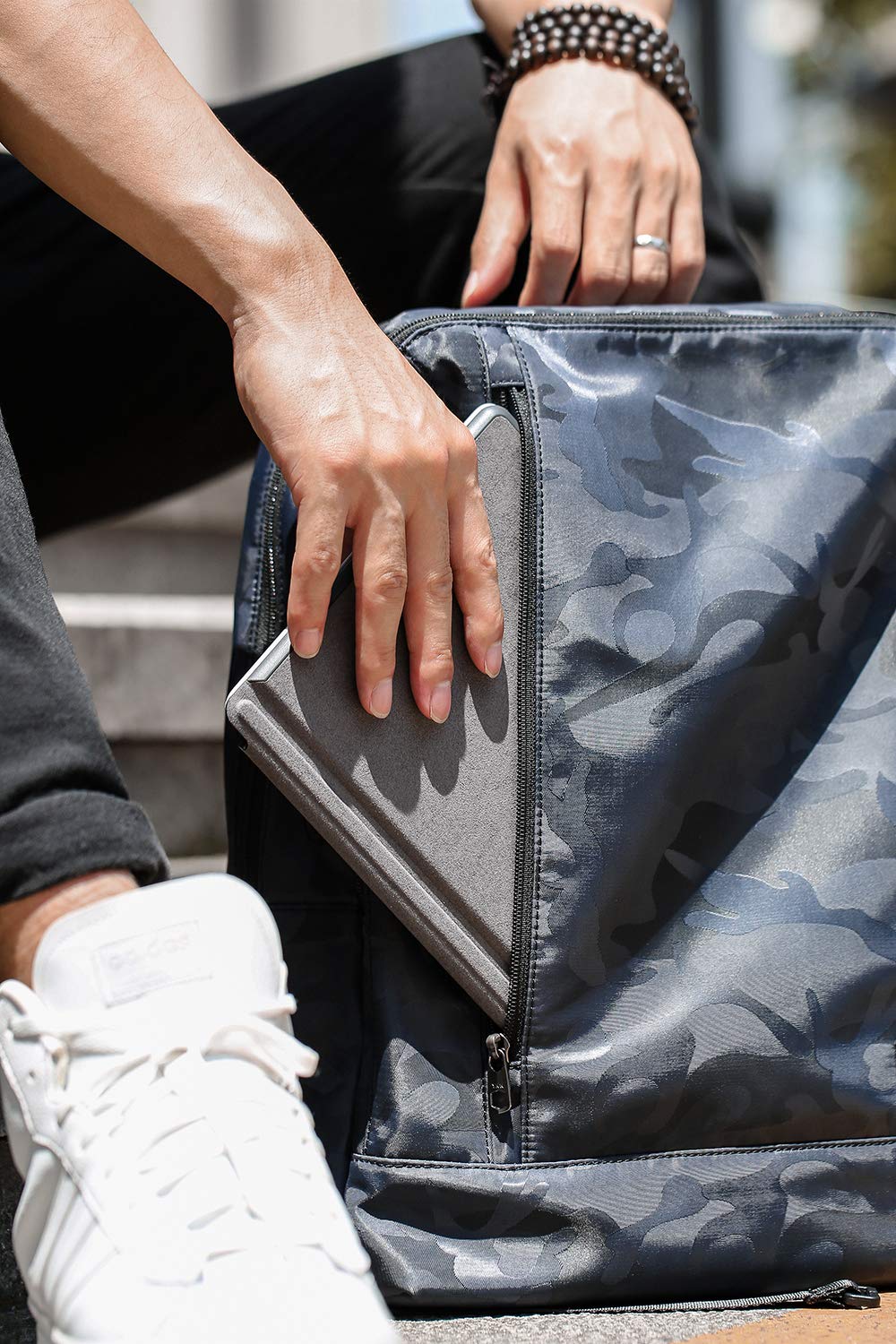

⌨️ Light up your Surface Go workflow with style and stamina!
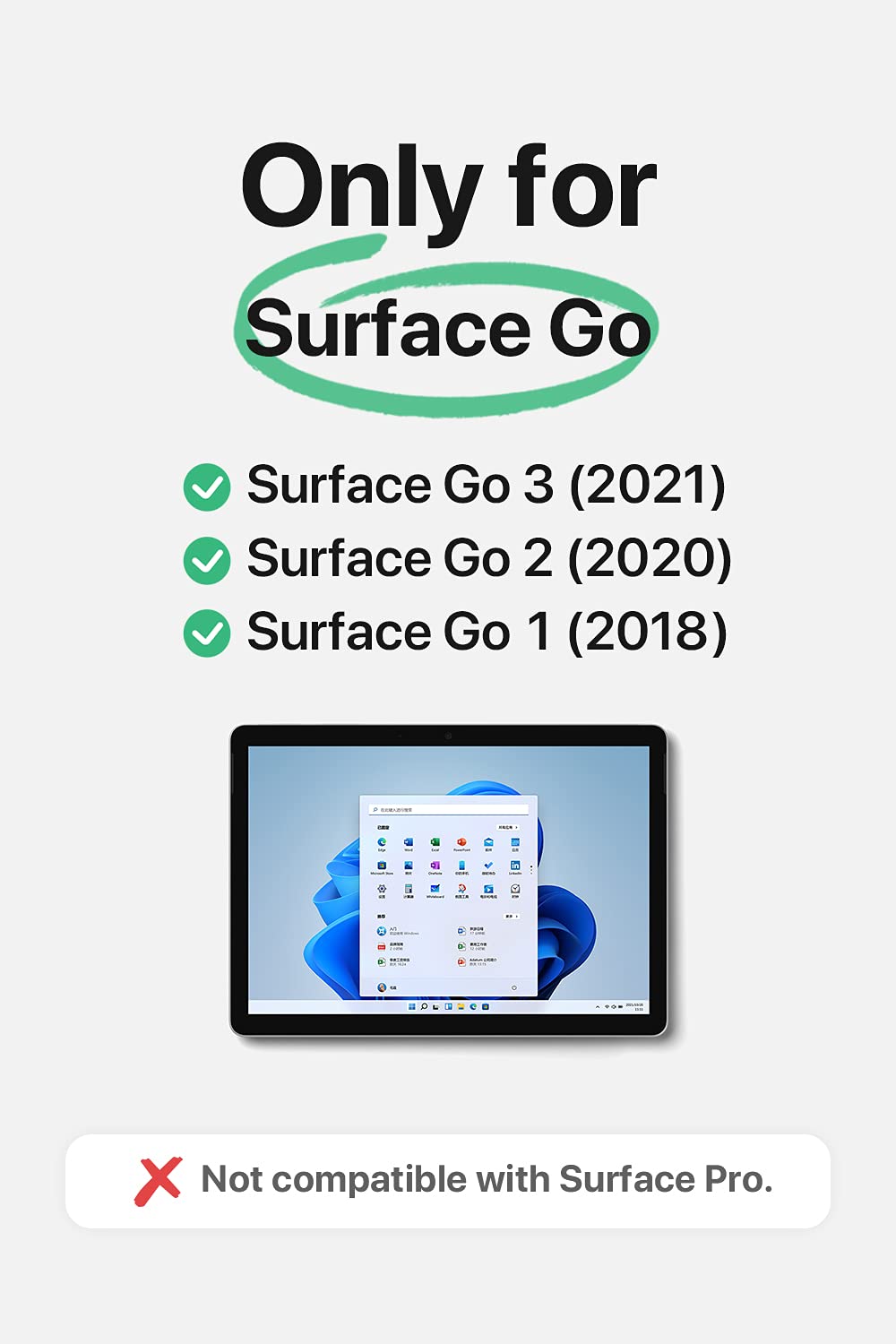
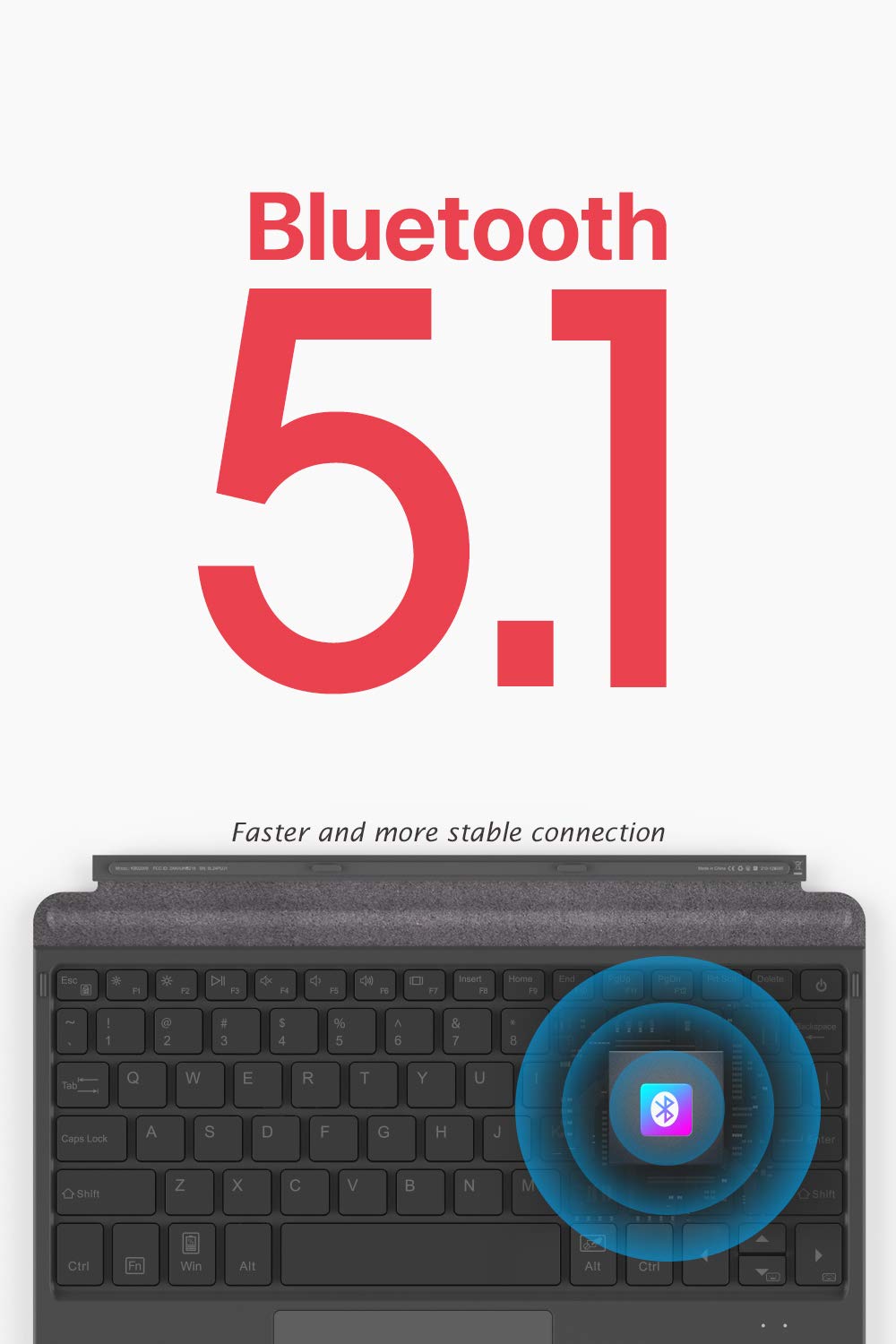
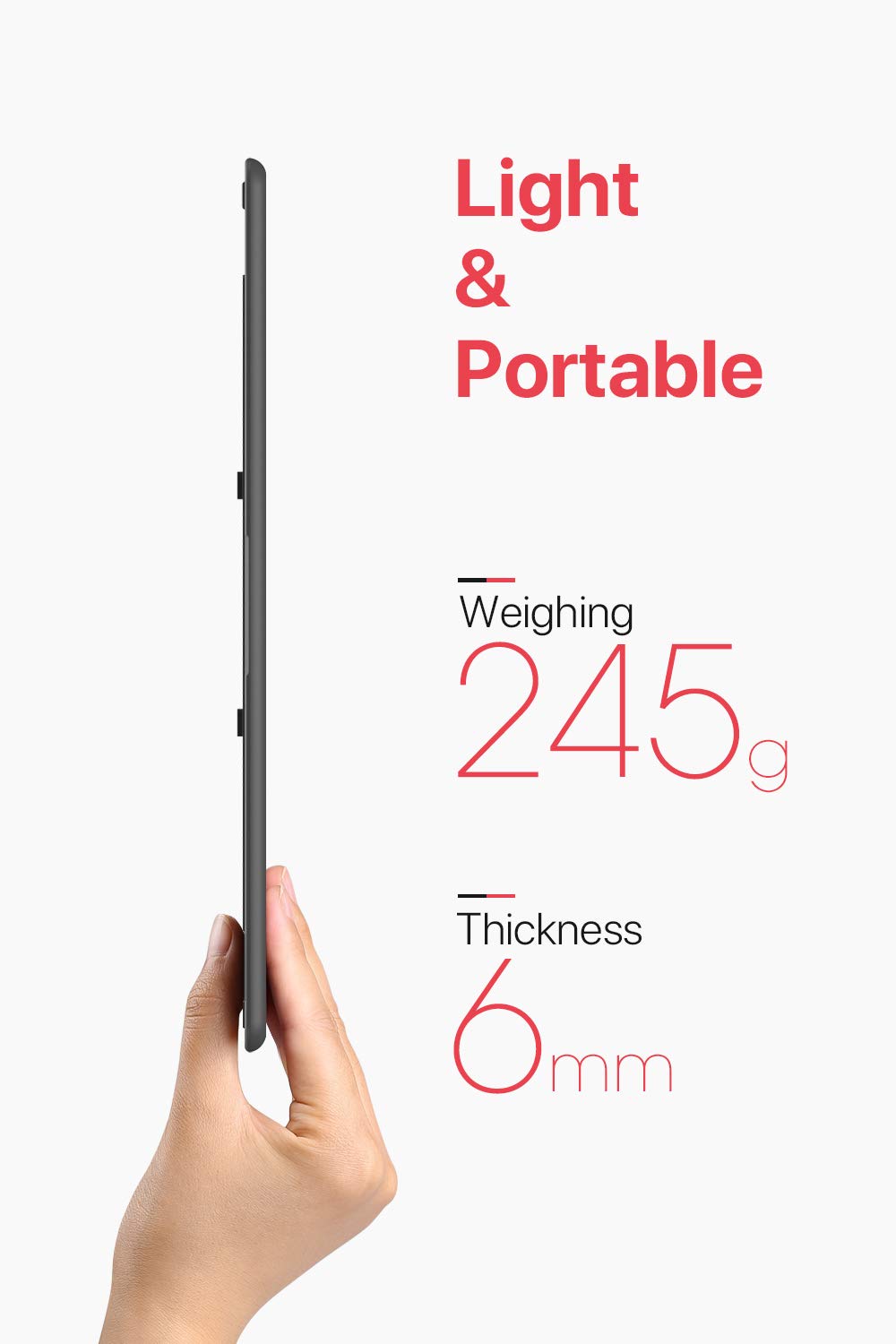
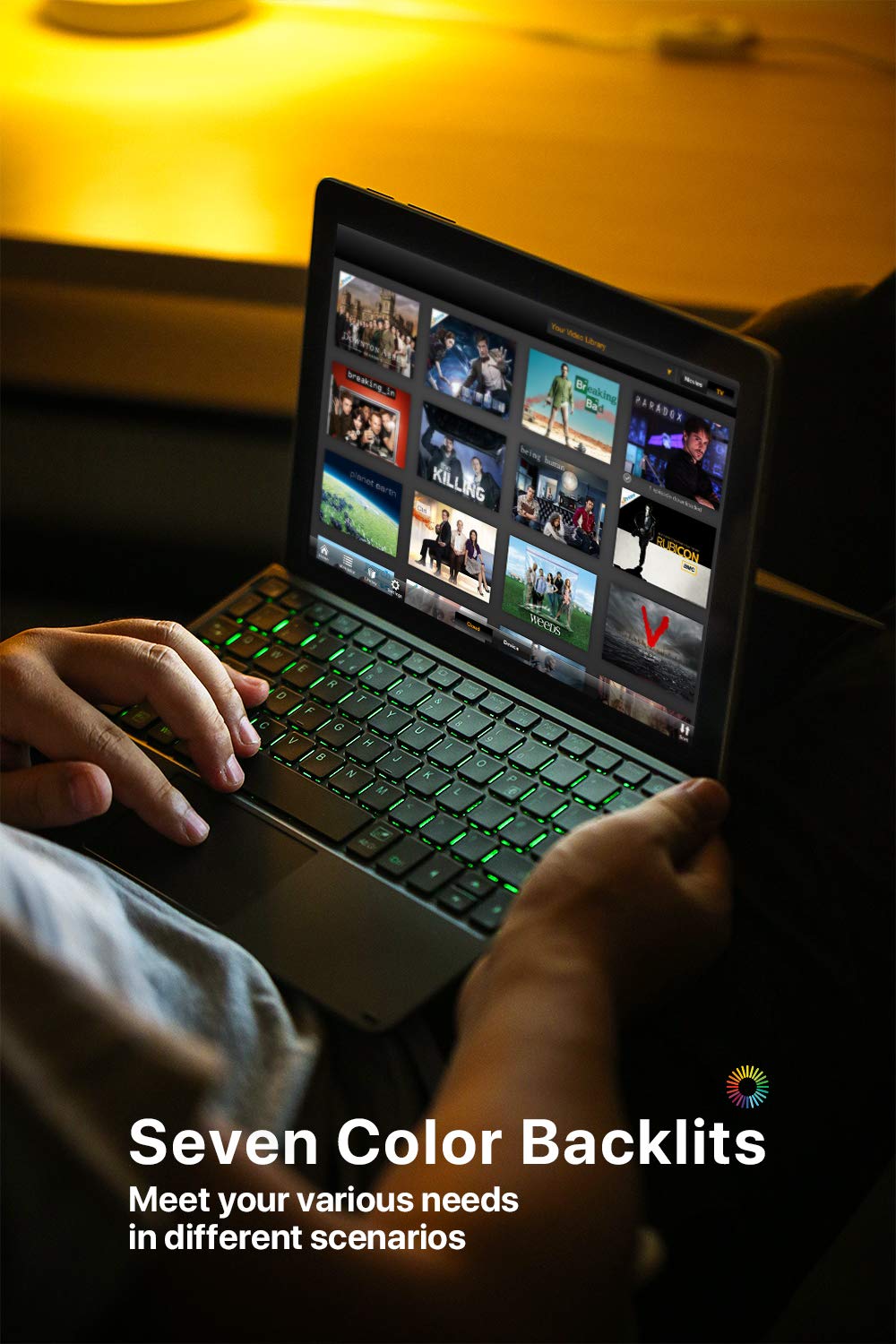
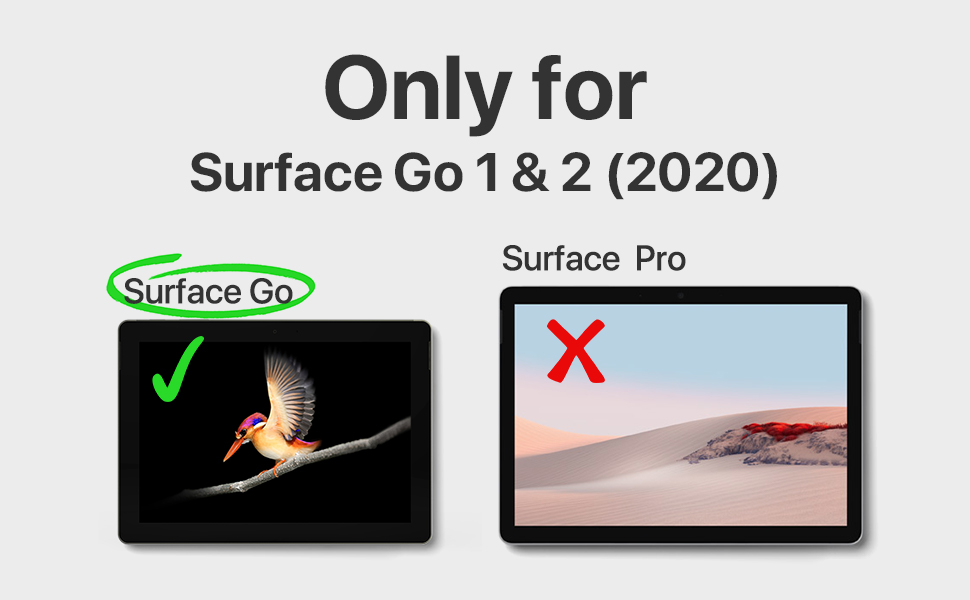
The Inateck Surface Go Keyboard KB02009 is a sleek, ultra-lightweight Bluetooth 5.1 keyboard designed exclusively for Surface Go models 1 through 4. Featuring a customizable 7-color backlight, dedicated shortcut keys, and an impressive 180-day standby battery life, it enhances productivity and portability for professionals on the move.


| Brand | Inateck |
| Series | KB02009 |
| Item model number | KB02009-BK-US |
| Operating System | windows |
| Item Weight | 12.3 ounces |
| Product Dimensions | 9.65 x 7.4 x 0.27 inches |
| Item Dimensions LxWxH | 9.65 x 7.4 x 0.27 inches |
| Color | Black |
| Power Source | Battery Powered |
| Manufacturer | Inateck |
| ASIN | B07VFMFZQS |
| Date First Available | July 17, 2019 |
N**Y
Don't get the Micro$oft keyboard - THIS IS THE ONE
My surface GO 2 was almost completely unusable with the microsoft keyboard. That keyboard worked fine for the most part, but it had no "smarts" and HAD NO ABILITY FOR PALM REJECTION. In other words, typing was a constant chore because the touchpad would register touches while typing and move the cursor. I can't tell you how frustrating it was to edit documents and spreadsheets when your cursor wouldn't stay put!!!This neat little keyboard almost is identifical in shape and size, but it's BLUETOOTH! It lights up! There is a tiny lag when starting it up, but for the most part, it's set and forget. The keyboard lights up when opening the Surface, and nearly imperceptably is ready to go in less than a second. (Microsoft's is faster, probably because it doesn't use bluetooth). Beyond that, though, they are identical in performance and you will have no regrets with the Inateck!I've had this for 1-2 weeks. No regrets.
J**G
Figured out three key fix!!!!! Great keyboard you can use with everything /pair it via Bluetooth.
I have the surface go official keyboard which is also pretty good but you must use that attached this can be disconnected. I actually like to type on this keyboard better than the official one.UPDATE I FIXED BELOW only issue with keyboard!!!! Doesn't make any sense but if you use the RIGHT SHIFT instead of Left shift to use my often used CTL+Rightshift+arrow to select test to delete text....Has some strange idiosyncrasies I have never seen in a Bluetooth keyboard and I have been collecting them since the Palm Pilot days over 20 years ago! You can't press three keys at once you are asking what is that important well I often edit with CTL + SHIFT + ARROW to select a word and delete it. You can't you can only do CTL + Arrow to move around. Super annoying really no reason for it. Every other Bluetooth keyboard does that properly and I probably have over 13 now from cheap to expensive.It is easier to type on this keyboard as the keys seem to give me better feedback and are very clicky. I went back to the official keyboard and didn't realize how much better I like this bluetooth keyboards keys themselves the spacing and everything. They do not double type which happens a lot on other Bluetooth keyboards. A HUGE bonus and one of the main reasons I got this is that you can use it detached from the surface go so you can put the surface go on a stand to make it higher closer to your eyes. I have a great travel metal one there are tons to choose from. There is no official Surface Go keyboard like this.Similarly you can pair this keyboard with any device as a normal Bluetooth keyboard like a phone or android tablet. Good in a pinch for sure!I have not charged the battery since I got it last month and use it every day for an hour or so.It is bulkier than the Official keyboard but I feel the extra heft makes it easier to type in your lap. It is just a tiny bit heavier you can look it up to compare but I don't notice the weight.I got this years after I got my go and am happy i did. Being able to position the Go closer to my face is a game changer, without having to bring along another keyboard. Really like this and think it is a good investment.
V**E
Great, but a few flaws.
I was really excited to receive this keyboard. As a keyboard lover who likes to modify my own mechanical keyboards, I was eager to see how this keyboard would function. Overall, it works fine as a keyboard for my surface go 2. It is a bit small, but given the size of the surface go 2, this isn't really much of a complaint. My main complaint would be the RGB lighting. To start, it isn't very bright and doesn't look that good. Honestly, I would be fine if it was a little dim, but some keys are a little dimmer than other keys and that looks really unappealing to my eyes. Also, every few seconds the lights will just turn off on their own until I touch a key again. I don't know if this is an issue with my specific keyboard, but it is a bit annoying. Aside from that, the keyboard works very well for day-to-day work and the battery life is incredible.
A**R
GREAT!!!!
Durable, feels great, magnet strong, light weight, size is fine for product. Looks as advertised. Durable. And very cute. Works well! No issue with seller.
S**.
Update: It stopped working. --- Fantastic replacement. Rechargeable battery.
It stopped working less than 10 months of low usage.I charge it and it will power up for 10 seconds, then turn off, every time.As shown, there is no physical damage to the keyboard and I always kept it stored attached to the pad inside of a cover.I am disappointed. I expect more.----------Original review:This works great with my Microsoft Surface Go. It fits just like the Microsoft version, but it has its own rechargeable battery (that lasts months), so it permits use when not physically attached to the tablet. (I sometimes use a stand for my tablet at eye level and use the keyboard lower.)Keyboard feel is good.Color match is good.-------------
B**N
Work perfect in my Surf as exterior keyboard
Why did you pick this product vs others?:Fit perfect am in joying
J**S
Backlighting Stopped
First, I guess the keyboard apparently has a setting that causes it to stop working after 5 minutes even while typing and you must tap the space bar to get it working again. After 4 months the keyboard backlight started half working then flashing on when typing now after about 5 months the lighting doesn't work at all. Bluetooth worked very well and connected to my surface go easily. This will still function without the backlight but I need that so I'm giving it 3 stars. Other than these two issues the keyboard works fine.
B**F
Works perfectly!
This keyboard has worked flawlessly with my Surface Go tablet. Great value for the price!
Trustpilot
2 days ago
2 months ago
3 weeks ago
4 days ago