
DOWNLOAD THE APP


Customer Services
Copyright © 2025 Desertcart Holdings Limited
DOWNLOAD THE APP




🚀 Elevate your media game with the sleekest, smartest Blu-ray burner around!
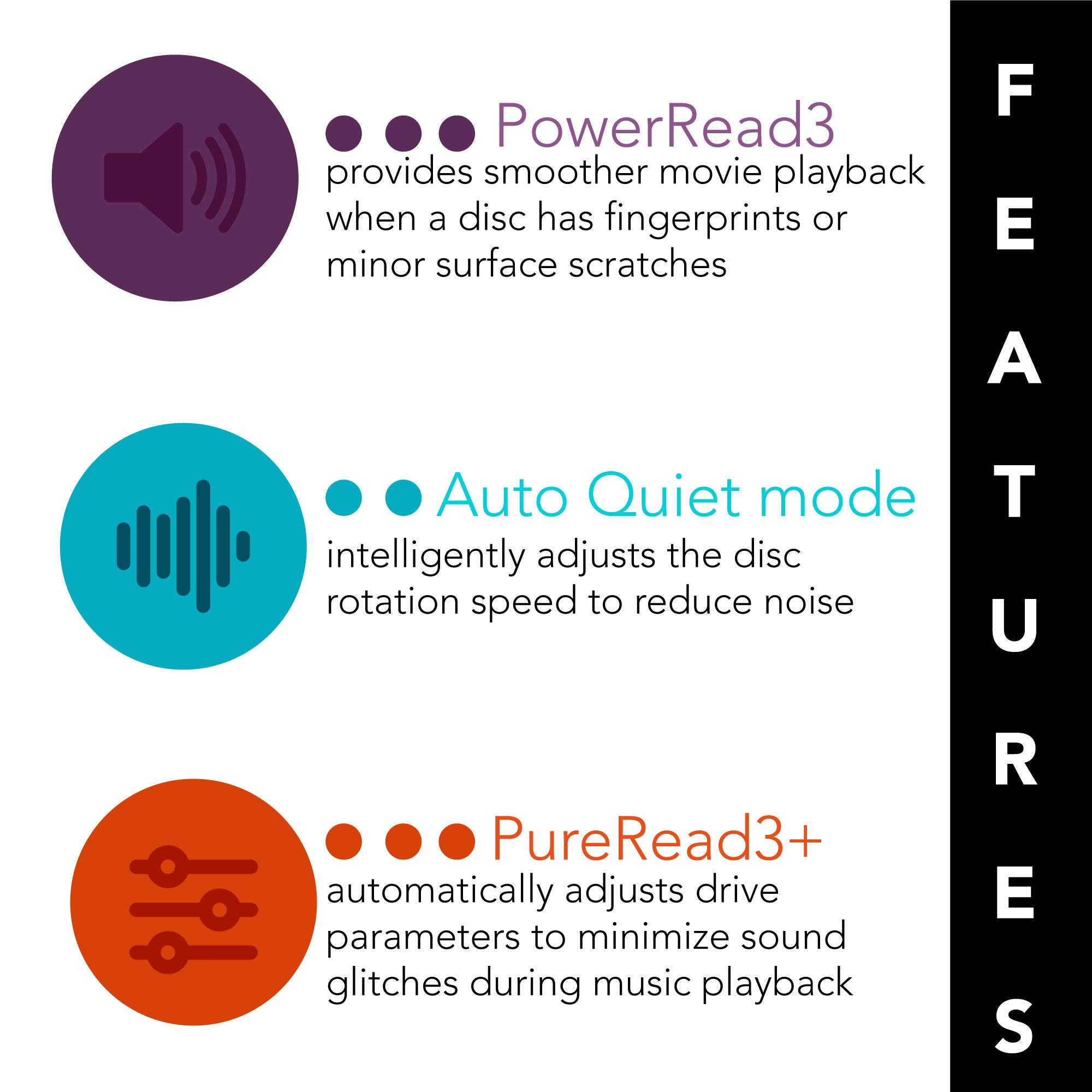
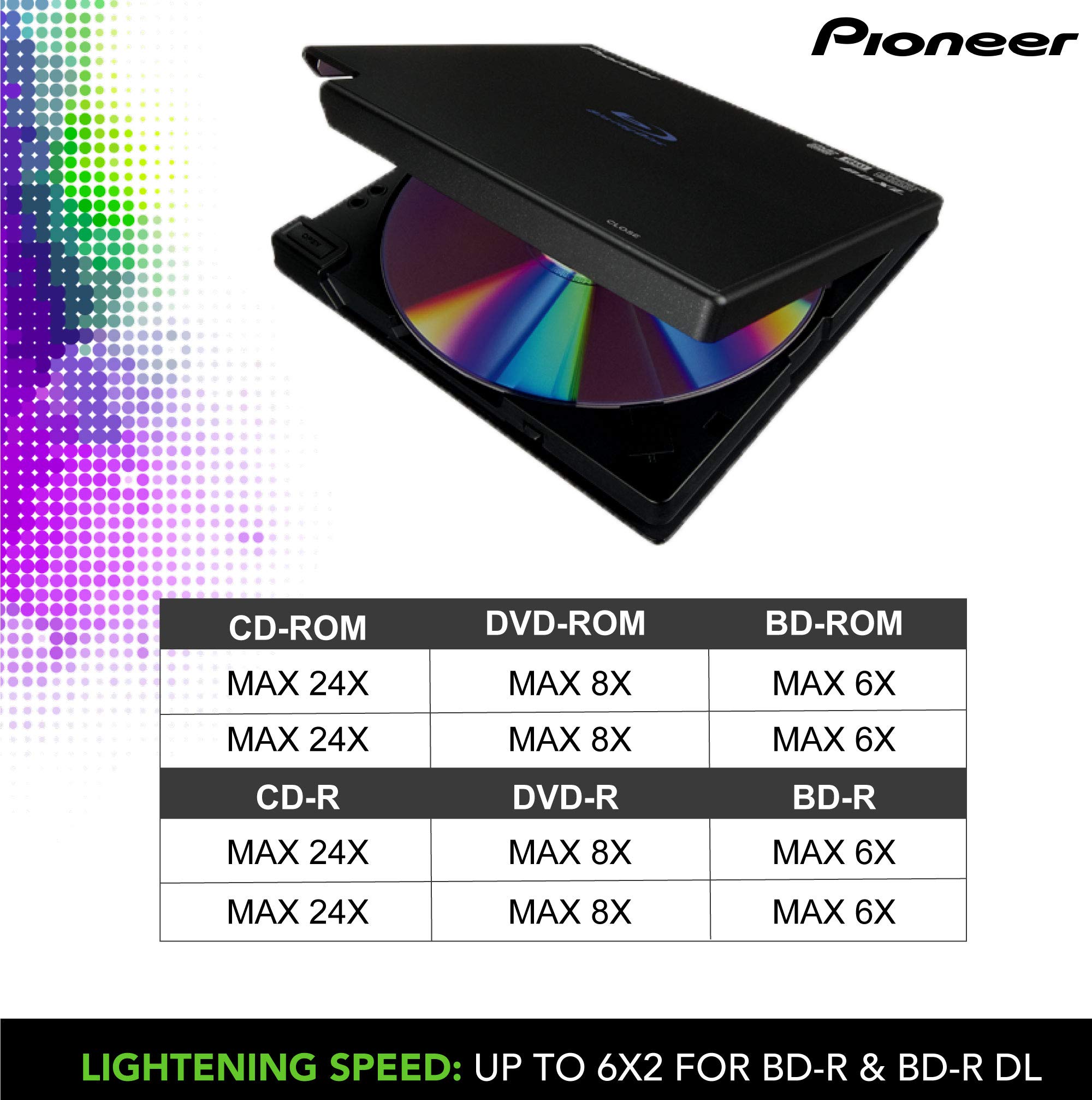
The Pioneer BDR-XD07B is a featherlight, USB-powered external Blu-ray burner that supports advanced BDXL and M-Disc formats. It offers 6x write speeds on BD-R discs, smart noise reduction tech, and includes CyberLink software for editing and burning. Perfect for professionals needing reliable, portable high-capacity optical storage with premium accessories included.
| ASIN | B07ZTY8QRM |
| Best Sellers Rank | #285 in External Blu-ray Drives |
| Brand | Plethora7 |
| Color | Smoke Black (BDRXD07B) |
| Customer Reviews | 4.4 4.4 out of 5 stars (677) |
| Date First Available | October 31, 2019 |
| Hardware Platform | Laptop |
| Item Dimensions LxWxH | 6 x 6 x 1 inches |
| Item Weight | 1.15 pounds |
| Item model number | 156564 |
| Manufacturer | Pioneer Electronics |
| Operating System | Windows7, Windows8, Windows8.1, Windows10, Windows11, Mac OS X 10.11, macOS Sierra 10.12, macOS High Sierra 10.13, macOS Mojave 10.14 |
| Product Dimensions | 6 x 6 x 1 inches |
K**R
Quality and works well.
First off, it's a little pricey compared to a few others. However, it just works. In this case, you get what you pay for. It's a Pioneer and works like it knows it is. I ran this all day ripping old backup -R/-RW disks to back them up. Ireally had this running for most of about 100 hours and it never once failed me or gave any problems. Truly plug and play. It was even able to read DVDs that I couldn't read in my older desktop DVD-R/RW Panasonic drive. It plays BD fast and balances itself fairly well. Not too much vibration unless you've got bad disks. Even then, the noise was minimal. It even came with a third-party travel case that has held up pretty well to a few rough trips. Definitely worth it.
J**E
Does what it's supposed to do.
It plays DVDs and CDs just fine (I haven't tried it with Blu-Ray yet). It's compact and easily portable, fitting nicely in my laptop case. The cable that came with it was too long for use on a small desk so I replaced with a 6" cable I bought here. The carrying case that came with the ODD, while excellent quality, was enormous, far too large to fit in my laptop bag (and it is a large bag!). While I can't use the case with my laptop bag, I did find it handy for storing extra cables in a drawer. Fortunately, the case was a freebie (other vendors were selling the same ODD without the case for the same price) and I'm used to having to replace cables that come with peripherals (they are always either too long, too short, or just poor quality) so I didn't take any stars off for them (especially since I wound up using the case elsewhere). Update: It works just fine with regular Blu-Ray. There is a later model that will also work with 4k Blu-Ray.
K**.
QUQLITY DVD PLAYER/BURNER
I have not used the blue-ray (waiting for the disks to be delivered), but it worked well with both single layer and dual layer DVD's. The playback of DVD's was also fine. We do have a large screen TV (65 inches), but only an inexpensive sound bar so have no way to test the audio properties, but the video portion was perfect. I di some video editing - so i did have full copies of Cyberlink software. The crippled versions that was included with the player is "OK", but just a tease to upgraded to the full version. I have had Pioneer audio equipment since my college year (many years ago) and it was nice to see that their quality has not diminished over the years
C**E
Great little player.
For the few times I still need to read or burn a CD, DVD or BluRay, this is super light, sturdy and dependable. Really happy it also came with a protective case. Would recommend.
T**R
Portable drive for all my downloaded and scanned files.
I always load my photographs onto a portable hard drive. This keeps my desktop clean with extra room to download more. In case of emergency, I will grab my two portable hard drives. Aside from storing photographs, this drive contains all of my scanned personal documents. My other potable hard drive contains mostly odds and ends. This portable hard drive replaces an older drive, that is starting to malfunction. This is just what I needed.
W**B
Very nice drive for burning DVDs and Blu-ray discs
I purchased this drive for use with my macOS machines, primarily laptops. It works very well. For some smaller things I have burnt DVDs. For my larger things (course materials, photos, music) I purchased an assortment of 10GB, 50GB, and 100GB media and they have all worked fine. The only issue I had and I do not consider this a big deal is that the cable has a USB-A connection for the computer and my Mac laptop only has USB-C so I had to use an adapter but it works fine.
R**Y
Quality external optical drive
Self-installed instantly on my Win 10 Lenovo X1 Yoga laptop. Lid opens rather than a sliding mechanism, saving weight and size. Conservative black color goes with anything (though I'd prefer a black cable too rather than the included white one--it also has a proprietary plug, and is removable). Speed just as spec'ed, no hitches/glitches. Good that a case is included. However, it is larger than necessary, but would enable carrying a number of discs along with the drive. Made in China, but it is an authentic Japanese Pioneer product. I anticipate long and reliable service.
W**R
Do not, DO NOT install the software
Out of the box, this product will play CDs and DVDs, and assuming that Blu-ray software is installed on the computer, it will play BDs as well. Great! It does what it's supposed to do. So far, 5 stars. Unfortunately, that's far from the whole story. Pressing the button to open the player doesn't open the player. It merely unlocks the lid, so the user has to raise the lid manually. Then there's the off-white USB cable. It's a real eyesore when attached to a black computer case and connected to this black player. 5 stars are reduced to 4. Unfortunately, that's not the whole story either. If you download and install the Media Suite software, which the instructions tell you to do, you will find that not only is the software ancient, but also that it creates on your Desktop an incredibly obnoxious 2x3-inch window which cannot be hidden by any means whatsoever. When you try to remove it by uninstalling the software, it goes away, but the Media Suite itself cannot be deleted. It remains in Control Panel > Programs and Features, and cannot be removed by any means whatsoever, including third-party delete tools, registry edits, and System Restore. You're stuck with it unless you revert your computer to a previously created system image, or else reinstall your OS. This is software programming at its absolutely unforgivable worst. 4 stars are reduced to 1. If you buy this player, and you're willing to put up with the annoying lid that won't open by itself and the ugly white USB cable, do not, repeat, DO NOT install the software. If you do, you will regret it.
Trustpilot
1 week ago
1 month ago