


🎨 Unleash Your Creativity with Precision!
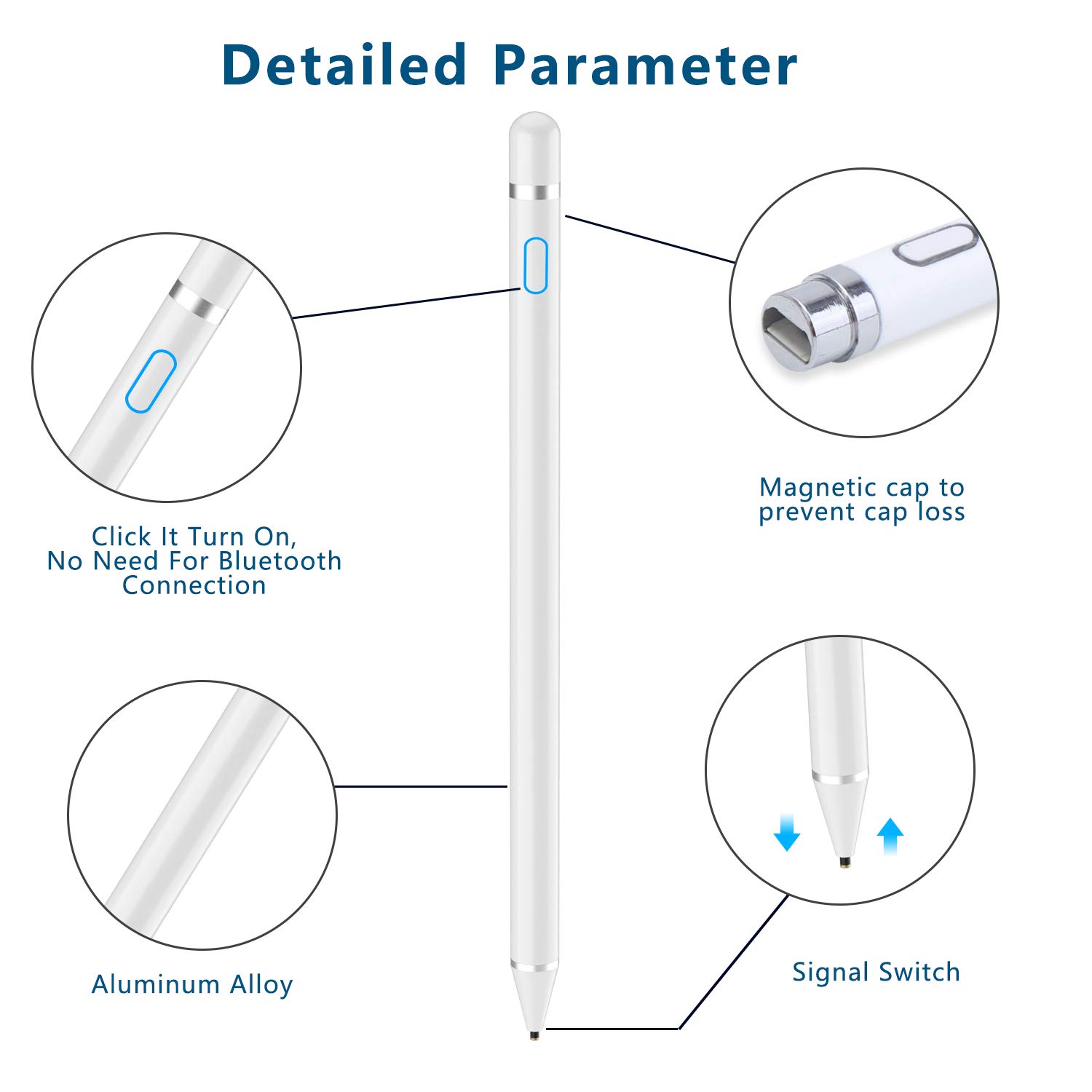
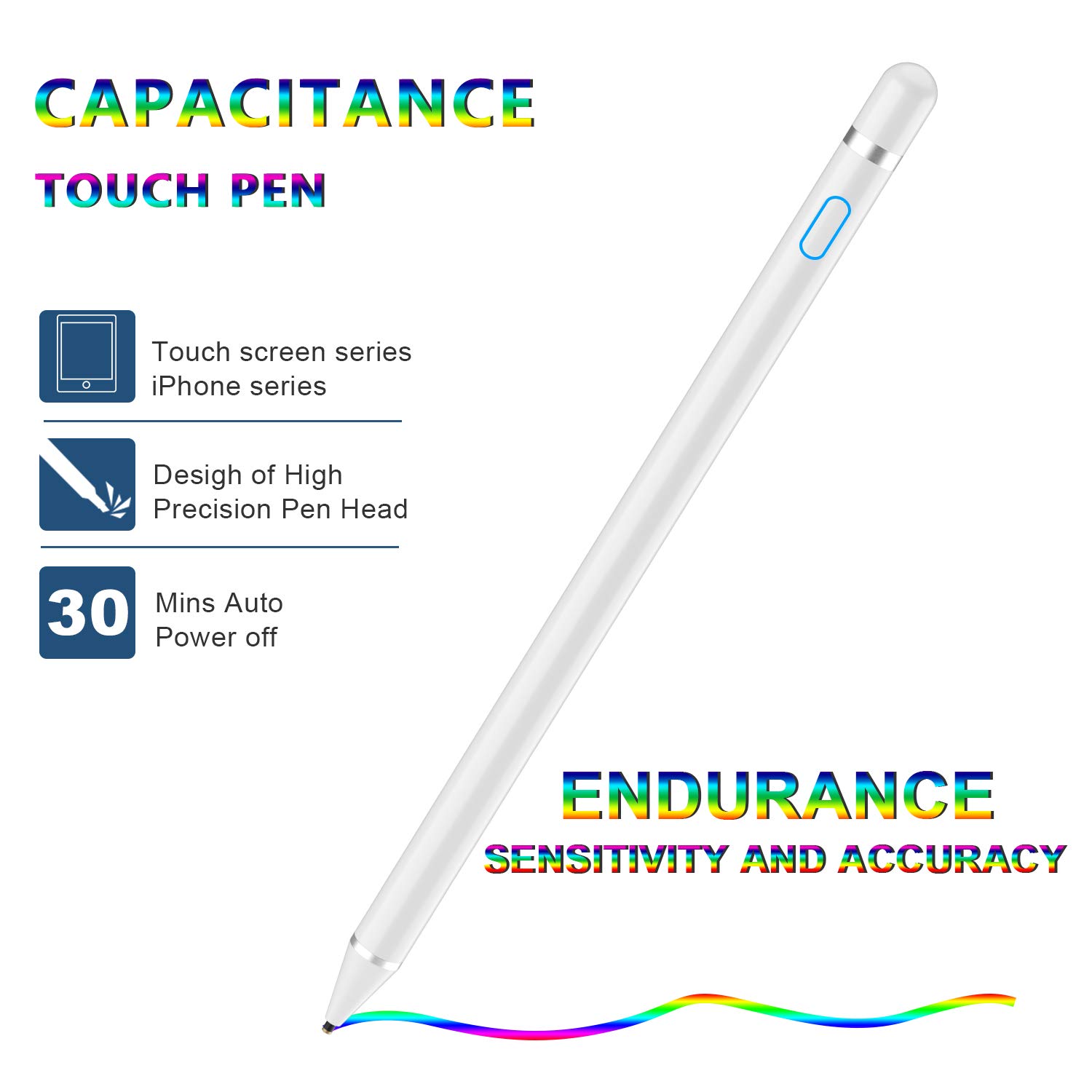
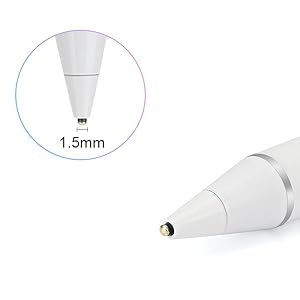
The Stylus Pen Digital Pencil is a high-performance active pen designed for touch screens, offering a 1.5mm precision tip for accurate input. Compatible with a wide range of devices including iPhones and iPads, it features a one-button operation, a power-saving mode, and a quick recharge capability, making it the perfect tool for professionals and creatives alike.


| Brand | TBA |
| Item model number | E8910 |
| Item Weight | 1 ounces |
| Product Dimensions | 0.8 x 0.1 x 0.1 inches |
| Item Dimensions LxWxH | 0.8 x 0.1 x 0.1 inches |
| Color | White |
| Battery Type | Lithium |
| Manufacturer | Fasterbeauty |
| ASIN | B088NHRGC2 |
| Date First Available | May 15, 2020 |
L**S
I love it, love it, love it!!!
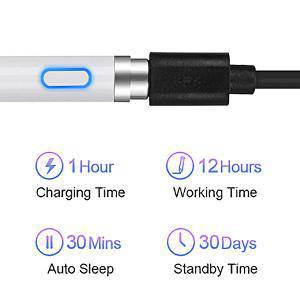
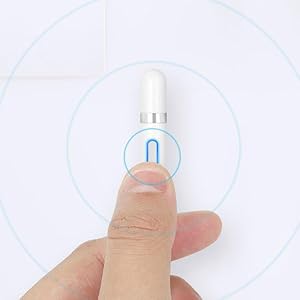
I have an iPhone 12 and I have been wanting a stylus that does not have a cushion on the end for some time. I really wanted to buy an apple pen, but it is only compatible with the products I dont own. in comes this little baby! it couldn't be easier to use! u click the button at the top to turn it on... thats it... It just works. I will say that it is a little hard for it to be accurate at the very edges of the phone, but im almost never there, so its not a dealbreaker for me. I use it all the time now for everything, except typing. its way to slow for that. u can drag it around to make the words on ur keyboard, but its just not a feature I like to use. I really only bought this to play dr Mario world on my iPhone. (the best free game ever!). it did take some time getting used to, but now I cant even play the game if its dead. it comes with a usb charger that connects to the top. the cap is magnetic, so it makes it harder to loose it. I will say that if im using it for about 45 minutes, it will turn off for no reason about 2x.. I hate that, b/c its always at a time in the game I need to be fast, but im ok with this flaw. I carry it everywhere and the on/off switch lights up blue when its on and red when its charging. I hope this was helpful.
M**.
Highly recommend this product!!
The media could not be loaded. I love this product. It has a great battery life and I find that it is super easy to use and it is accurate too. I highly recommend this product. I use it for school on Google Keep and Notability and I love it. I included a video of it being used on Notability. Please keep in mind it is not as good because my other hand was holding the phone and I was trying to watch where the camera was going while trying to write. I included two photos of notes or assignments where I used the stylus and I love the way they turned out. It is super easy to charge. I usually do it every few days during the night while I am asleep. I use it everyday for at least an hour or two if not more and have never had it die on me so like I said just make sure to charge it every few days. I am a full time student in high school and I am completely distant learning so if that is what you plan to use it for then I highly recommend it. It has been in almost daily use since early October or late September and it still works great!
I**T
Works with older IPads
The accuracy could be better, but it works with older iPads. Long battery life too. Good for playing games, but just ok for drawing. Worth the money if you’re not doing anything professional.
D**G
A great stylus for a great price
I tutor at a tutoring center that uses iPads and using my finger was not as efficient as I wanted it to be. So I came to the internet looking for a stylus that worked well and wouldn't break the bank. This is the one I landed and on it does everything I need it to. It comes with a charging chord and you have to have a charging block connect it to. The pen doesn't take long to charge and the battery lasts about 6ish consecutive hours. You turn the pen on/off by pressing the button on the top and the light will turn blue when it's on and go dark when it's off. Sometimes I accidentally hit the button when I am working and that can get annoying sometimes because I will be writing and all of a sudden the pen will stop working, I'll check the light and press the button and back I go to work. If you don't want that issue then the pen is not for you. But, if you do not mind having to press a button every once in a while this will do the job.
K**A
Work really good
Worth you spend money. for drawing work good light weight ease to use really good design and comfortably to use
M**Y
Nice design but hilariously inefficient especially if you're an artist.
So the reason I bought this was because it actually claimed it was better than the other pen-a pen I had but it got lost. Now I hope I can find it even if the top popped off since it still worked and was very accurate for drawing in Procreat and writing notes.Unfortunately though this advertises against that pen this one only has a superficial decent design. I like the button and the charge port at the tip.Other than the design the pen sucks for what it was actually bought for.It's okay if you retrain yourself how to draw-holding the pin to the screen without having your hand touch it. There are still irritating things that happen but they're...manageable. The pen moves the paper when you don't want it to. It erases marks as you make them. It's not impossible to use just will make anything you spend hours working on already extra hours more with having to deal with the wacky pen.I'd suggest buying the pen its saying it's better than in the advertisement. It isn't. you have to hold your hand above the screen and it still moves the digital paper and glitches. Pay 10 to 12 dollars more and be able to actually do art pieces without irritation and distractions as you draw.I'm going to try and return this so I can get my money back and pay the difference for the better stylus.
A**Z
It has its pros and cons but overall it’s okay
So the charge on the pen is great, I haven’t had it die on me since purchasing (I don’t really use it often tho). It works on both my iPhone 11 and 6th gen iPad.On the other hand, you can’t rest your hand on the screen when writing because it just makes the screen move & wont write. The accuracy of it isn’t great. It follows behind where you’re dragging it instead of writing directly on the touch point of the pen. I also don’t like how when you want to charge it, you have to take the cap off to plug it in but there’s no where to put it. I have to consciously pay attention to make sure I don’t loose the cap & that’s not really ideal.What I can say about it is it’s much better than a $90 apple pen LOL. It is definitely useable and a good option if you’re broke like me lmao.Would I buy this again? No. Would I buy an expensive apple pen? Also no😂.
M**1
Works with iOS devices
We are an apple family and that means sometimes we have to spend a little bit more money for things to work with Apple devices. This pen not only works with Apple devices for works as well as the Apple pens do for my iPad. I do a lot of cricut designs on my iPad and on my iPhone when I am out and about this works very well.. so if you’re looking for a way to use your phone, this will help.
Trustpilot
1 week ago
1 month ago



