



🚀 Print smarter, faster, and in full color—because your office deserves the best!
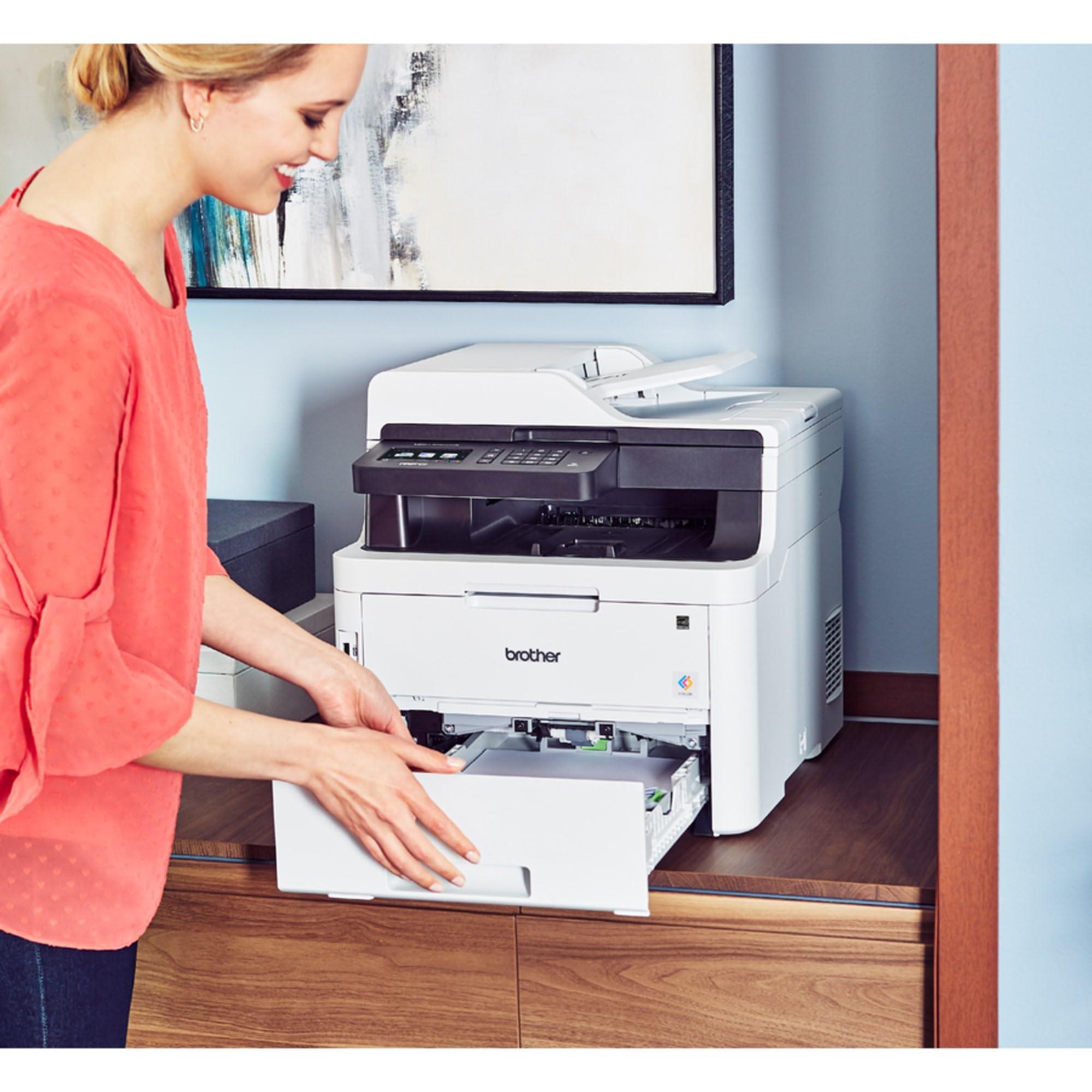
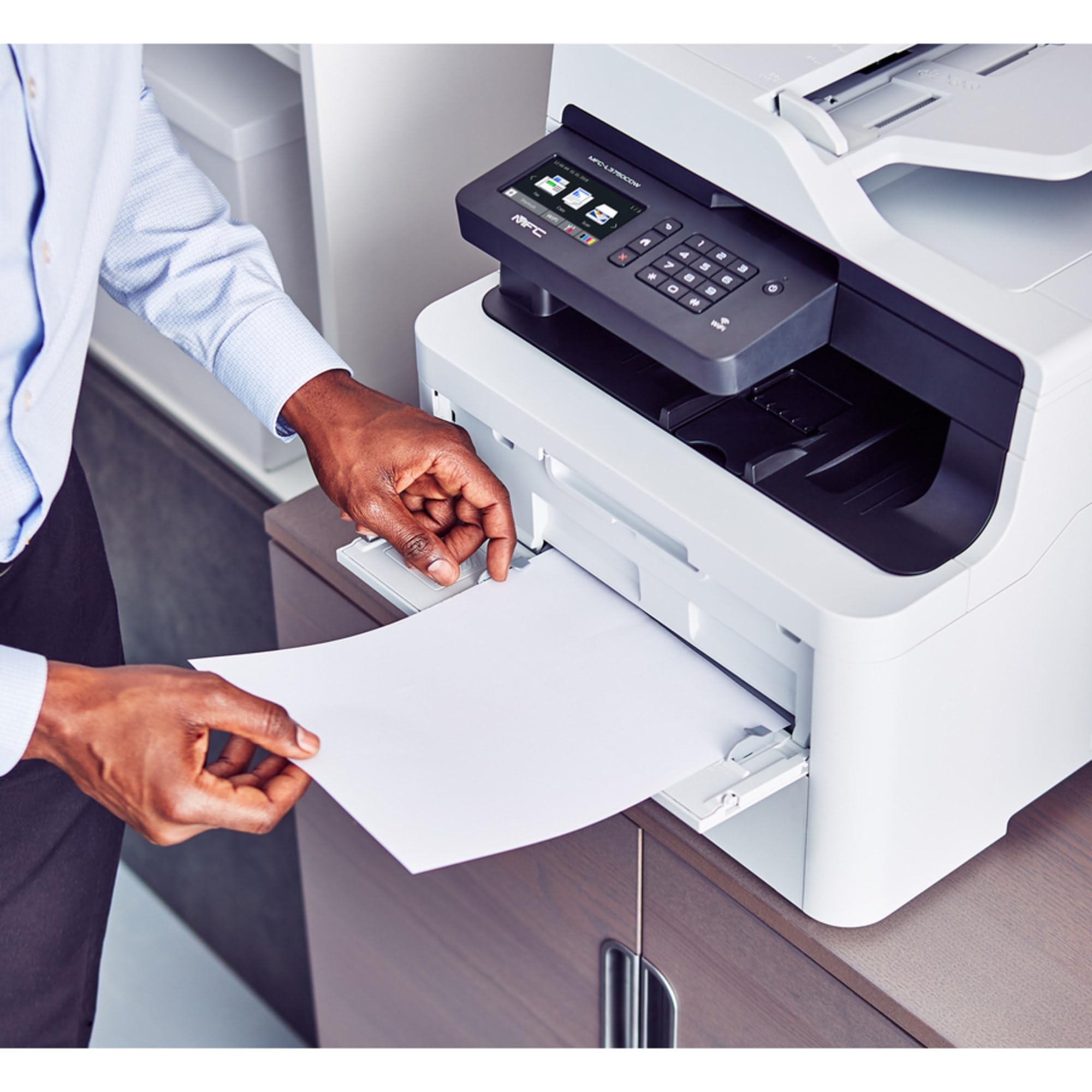
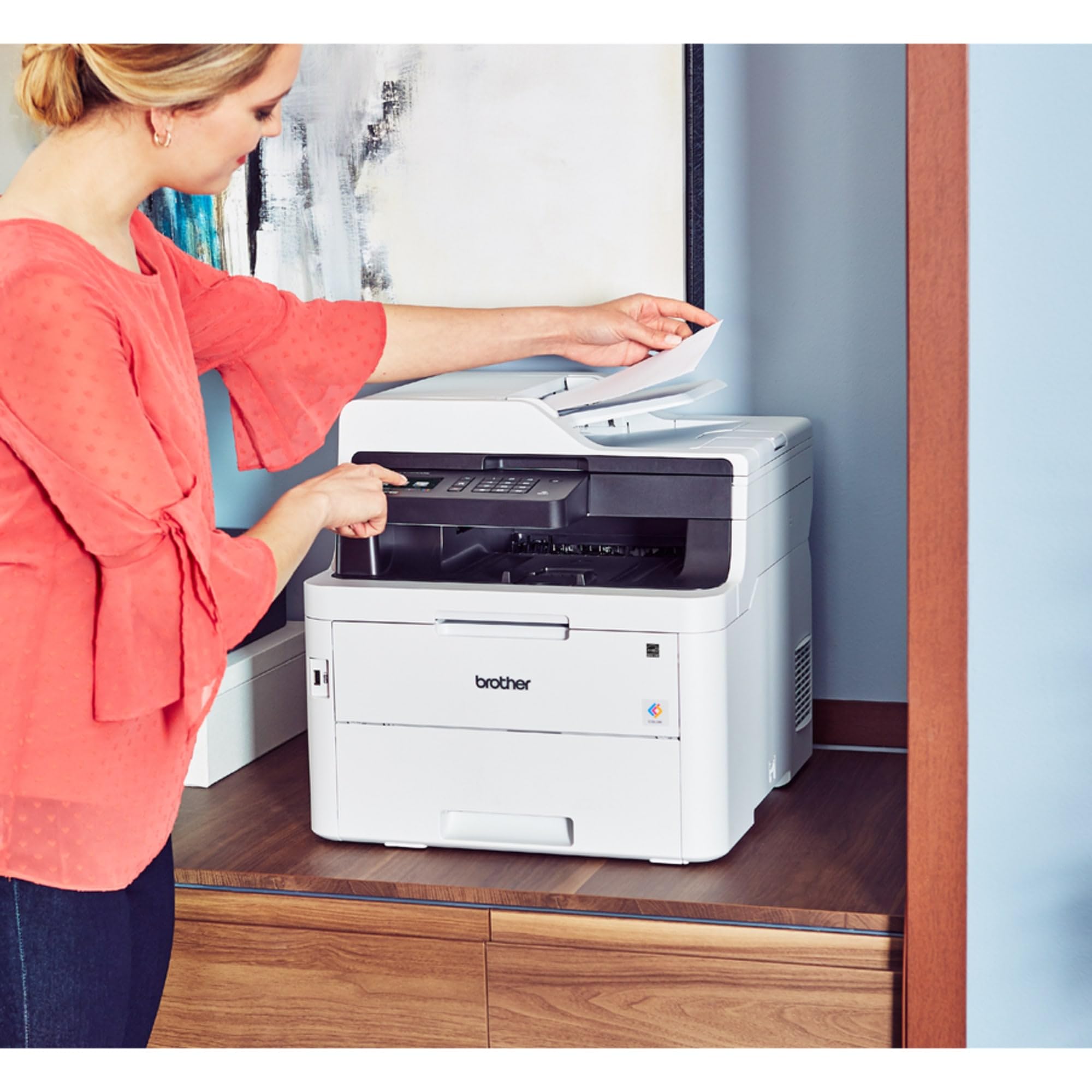
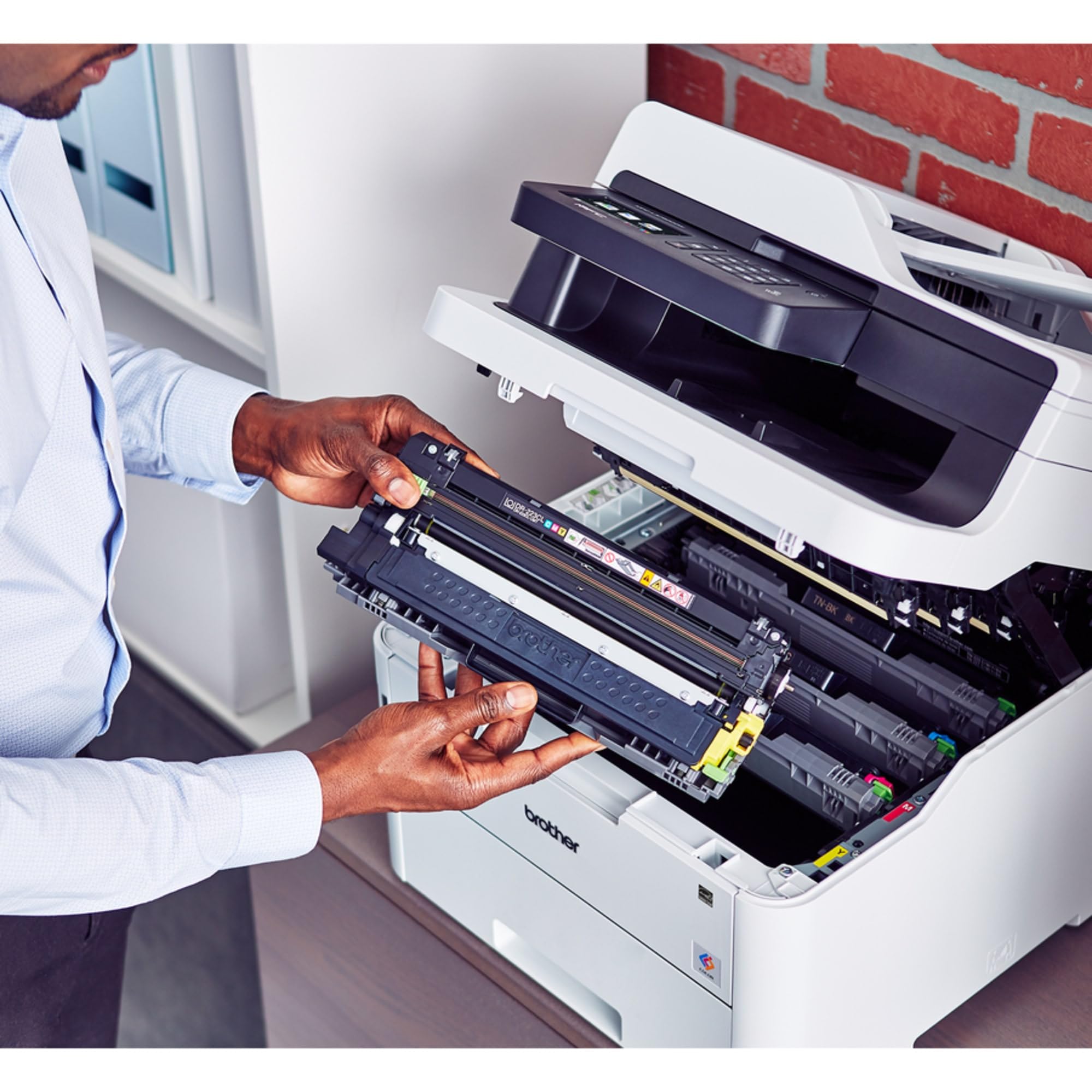
The Brother MFC-L3750CDW is a compact, wireless color laser all-in-one printer designed for busy professionals and small offices. It delivers fast print speeds up to 25 pages per minute, automatic duplex printing, and a 50-sheet automatic document feeder. With versatile connectivity options including Wi-Fi Direct, Ethernet, and USB, plus a user-friendly 3.7" touchscreen, it streamlines printing, scanning, copying, and faxing. High-yield toner options and toner save mode make color printing affordable without compromising quality.


| ASIN | B07FMS1JSS |
| Are Batteries Included | No |
| Best Sellers Rank | #27,459 in Computers ( See Top 100 in Computers ) #83 in Laser Printers |
| Color | white |
| Compatible devices | Smartphones |
| Controller type | iOS |
| Customer Reviews | 4.1 4.1 out of 5 stars (1,289) |
| Date First Available | 15 August 2018 |
| Dual-sided printing | Yes |
| Included components | MFC-L3750CDW Digital Color Multi-Function Center,Starter Black Toner Cartridge (1,000 pages),Starter Cyan Toner Cartridge (1,000 pages),Starter Yellow Toner Cartridge (1,000 pages) Starter Magenta Toner Cartridge (1,000 pages),DR223CL Drum Unit Set (18,000 pgs)**,CD-ROM All Drivers/Software,Quick Set-Up Guide and User’s Guide |
| Item Weight | 23.4 Kilograms |
| Item model number | MFCL3750CDW |
| Manufacturer | Brother |
| Max copy speed (black & white) | 25 ppm |
| Max input sheet capacity | 50 |
| Maximum Media Size | A4 |
| Maximum black and white print resolution | 600 x 600 dpi |
| Maximum color print resolution | 600 x 600 |
| Number of Ethernet Ports | 1 |
| Number of USB 2.0 Ports | 1 |
| Power consumption | 430 Watts |
| Print media | Envelopes, Paper (plain) |
| Product dimensions | 40.9D x 47.5W x 41.4H centimeters |
| Scanner type | Flat & Leaf Feeder |
| Sheet size | A4 centimeters |
| Standing screen display size | 3.7 |
| Voltage | 110 Volts |
| Wattage | 670 watts |
| Wireless Type | 802.11bgn |
M**F
Quality printing & user-friendly
For 2 decades I was an hp fan until I decided to go for brother! Now I regret every penny I wasted on hp! Truly.
Y**O
AAA+
As expected great stuff from Brother's, I have their products for ages at different locations, love it.
H**.
Scanner
THE SCANNER AFTER TWO OR THREE MONTHS NOT SCAN GOOD QUALITY LINES COME IN SCANNING
A**.
NOT PRINTING AS INTENDED
PRINTING QUALITY IS NOT AS DISCRIBED
E**O
Es la primera impresora brother laser que tengo. facil de configurar y muy rapida.
J**S
The is an home office application. I print around 2500- 3000 business document per month. I looked at all the others even the off brand Korean/ China models which also have many features, but what I liked about the Brothers was that this particular model had mid level toner cartridges also avail able in high weight that should last me at least 6 months coupled with the fact that there is a selection in the driver app that allows you to select black only or colour. This can also be done within the setup app though any browser so that it will only print Black and only an admin can make those changes. Which in my household is a good thing, this helps extend the life of the colour toner. Every time some one prints out a simple recipe, a manual or simple directions they print in colour , not realizing it. Also the interconnectivity is absolutely amazing. There was not setup needed, it was found and installed all the driver on every device, and even my i-phone was connected without me having to invoke any applications or additional software. The print quality is very good, but make no mistake if you want better color prints then you will need to go to an inkjet, but that being said this colour is perfect for business presentations and since it is Toner being used you will not have to worry about declogging the ink from the heads. If you go away on vacation for a couple of weeks or don't print colour, the Inkjet will clog, even the best of them do. I am not a graphics department, they have their own printers just for that purpose. But with a nice grade of card stock paper or even photo grade no one will know the difference when making a sales book or if you print your own Christmas cards, which my wife loves to do. I was a HP-only , but while comparing the two units the HP cost 25% and no significant features for that price range. This printer does on demand colour, black only, single sided or 2 sided printing even for 1 page, it's as easy as just checking the box in the printer dialog box. I could not say enough about this printer, I also purchase a 4 years on site warranty which came out to about $20/year. All parts and labour or replacement policy.
C**N
Fácil de instalar e configurar o Wi-Fi. Ótima qualidade de Impressão
T**I
Impressora fácil de instalar e Boa qualidade de impressão.
E**.
Se instala fácil y rápido. Muy bien todo.
Trustpilot
2 weeks ago
1 day ago



