We remain fully operational. Our teams are working around the clock to ensure your deliveries continue safely.

DOWNLOAD THE APP


Customer Services
Copyright © 2025 Desertcart Holdings Limited
DOWNLOAD THE APP
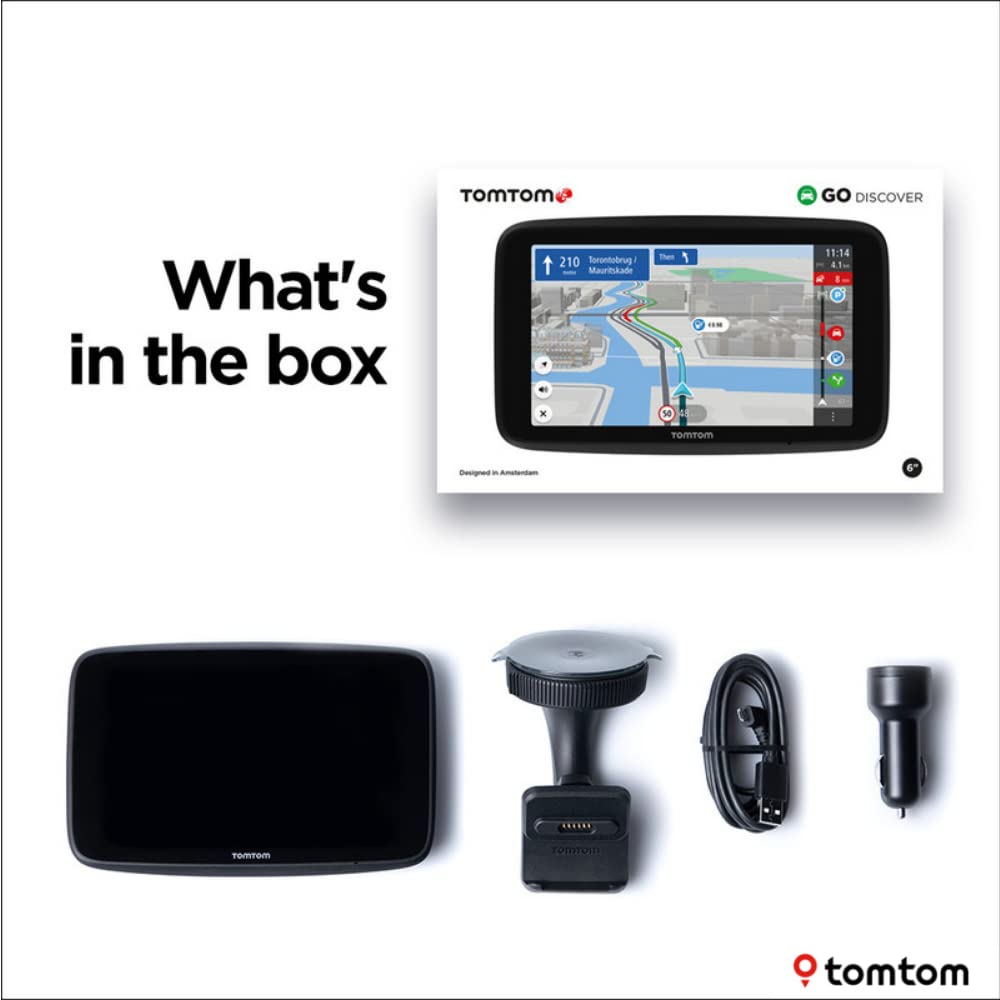
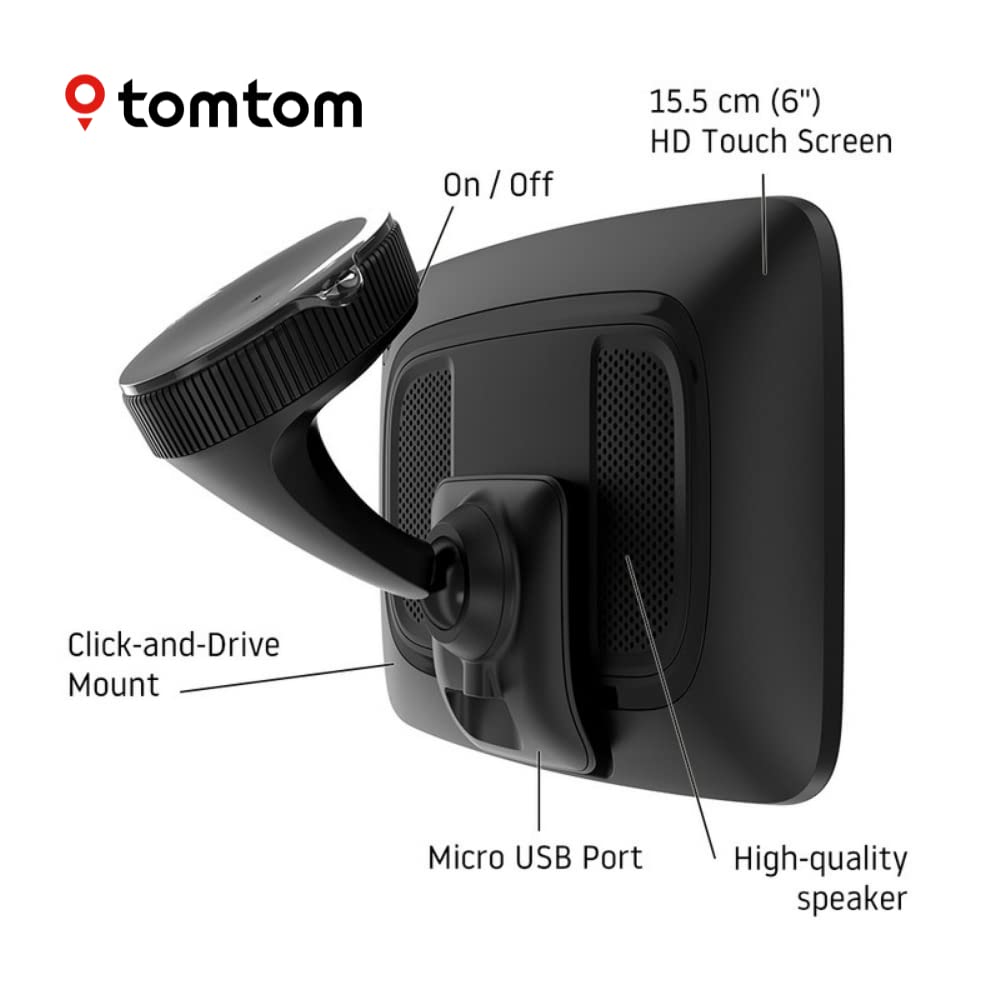


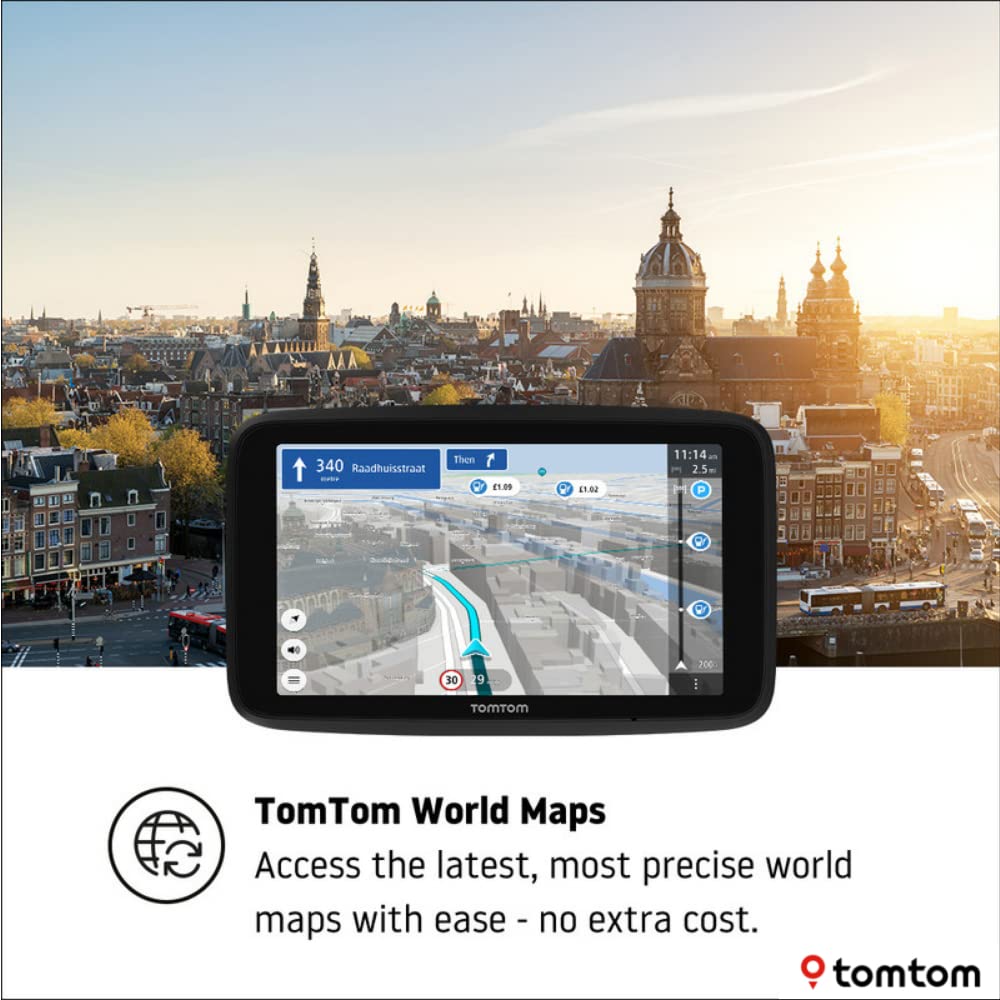


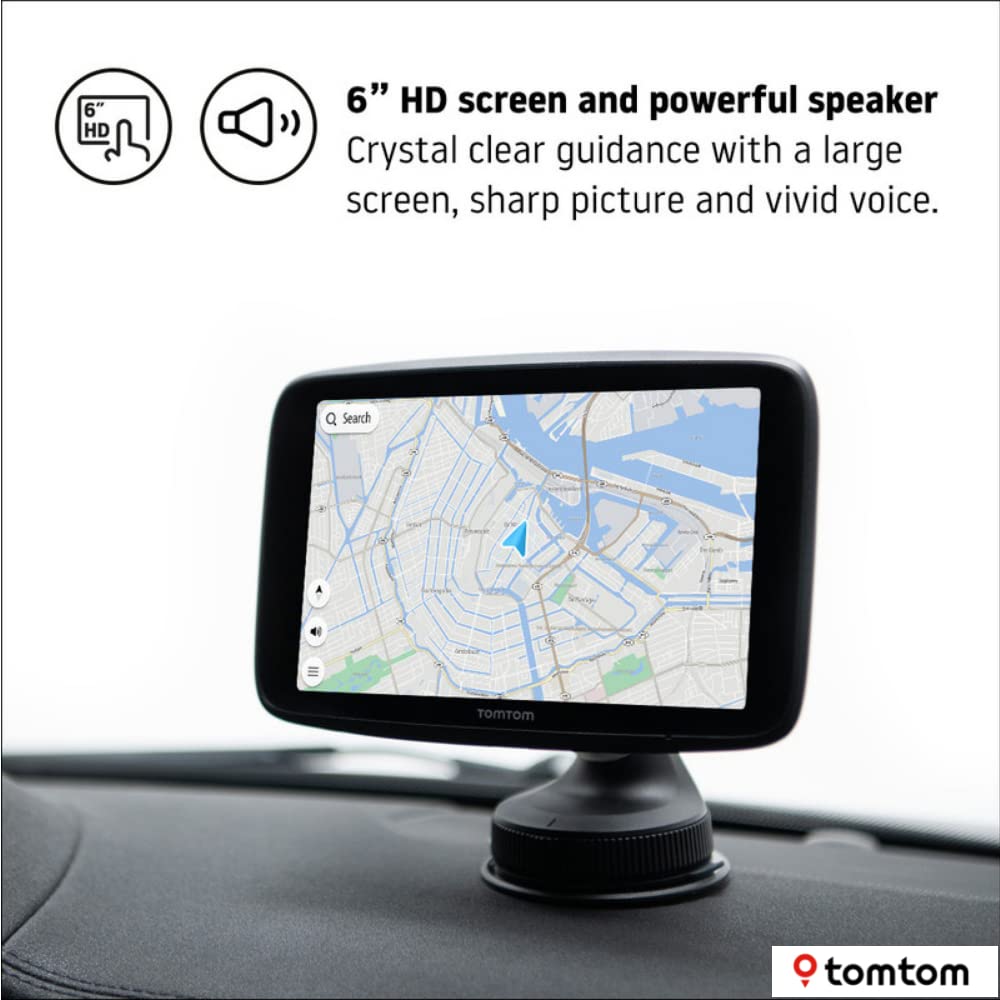
🚗 Navigate smarter, drive safer, and never miss a turn with TomTom GO Discover!
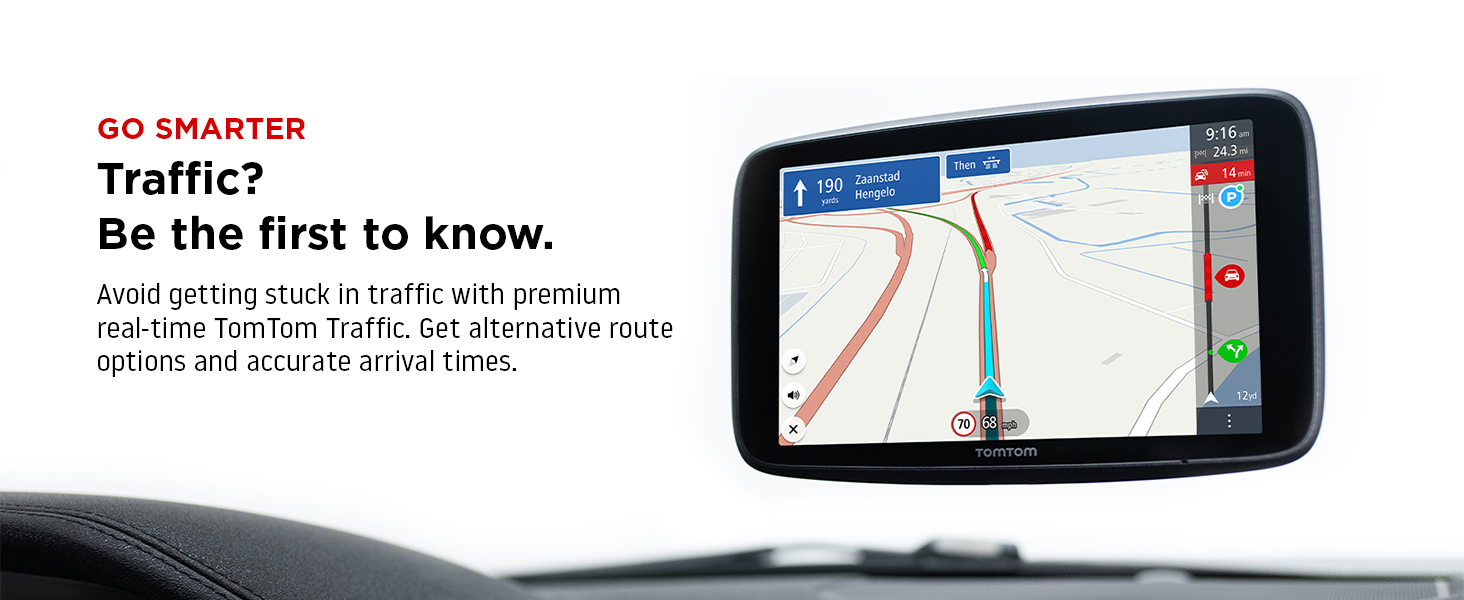
The TomTom GO Discover 6-inch sat nav combines a vibrant HD screen with real-time traffic updates, speed camera alerts, and wireless map updates via Wi-Fi. Designed for professional drivers who demand reliability and ease, it offers a powerful speaker, intuitive interface, and a secure click-drive mount. Trusted by over 500 million users worldwide, it ensures you stay informed and in control on every journey.


| ASIN | B08CY4LX7R |
| Best Sellers Rank | 52,370 in Electronics & Photo ( See Top 100 in Electronics & Photo ) 109 in Car & Vehicle GPS Devices 2,363 in GPS, Finders & Accessories |
| Guaranteed software updates until | unknown |
| Item model number | TomTom GO Discover 6" |
| Manufacturer | TomTom |
| Product Dimensions | 16.4 x 1.8 x 10 cm; 270 g |
I**E
Brilliant, much advanced over previous models. Screen is big
Much more readable, the GPS has evolved and is really good. No jerkiness, easier to follow in complicated junctions. So far no bad surprises such as turning off at a critical moment. I really like that updating the Europe map when the GPS received, it divides each country up and updates each also separately, instead of one giant 8 Gb download as it was previously. I drove 250 miles in the UK than today 1100 km in Spain and all the speed cameras were exactly as indicated. Downside: it's very large and I wish I'd bought a smaller size. I'm tall so I can see over the top of it without a problem but it blocks the view for a shorter person when positioned on top of the dashboard. Pity also the travel bag ordered separately didn't arrive at the same time as I had to travel. I also don't see other world maps that I use such as Africa so I guess these have to be downloaded and installed. Very satisfied with the product and much better than using Google maps or Waze.
M**R
The bigger the better.
Every time I buy a new sat-nav, I wonder if this will be the last one and should I be shifting over to apps on my phone instead. I have been using TomTom since the very first Go model and for various reasons, I like having a dedicated, seperate unit for naviation. My car has an out of date, rubbish system built in (no apple / android support) - my phone has google maps and Waze, but when it comes to long journeys, I just like to have a proper sat nav that just does it's thing. My previous model was the 6" TomTom Go 6000 - it was good - served me well - although it was getting a bit slow but most importantly the battery was no longer holding any charge. I needed it for a holiday trip and the replacement battery I'd ordered hadn't turned up in time, so I decided to bite the bullet and upgrade to the 7" TomTom Go Discover. There were a couple of things that attracted me - my eye sight isn't what it was, so the extra inch sounded like a positive (as well as the higher res screen that enabled) and the 4x cpu performance also sounded like a good upgrade considering my 6000 was often slow at places like large roundabouts where you don't know where to exit. So, the device arrived and in many ways it's identical to the 6000 - the main thing being that any routes or places synced with MyTomTom are all present on the new device which is great. The sharpness and size of the 7" model's screen are a great improvement - not only is it easier to read the extra features such as traffic updates / POI's on the map, but you can see more of the surrounding map without having it blocked by the side bar etc. Yes, it no longer has it's own sim card for live updates but it's a simple matter to link it to your phone via bluetooth (you need to turn on internet sharing over bluetooth) and it then gets its live updates over that connection. The other new thing for me compared to my 6000 is that you no longer need to sync with a PC for updates - it has wifi built when it's on and in range of your SSID, it will update it's OS / maps automatically. This is a welcome addition for me. The OS has also been tweaked since my previous model - I don't know if it is specific to the Go Discover models but I had no issues shifting from the old GUI to this version - the main parts are the same and the new things are logical and easy to work out - I did not need to read any instuctions or researchign anything - I was fully configured and up and running in a few minutes. It took me loonger to work out how to turn on internet sharing over bluetooth on my phone. The mount is good and the sucker is large and feels very secure on the windscreen - connecting the device to the mount is slightly more fiddly than the 6000 as the connnector isn't at the bottom but is on the back so you need to slide it around until you've worked out exactly where it is - similarly the magnet holdign it in place is stronger than the 6000 so taking it off the mount also requires a bit more force but once you've worked out the best way to do it, it is not an issue (for me, it requires holding it from the top and pulling it down and forward). The functionality of the device is the same as any other TomTom if you are famiilar with it so I won't cover that - if you like TomTom's, you'll like this. Whether the screen size or cost can be justified is a personal choice - for me, where my windscreen is quite far from the driving position, the extra screen size is worth it and physically it is not much bigger than the 6000 so it didn't change anything for me in terms of storing the device or blocking my field of view etc. If you don't need / want a 7" screen, the smaler screen sizes would be just as good and cheaper. I did eventually get the replacement battery for the 6000 (you can find it on Amazon) and it was a very simple job to open the device and swap out the batter (you can find how to video's on youtube). That fixed my charging issues with my older device, however now I have used the Go Discover, I won't be going back to the 6000 so will pass that on to someone else.
N**B
Poor navigation routes.
Screen quality good and voice great, but routes it chooses are rubbish. Run the same route regularly but always chooses fastest/shortest route via narrow lanes with poor surface etc. Set up to avoid these areas but still tries to send me wrong. Set up for better roads etc. Changed options but still insists on sending me bad route. Dosent matter which route you choose from the options either, still sends me down the worst toute available. Sometimes the unit won't connect to the phone and when it does the traffic logo on screen tells me not connected to tomtom traffic. Wouldn't trust it going to a new place I haven't been to without first checking in a map book. Had tomtom go 600 before this And it was spot on everytime. No route choices to make, it had the best one straight off, got me there with ease and I trusted it completely. Still like tomtom but this one is in the bin as soon as I can find a similar one to the go 600.
N**S
Not quite as good as the ageing 6000 it's replaced
My Go 6000 screen cracked, so navigation became a problem. This unit was intended to replace like for like. I had problems setting the new unit up, it wouldn't accept wifi access codes, and wouldn't connect to Tom Tom. I had to seek advice from the user forum, and learned it needed a GPS satellite fix before anything would work, and then things worked well. It doesn't suggest a destination when I turn it on, it has no local time indication, It runs the battery flat if I forget to physically switch it off when powered down, I don't like reliance on my mobile phone, Fuel price indicators are so far off that they are useless. As with the Old 6000, the voice control frequently responds to random phrases thrown out by the radio. CAZ zones have recently become an issue for me, and I don't understand why these are not regarded as Toll roads, which both sat navs are supposed to be able to route around. So Five years on, and not quite as good as the old unit it's replacing, but still much much better than using a smart phone in the car.
B**E
Replaces the previous model which I accidentally dropped breaking the screen - They are a great device, easy to use and reliable. I have used other brands in hire cars - none have been as easy to use as the tom tom units
A**A
Estoy muy contenta con él: pantalla grande, intuitivo, etc
S**D
The lane assistance
T**É
Incroyablement déçu par cet appareil, j'ai eu des problèmes après six mois, le gps plantait, il changeait de langue constamment, changeait de destination, etc.... J'ai voulu contacter le service après-vente, on m'a dit de contacter Tom Tom, chose que j'ai fait, mais sans résultat car juste par chat et impossible de contacter quelqu'un en live. Explication qui ne servait à rien et impossible de savoir si on pouvait renvoyer l'appareil pour vérification car était sous garantie. Service après-vente ZÉRO. Du coup j'utilise le GSM qui lui me ramène toujours là où je dois aller. C'est quand même malheureux d'investir tant d'argent dans un appareil d'une marque reconnue mais qui n'a aucun suivi
C**.
Pour aider les autres utilisateurs, je fais un retour sur les différents problèmes de connexion que j'ai rencontrés à la réception du GPS. Premièrement, n'espérez pas le mettre à jour avec le WIFI dès le déballage, il faut que le GPS se connecte au moins une fois aux satellites pour que la mise à jour soit possible, il faut donc sortir de chez soi, capter le signal GPS et ensuite mettre à jour. Ensuite, la mise à jour WIFI est tout aussi lente que les anciens GPS TomTom, j'ai mis à jour la carte Europe de 15GO, je suis en fibre optique donc le téléchargement devrait théoriquement durer une minute au maximum, mais en réalité, la mise à jour a pris plus d'une heure car il faut tout de même différencier téléchargement et installation. Enfin pour se connecter aux services TomTom, deux possibilités : le partage de connexion ou le Bluetooth. Concernant le partage de connexion, sur un téléphone Android, l'icône « Point d'accès » est souvent visible dans la barre d'état (la barre des icônes située en haut de l'écran). Si ce n'est pas le cas, ouvrez la barre d'état, cliquer sur l'icône « crayon » pour modifier la liste des icônes et ajouter l'icône « Point d'accès ». S'il n'y a plus de place pour les icônes, il faudra peut-être en supprimer une avant de pouvoir faire un ajout. Concernant le Bluetooth, il faut activer le partage de connexion via le Bluetooth, cette option n'est pas activée par défaut. Sur un ancien téléphone Android, il faut donc aller dans le menu Paramètres / Réseau et Internet / Point d'accès et partage de connexion, puis cocher l'option « Via Bluetooth ». Sur un téléphone Android récent, aller dans le menu Paramètres / Réseau de données mobiles / Partage de connexion Internet, puis cocher l'option « Via Bluetooth ». Je vous conseille la connexion par partage de connexion, c'est plus simple, il semble que si vous coupez le Bluetooth sur votre téléphone, il soit nécessaire de réactiver le partage via Bluetooth à chaque fois. Enfin, j'ai lu des commentaires sur la carte Monde, elle n'existe pas, si vous lisez attentivement le titre du produit sur Amazon, vous pouvez lire « Cartes Monde », le « S » fait toute la différence.
Trustpilot
3 weeks ago
1 month ago