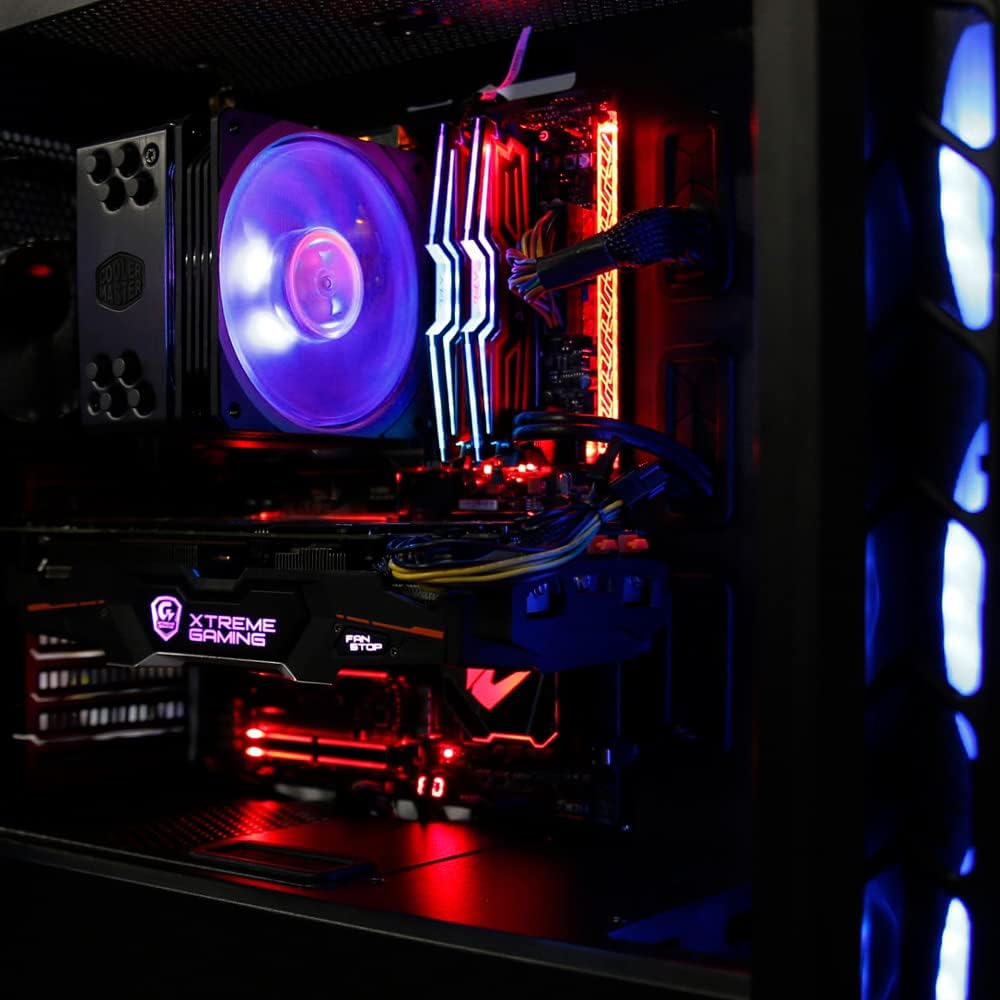
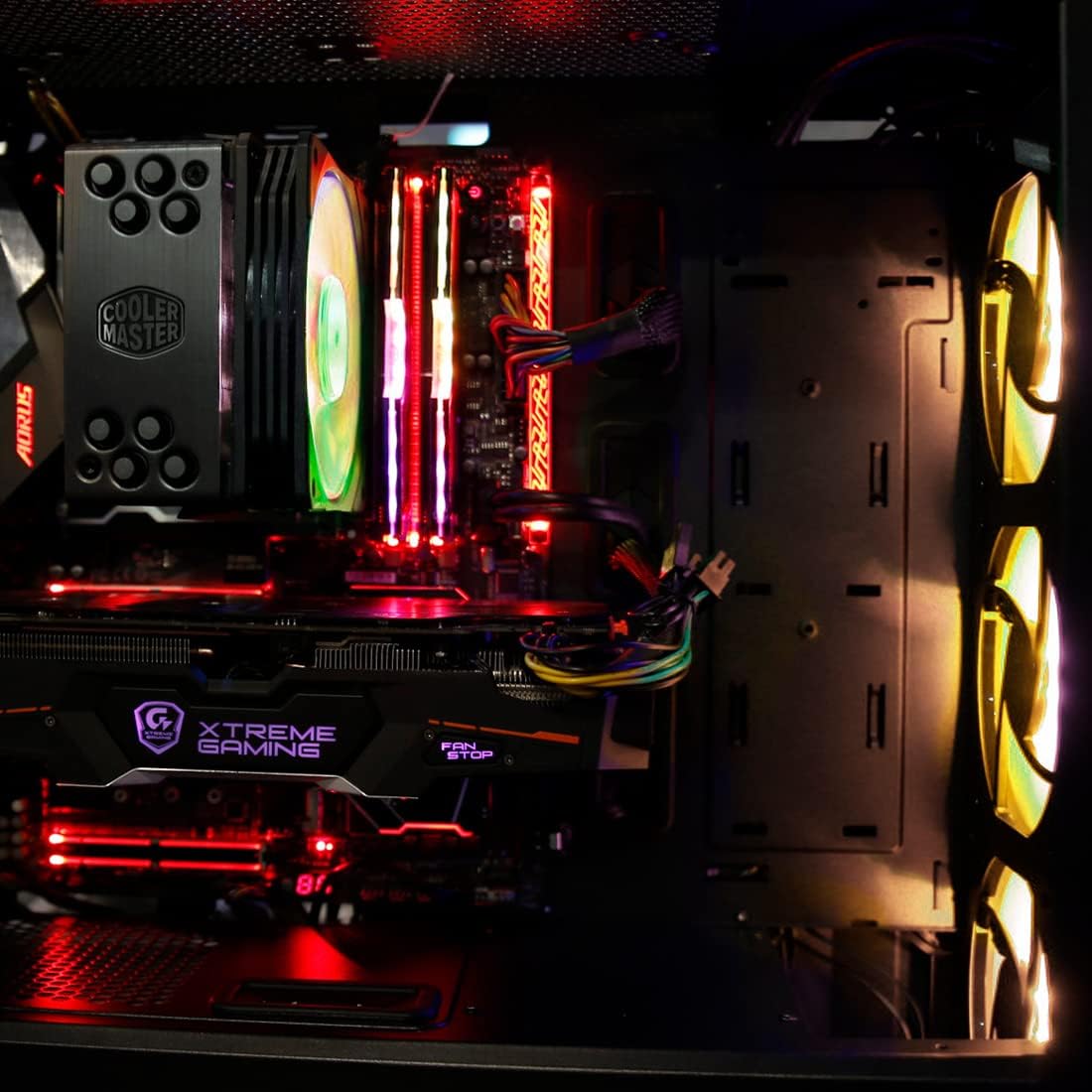
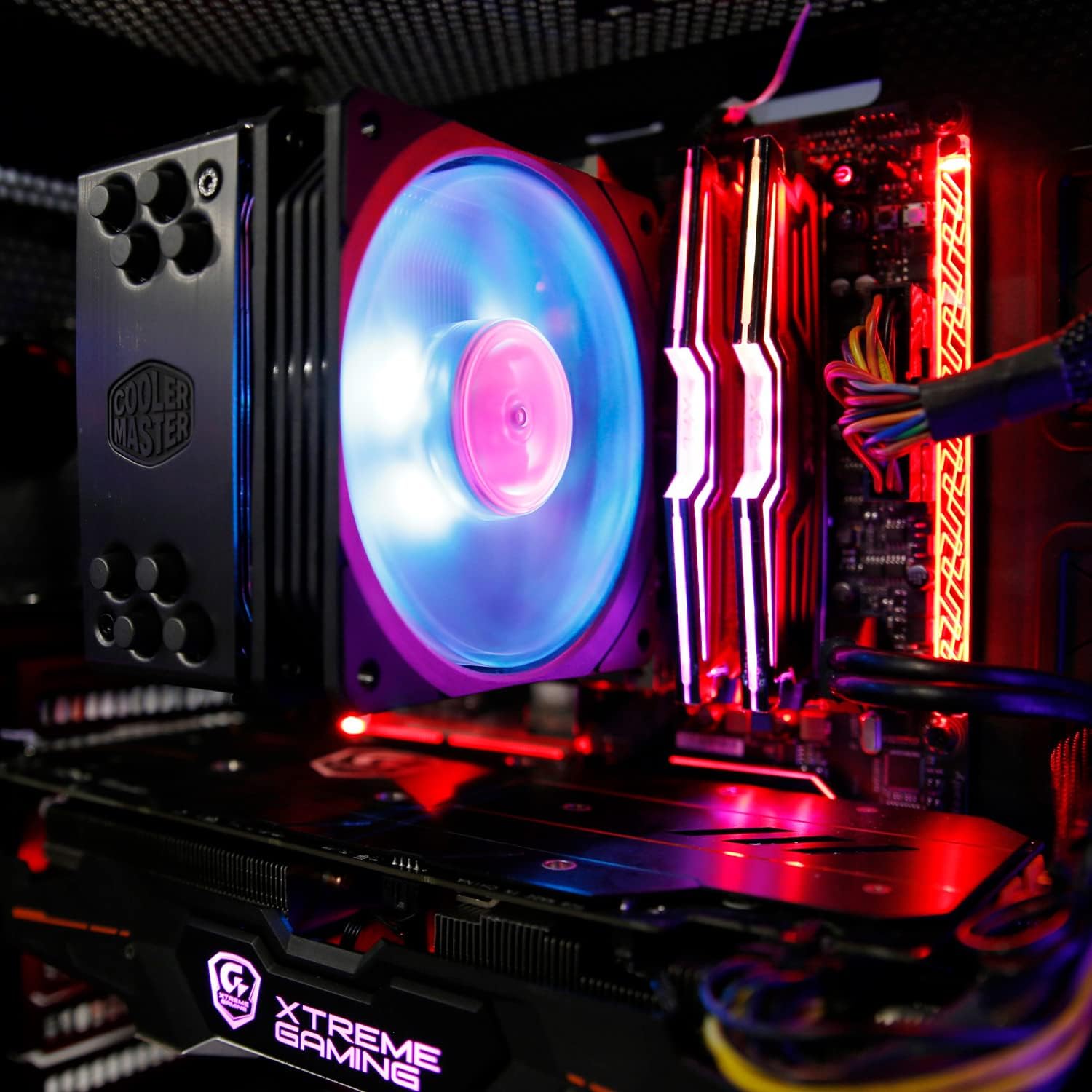
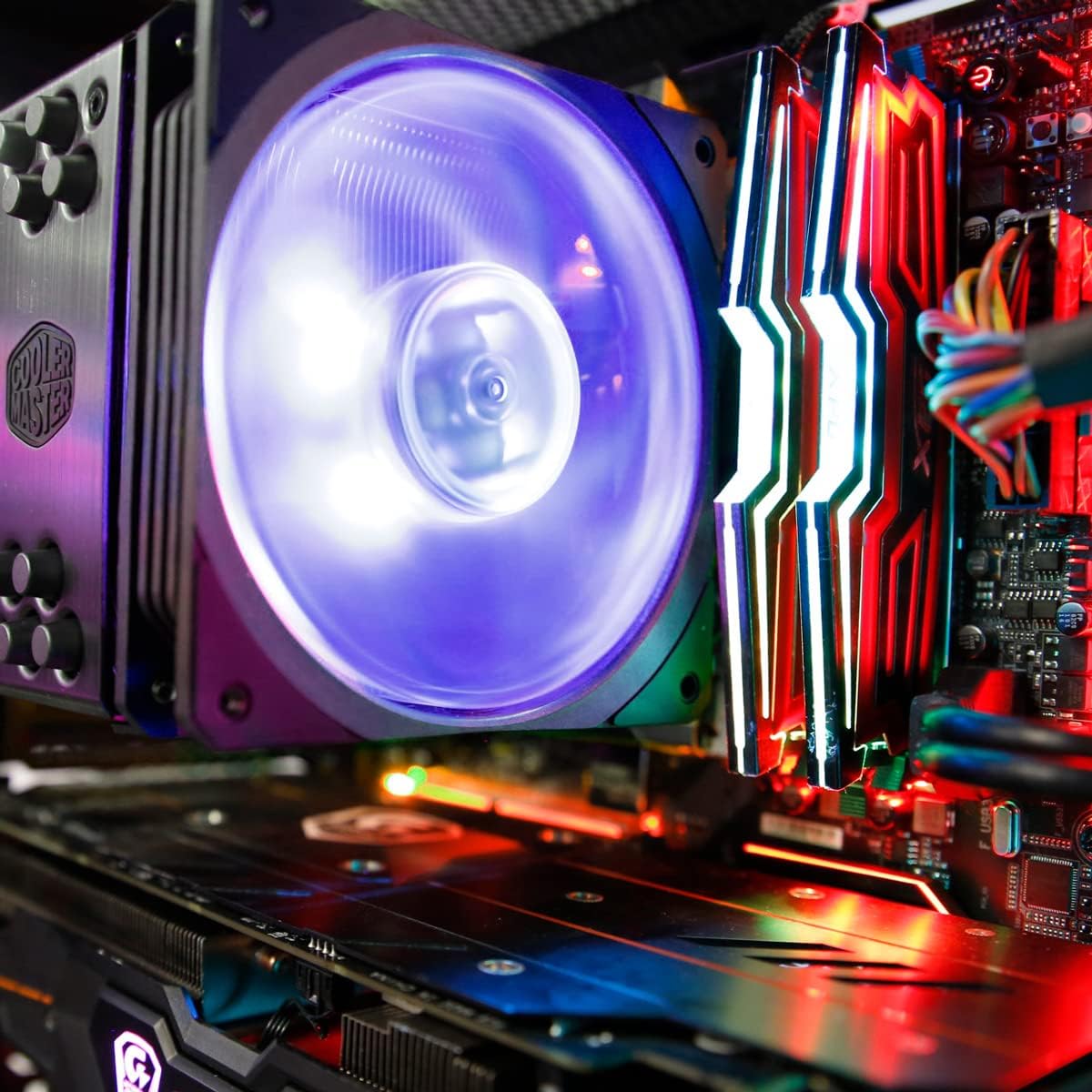
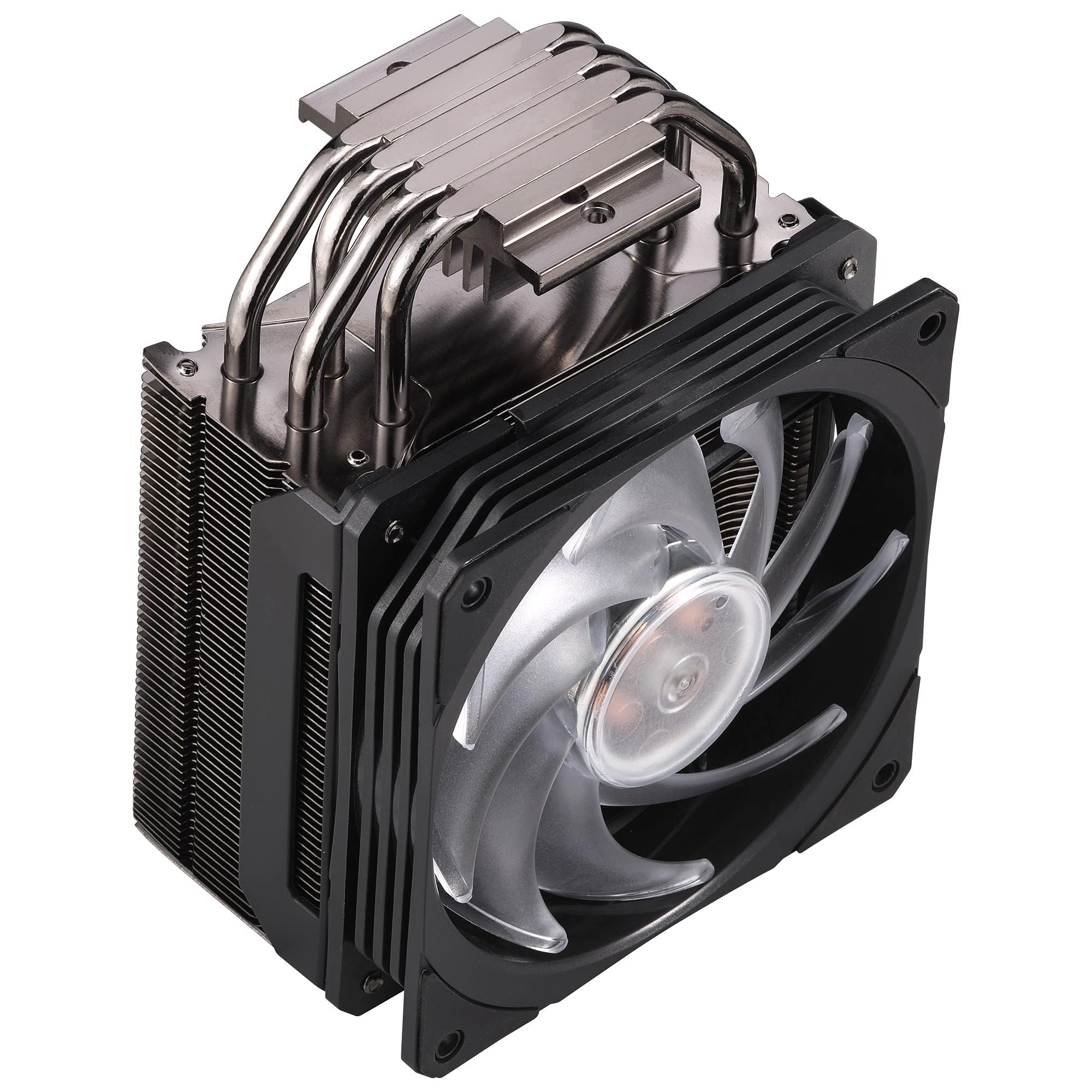

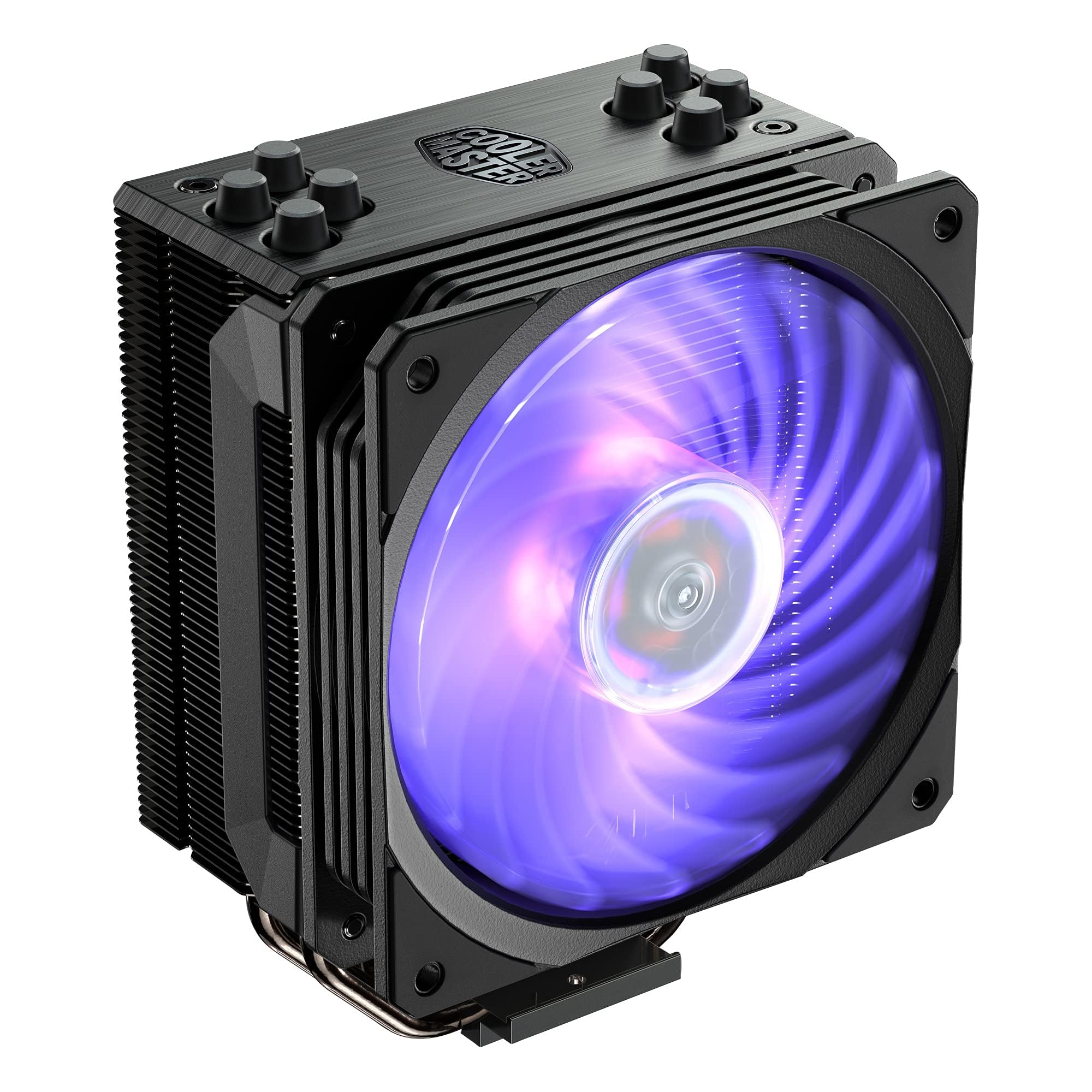
❄️ Cool your CPU, heat up your build’s style!
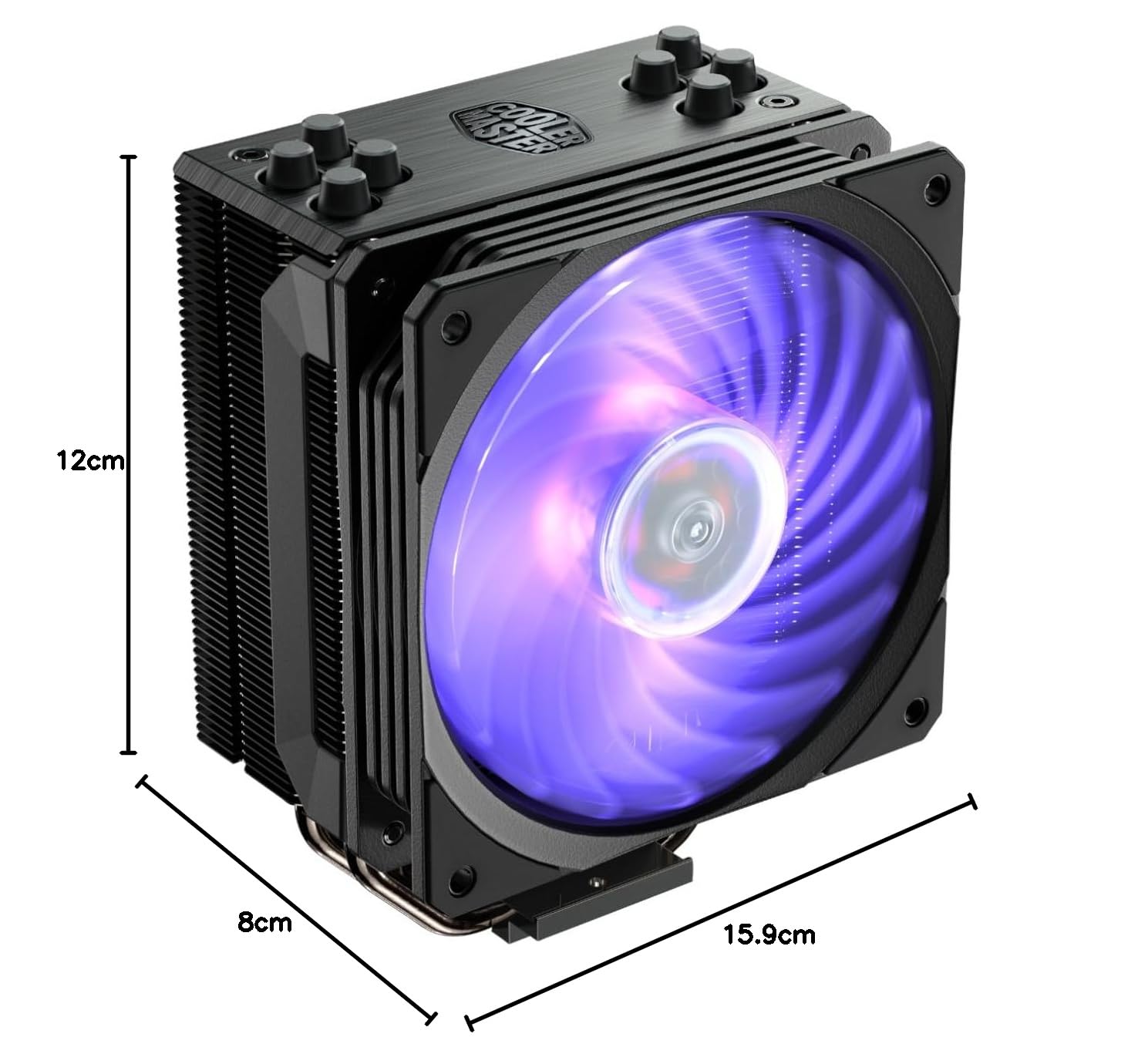
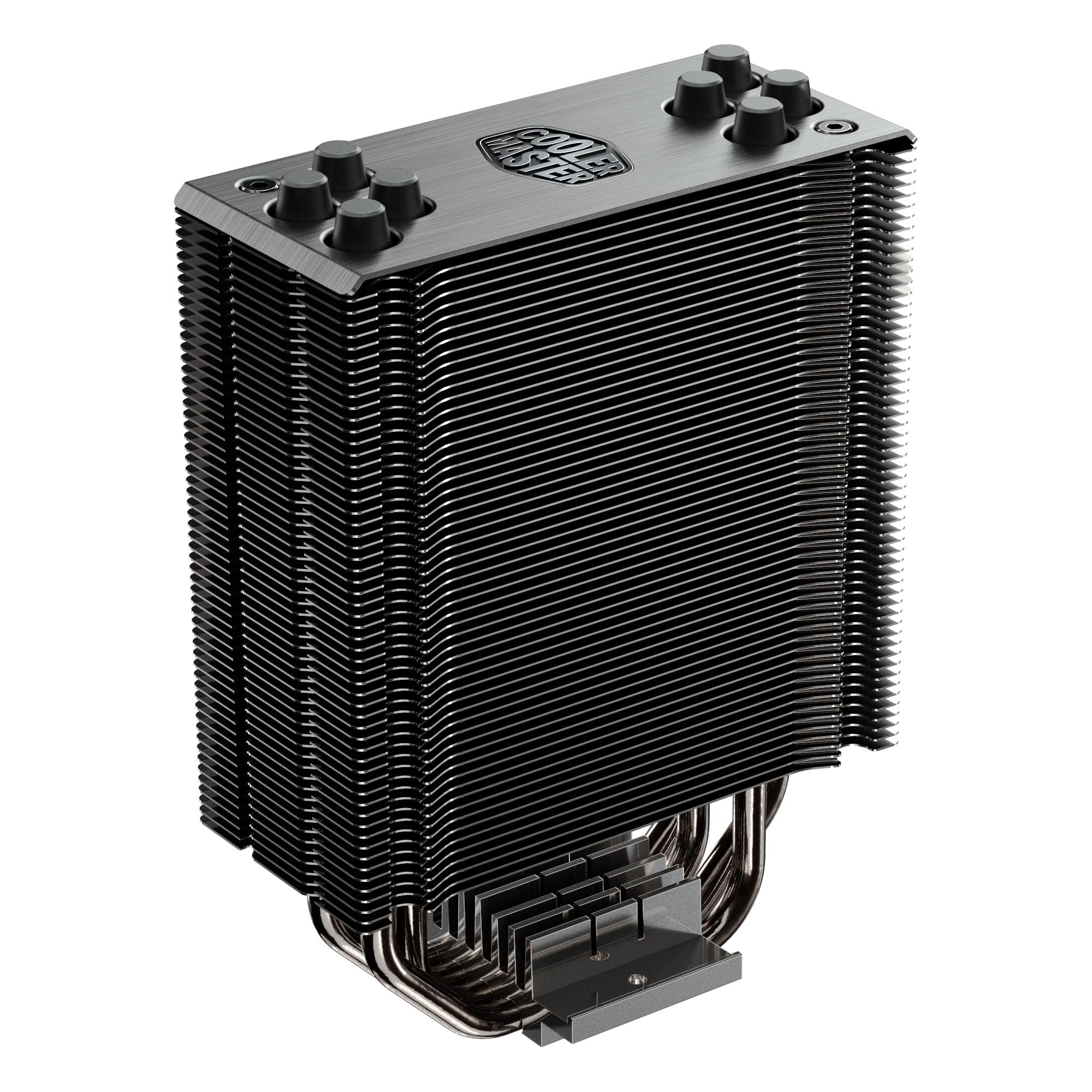
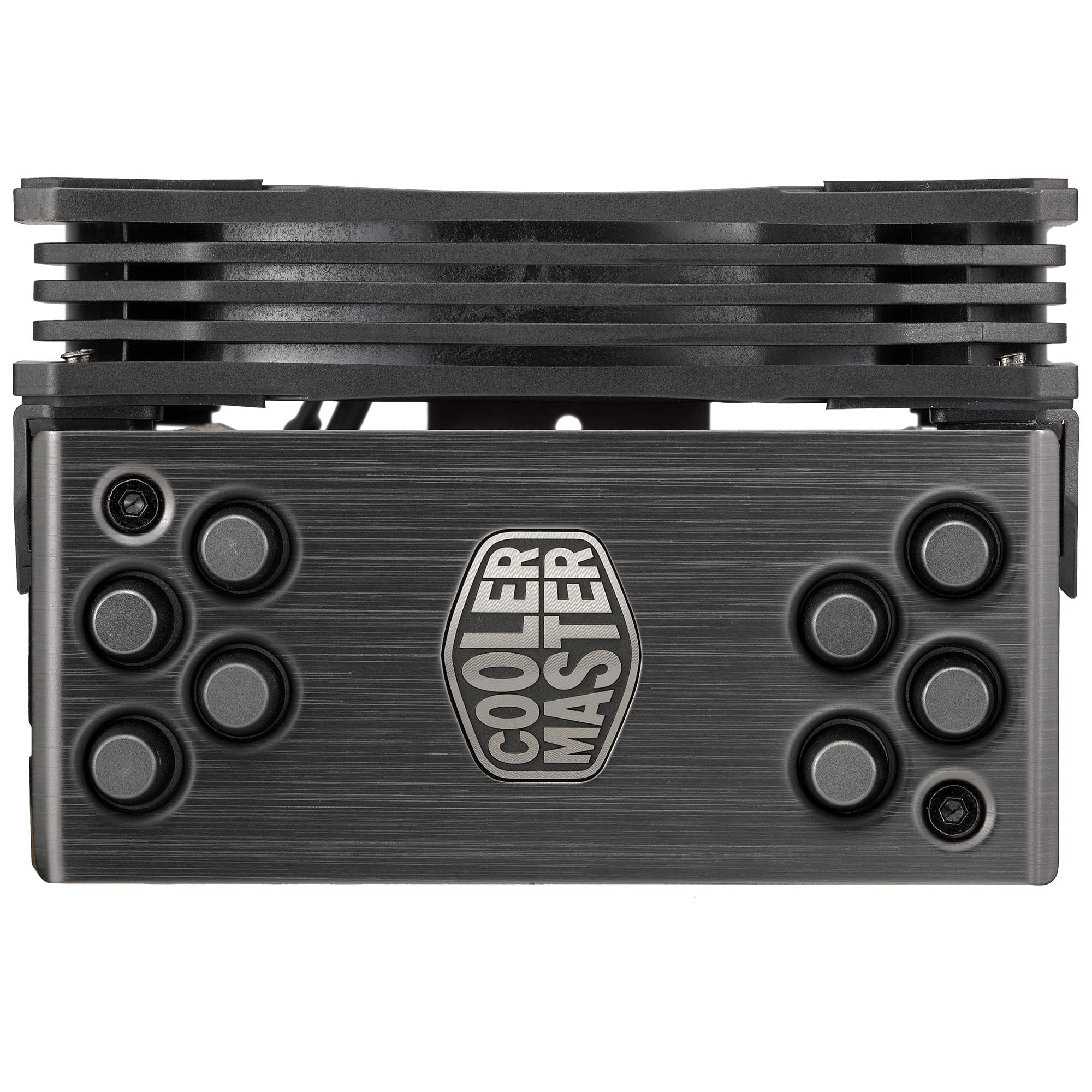
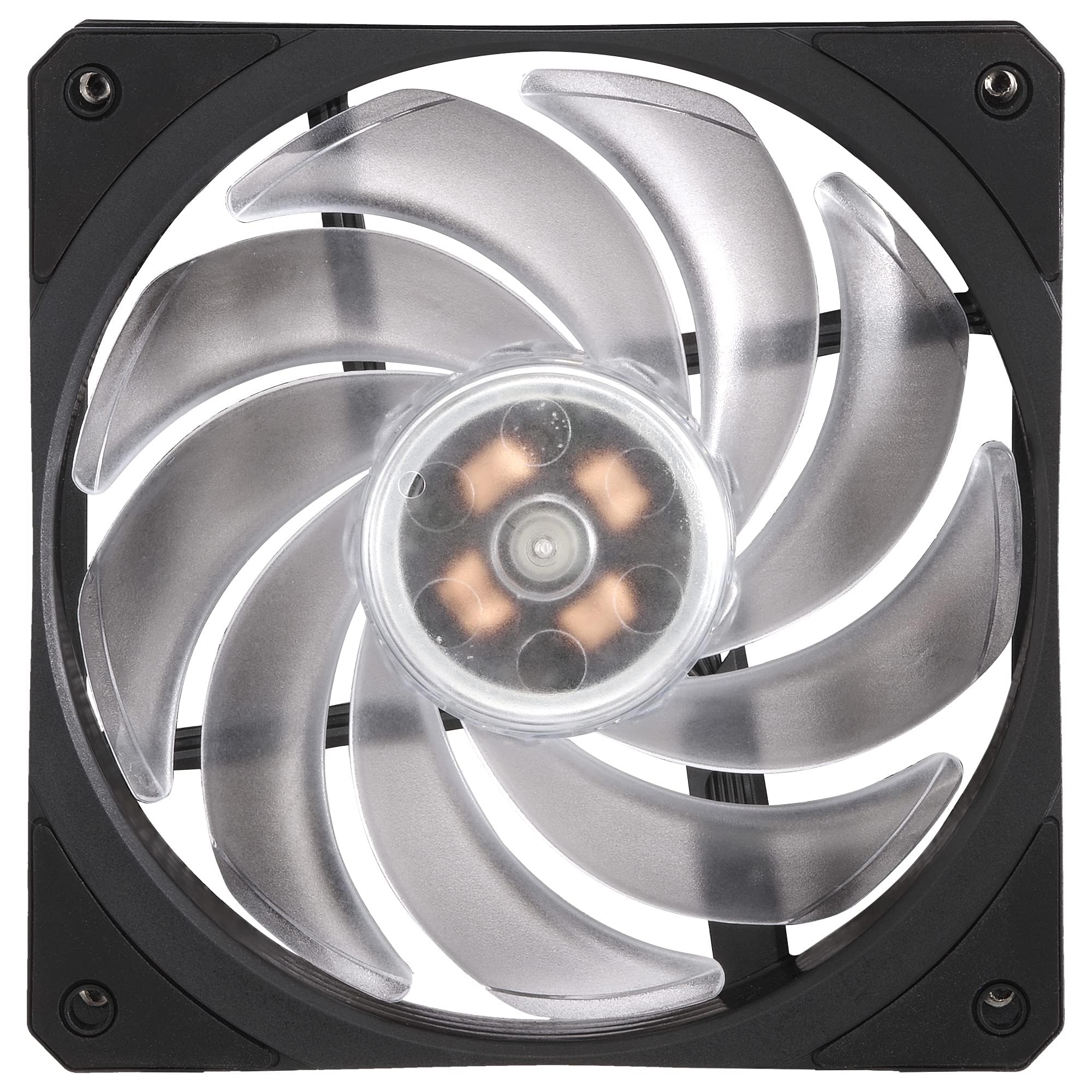
The Cooler Master Hyper 212 RGB Black Edition V2 is a high-performance 120mm CPU air cooler featuring four direct-contact 6mm copper heat pipes, a nickel-plated black heatsink for superior heat dissipation, and an SF120R RGB fan with motherboard-syncable lighting. Compatible with a wide range of Intel and AMD sockets, it offers quiet, efficient cooling with a visually striking RGB aesthetic, making it a top choice for professional and enthusiast PC builders seeking both performance and style.






| ASIN | B09K7SHXJJ |
| Are Batteries Included | No |
| Best Sellers Rank | 44,704 in Computers & Accessories ( See Top 100 in Computers & Accessories ) 677 in Fans & Cooling |
| Brand | Cooler Master |
| Colour | RGB Black |
| Customer Reviews | 4.7 4.7 out of 5 stars (19,036) |
| Date First Available | 4 Nov. 2021 |
| Guaranteed software updates until | unknown |
| Item Weight | 872 g |
| Item model number | RR-212S-20PC-R2 |
| Manufacturer | Cooler Master |
| Product Dimensions | 12 x 7.96 x 15.88 cm; 872 g |
| Series | Hyper 212 RGB Black Edition |
| Voltage | 12 Volts |
| Wattage | 260 watts |
L**E
Great for a quieter, cooler system.
When I thought through my new PC build I wanted a decent cooler, previously I went with an i7-6700 and used the stock fan that came with the processor. It was noisy and the constant drone of a fan speeding up and down, up and down was a bit off-putting. So this time I was planning on a decent cooler. Aside from that, I went for the i7-6700K, no particular want to over clock but the price was right and it did not come with a cooler anyway. I am no expert, let me make that clear. I did a bit of research and decided on this one as it was popular and the reviews were good. When it arrived I was really like 'OMG, what have I done...' The thing is huge! Thankfully, however, the instructions were good and I bought a case that was big enough to fit it, so just bear that in mind! It is a bit of a fiddle getting it set up correctly but not overly so. I would highly recommend that before you put the paste on the CPU that you ensure you have it all ready to screw down, I took a few attempts to make sure the four screws were in the right place. You can lift the screws and move them slightly as needed to make it line up just right. The whole point here is that the copper pipes suck up the heat and it spread into the heat sink where the fan blows the heat out. So make sure to place it on the CPU so that it blows the heat towards a fan that will extract the heat as quickly as possible. Despite the scary size having never used anything but a stock fan, it was not as difficult to fit as I was expecting and I am really happy with the results it is producing. On my old PC with an i7-6700 and stock fan, it could sit at 70/80C with the fan whining raiding in World of Warcraft. Now it is very, very quiet and never gets above 50C. Even if you're not so comfortable with me with these things it's not a complex task and has good rewards.
A**R
Probably one of the best coolers
I recently overhauled my PC, needing to replace RAM, Motherboard, GPU and of course CPU. This cooler was recommended as one of the best CPU coolers out there so I bought it. The cooler was larger than I expected, when fitted it was only about 1cm away from the side panel! However when switching on my PC I couldn't believe it, I could barely hear the fan operate, for such a large cooler this low noise was unexpected. I currently have an i7 6700k (not OC yet though) and at idle the temps are easily between 20-30 degrees. Under load the temps seem to rarely go above 50 degrees. Compared to my previous processor which had an idle temperature of around 40 degrees at idle when using a different cooler. The cooler comes with the parts needed to fit it and a small tube of thermal paste. Pros: -Very quiet, even when under load -Very effective cooling -Great value for such a high performing CPU cooler -The thermal paste supplied seems to be of very good quality, so there seems to Be no need to purchase other thermal paste such as Arctic silver (Then again, it's down to personal preference aswell) Cons: -The size may come as a shock and may not even fit in some cases, so do check the dimensions of your case and this fan. Overall this is a really good value CPU cooler. Don't let the low price tag fool you, it's probably one of the best performing coolers out there at such a good price.
K**I
Ultimate Cooling. Why spend £100s on water cooling (apart from the looks)? JUST PUT A 2ND FAN ON!
This is an utterly phenomenal cooler. Far better than I had hoped it would be. Check it'll fit in your case - simple google search'll do it. Install: Really easy. There's good vids on youtube to prepare you, but honestly it couldn't be much easier. I decided to use a different thermal compound - out of curiosity and because my local geek shop stocked it and I wanted to support them. It's a nanodiamond compound, non-electrically conductive so safe if you use a bit much, and rated at 3.7W/mK (whatever that means) - reviews put it about 5C cooler than Arctic Silver MX-4 (There's a brand that is even more conductice - 4.5 W/mK, I think its called IC Diamond). Other reviewers say the stuff that comes with this is good. Performance: WOW! seriously this is far beyond what I had hoped for. I'm running an i5 3570k in a Fractal Design Define R3 case. The stock Intel cooler allowed me to reach 4.2Ghz O/C, but I was seeing temps of 80/81C under prime95 tests, and beyond 4.3Ghz straight out failed. I first ran this with just the stock fan pushing air through the tower (people say this is more effective than pulling air through). Although the PWM control meant my temps stayed at 77/78C, I noticed that the fan speeds were only 50%. So I thought why not try higher... 4.3 came and went, then 4.4, 4.5, 4.6.... by now the fan was hitting 90% BUT STILL KEEPING ME AT 79/80C. I even got it to 4.7Ghz but temps started rising toward 85C. I bought this because I really wanted a moderate O/C at 67C or below. Then I read up on dual fan push/pull configurations. I had a spare 120mm fan, just a cheap standard Akasa 1200rpm jobbie. The brackets that come with this for 2nd fan are so easy to install. My fan ain't PWM, so just plugged it into mobo 3-pin header. This means its always at full rpm, but its a very quiet little thing so I don't mind. But OMG the difference! 4.2Ghz dropped to 45C at full prime95 stress test on all 4 cores. 45C!!!! I think this is partly because the 2nd fan is always maxed. The PWM fan just span at its lowest 600rpm setting. Idle is now 9C when the room temp is 21c!!! I've managed to get a properly stable O/C of 4.7Ghz at 1.32v. So far hasn't been above 62C on any core under prime95, and the original PWM fan hasn't gone above 1200rpm out of max 1600rpm. If I wasn't set on a low temp and a quiet fan I think this cooler could get me to 4.8, maybe higher if the chip will stay stable. This is as good as some water loops I've seen. At a fraction of the price. For fun and better looks I've just ordered 2 Akasa Viper fans that I'll use on this. If they are as effective as the reviews say, I might try for a higher O/C. Which is mental considering I bought this hoping for 67C at 4.3Ghz. If you want seriously effective cooling for a fraction of the price of water loops, buy this and put a 2nd fan on it.
J**O
Meu processador é bem básico então ela quase nem trabalha, comprei pra uma possível melhoria de processador, mas só de não parecer um ventilador velho igual a minha antiga já é uma maravilha. Posso dormir com o computador ligado agora.
G**S
Very good
A**A
1- أشكر أمازون علي التوصيل السريع وشكر لمندوب التوصيل أ.نادر علي التعامل المحترم، 2- أشكر البائع علي المنتج، ربما السعر يحتاج إلي تخفيض بعض الشئ ولكن المنتج مطابق للمواصفات المذكورة وسأكرر الشراء مرة أخري لنفس المنتج وسيكون البائع ضمن قائمتي المفضلة عند التصفح، وتقييمي إيجابي للجميع بشكل عام.
S**A
I have a ryzen 7 5800x on idle without overclocking at 3800mhz base clock speeds temps are 40 to 50 degrees Celsius ... while gaming they go up to 60 to 70 ... this cooler is pretty good ... overclocking the cpu will take the temps to 60 to 70 idle and up to 85 while gaming ... safe temps for a ryzen 7 are 95 which is pretty good as well for OC
M**N
Got this as used very good condition but turns out it had gotten dinged somewhere but not bad enough for it to not work, and Amazon gave me a discount on top of that so how could I complain. It barely fits in my $20 Rosewill SB-01 case but it fits, and the best part is I hear NOTHING! I was replacing the stock wraith stealth on my ryzen 3600, and didn't realize how needlessly loud it was. Was a bit of a trick to install but nothing anyone with some patience can figure out. Won't be looking back from this purchase.
Trustpilot
3 weeks ago
1 month ago



