
DOWNLOAD THE APP


Customer Services
Copyright © 2025 Desertcart Holdings Limited
DOWNLOAD THE APP

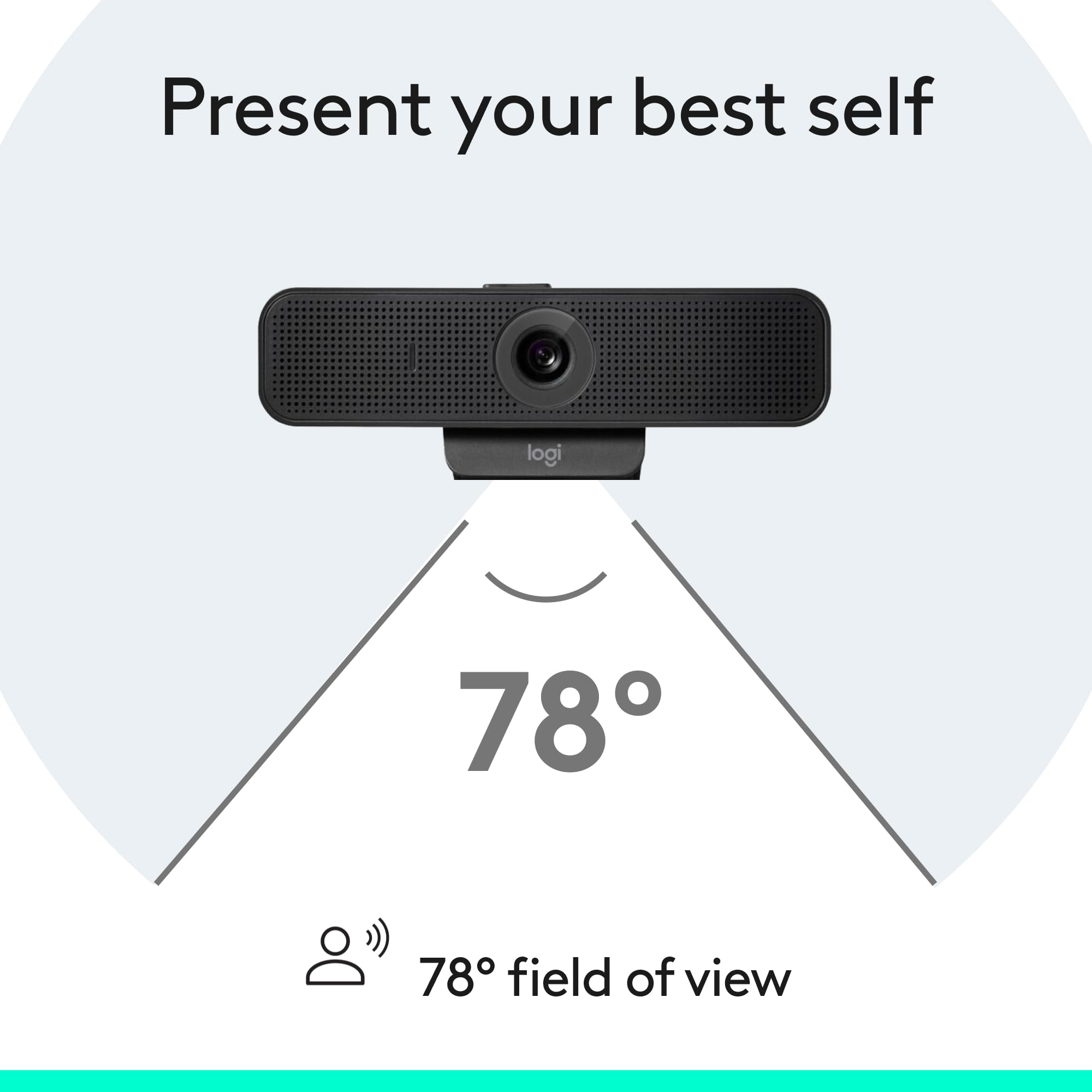

🎥 Elevate your virtual presence—because your image deserves the spotlight.
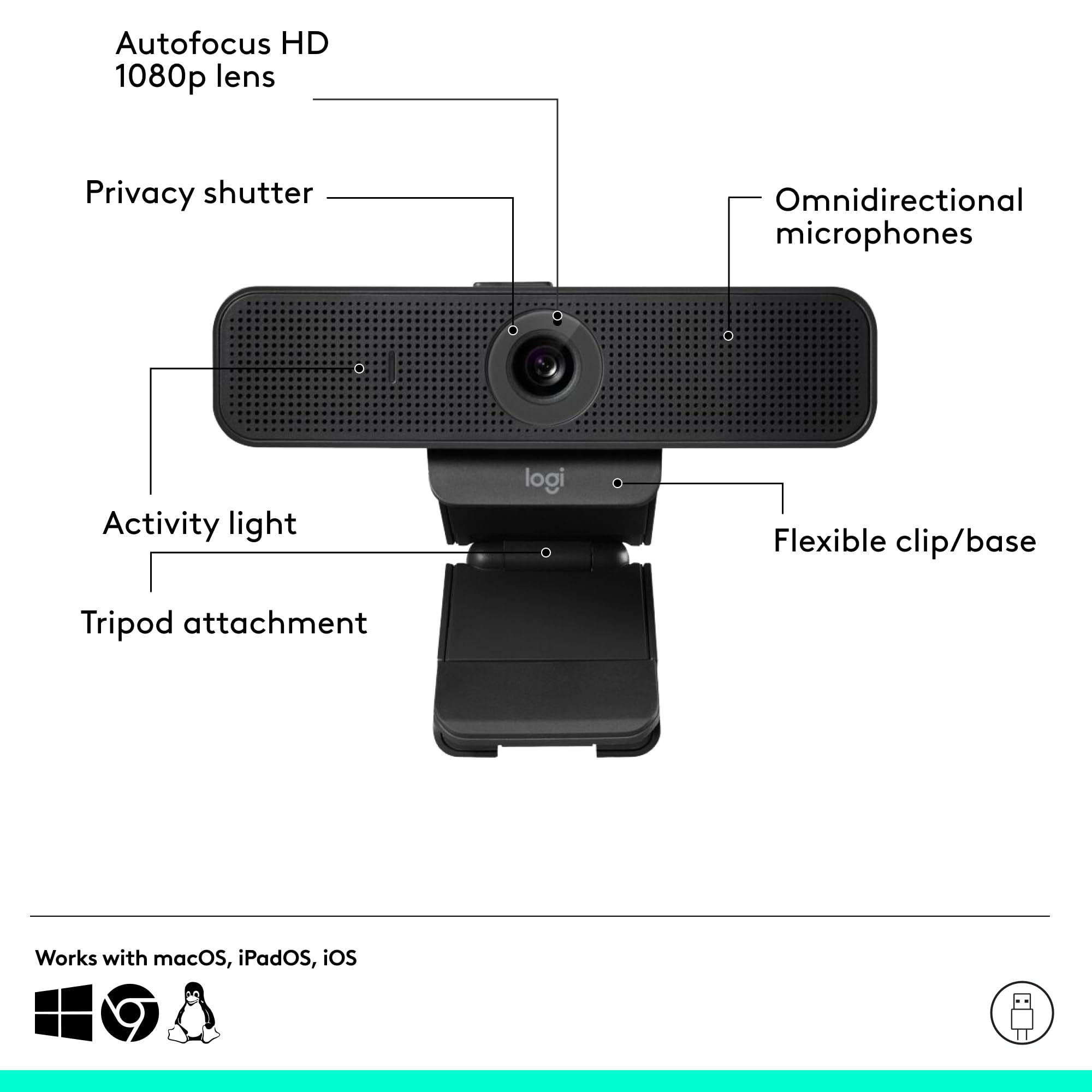
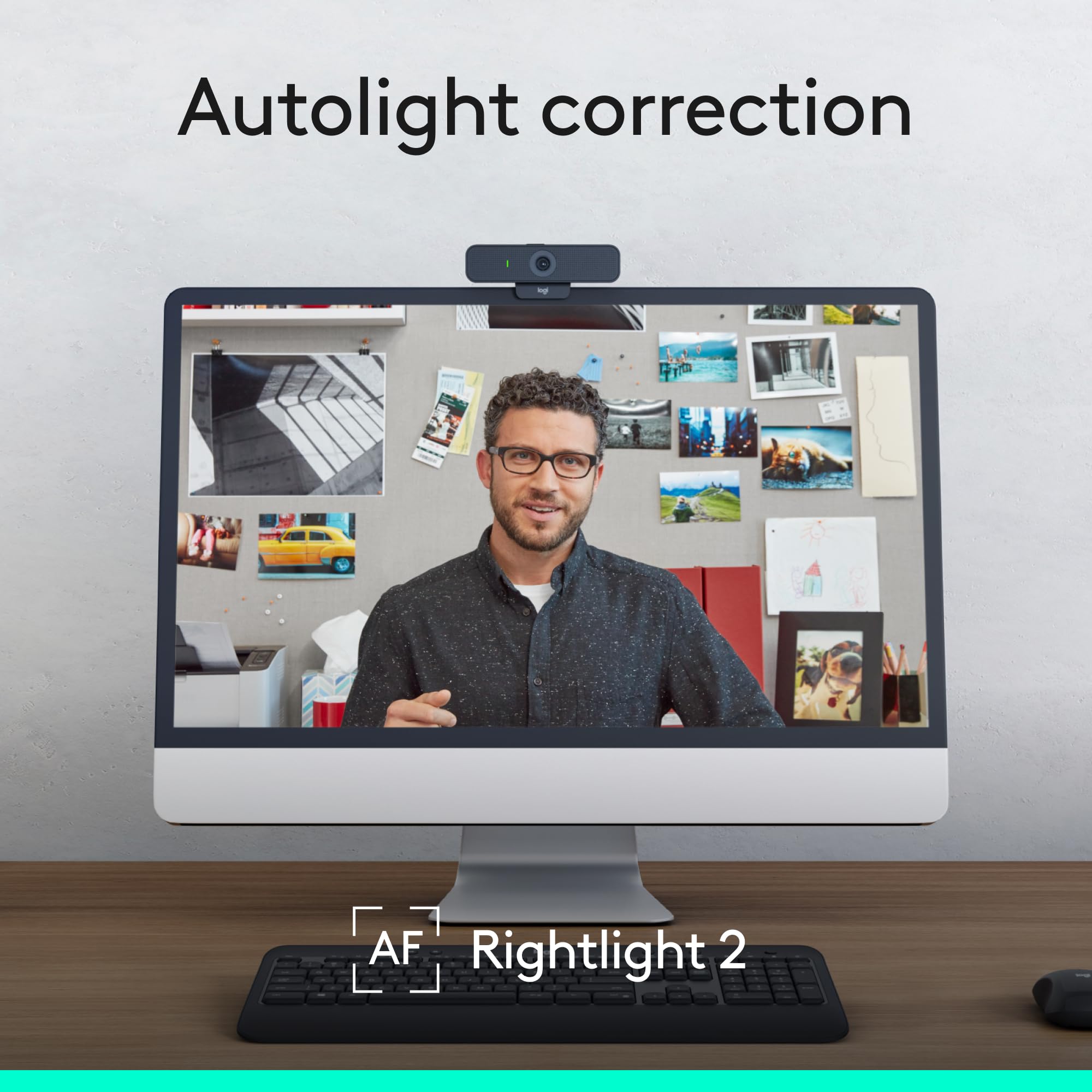
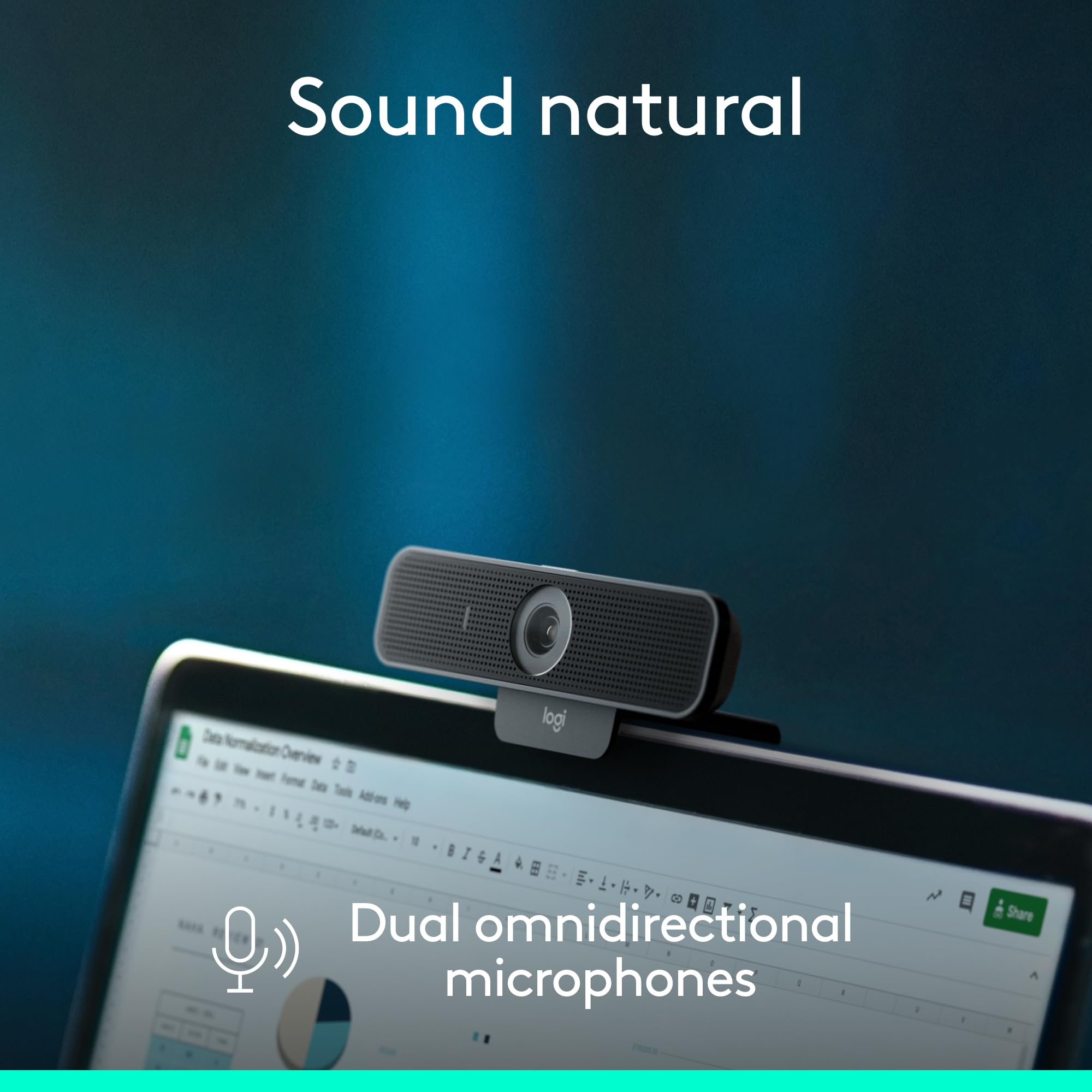
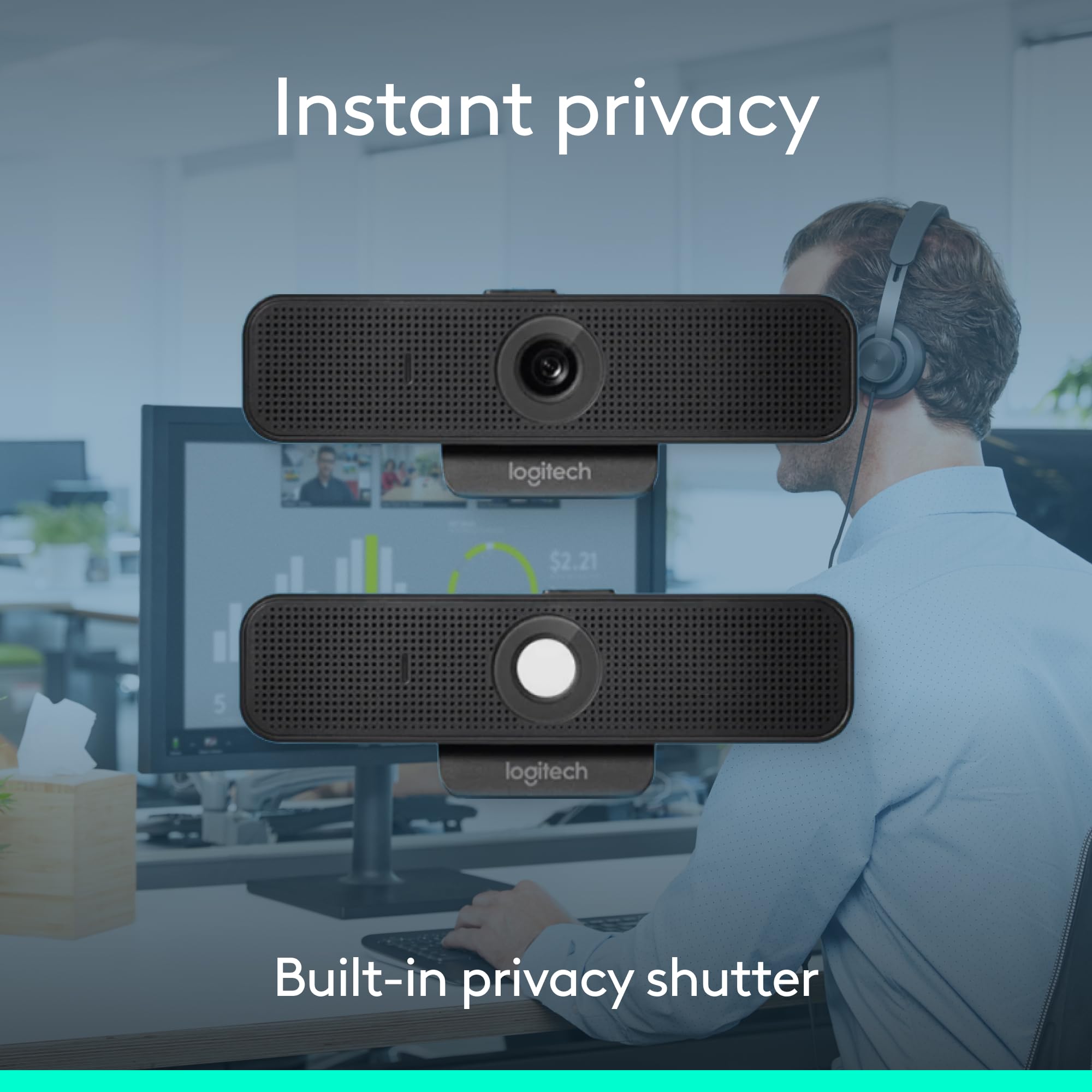
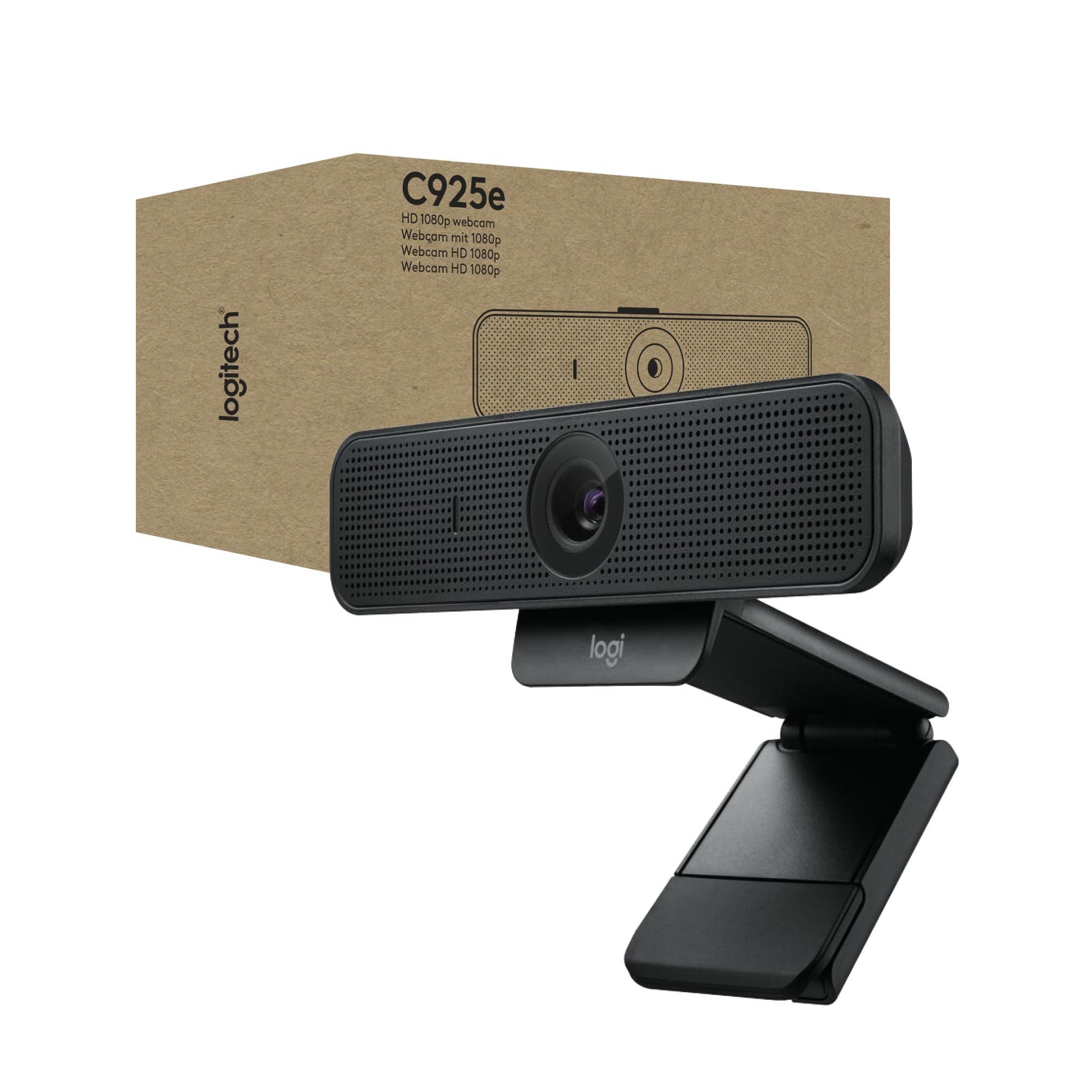
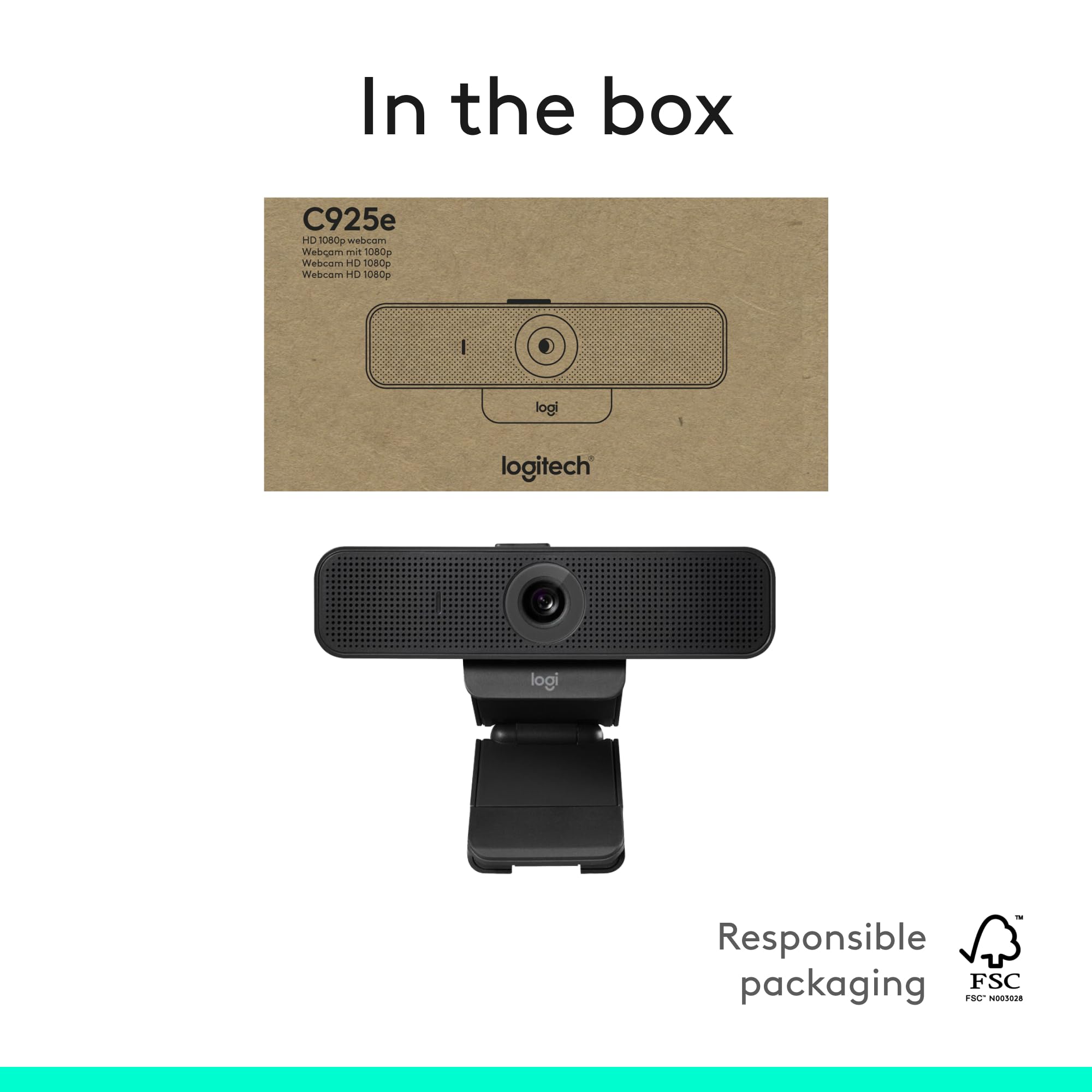
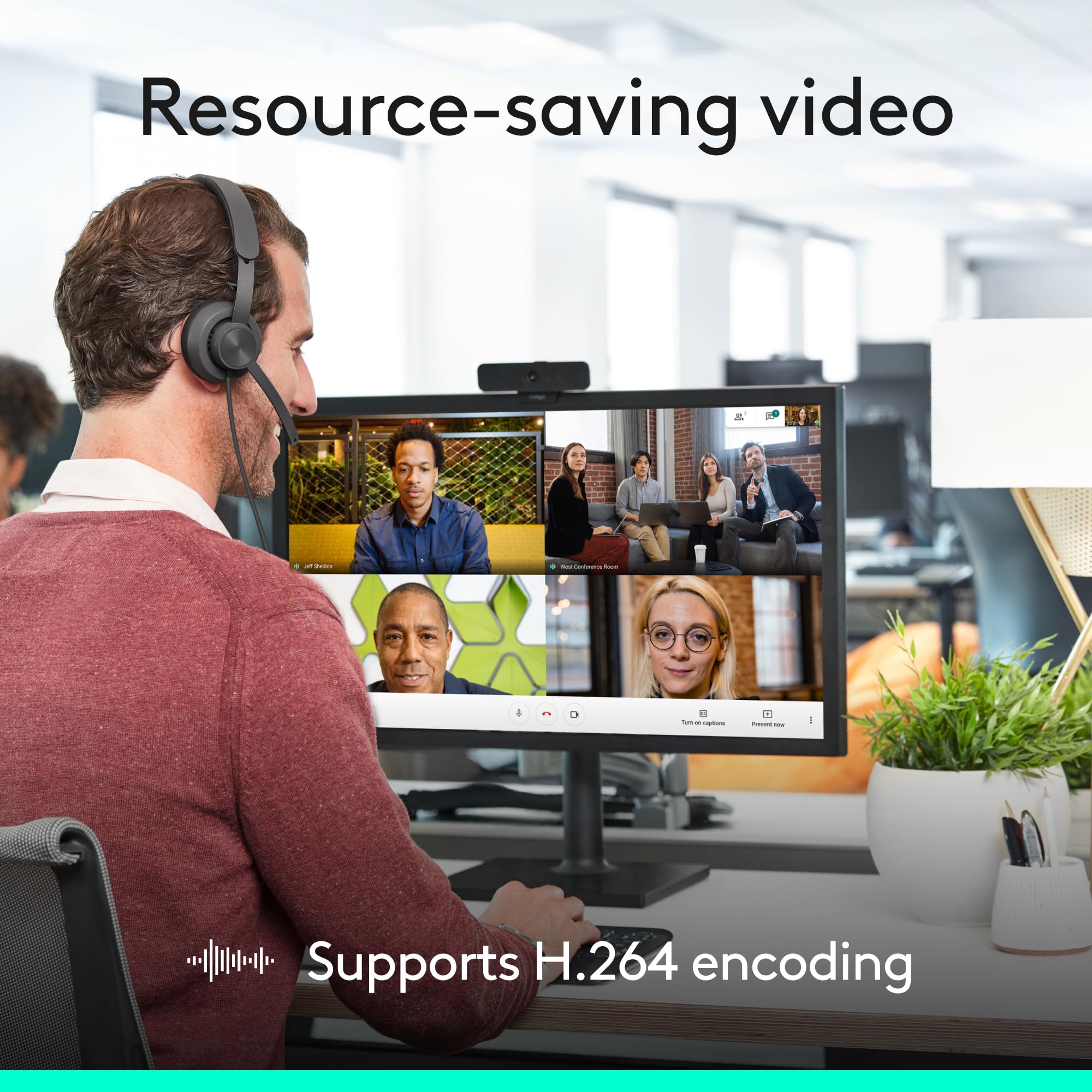
The Logitech C925e Business Webcam delivers professional 1080p HD video at 30fps with advanced RightLight 2 technology and autofocus for clear visuals in any lighting. Dual omnidirectional microphones capture crisp audio within one meter, while a built-in privacy shutter ensures security. Compatible with all major video conferencing platforms and featuring easy USB plug-and-play setup, it’s designed for seamless, polished communication in any professional setting.


| ASIN | B01GRE7W9O |
| Batteries | 1 Lithium Ion batteries required. |
| Best Sellers Rank | 33,729 in Computers & Accessories ( See Top 100 in Computers & Accessories ) 256 in Webcams |
| Brand | Logitech |
| Colour | Black |
| Customer Reviews | 4.4 4.4 out of 5 stars (2,278) |
| Date First Available | 9 Jun. 2016 |
| Effective still resolution | 2 MP |
| Focus type | Auto Focus |
| Guaranteed software updates until | unknown |
| Has image stabilisation | No |
| Included components | Privacy Cover |
| Item Weight | 6 Ounces |
| Item model number | 960-001076 |
| Max Focal Length | 45 Millimeters |
| Min Focal Length | 1 |
| Model year | 2016 |
| Package Dimensions L x W x H | 14.2 x 7.8 x 5.2 centimetres |
| Package Weight | 0.21 Kilograms |
| Part number | 222A295 |
| Product Dimensions L x W x H | 7.3 x 12.6 x 4.5 centimetres |
| Style | professional |
| Warranty description | 2-year Limited hardware warranty |
| Water Resistance Level | Not Water Resistant |
| Zoom Type | digital zoom |
P**N
Excellent product - even with Teams
I did a lot of research before purchasing this and am very happy indeed with the product. Set up was easy, and I went on to download additional software (Logitech Camera Settings) that helps with optimising the camera and "remembering" the custom settings so that you don't need to re-adjust each time. A word of caution. When I first set up I was very disappointed with the picture on MS-Teams. Whatever I tried, I couldn't seem to obtain a true HD 1080p image. Lots of misleading stuff on the web led me to try overcome this by setting the camera us as a "virtual camera" using OBS or Logitech Capture as the stream intermediary. None of this is necessary! The low-res is only your "self-view". Everyone seeing your output receives a "high resolution" image. I verified this by setting up meetings with another account on Ipad and viewing in real time how my feed was appearing to the other party in the meeting. Picture quality = excellent. Still not a patch on using a mirrorless camera as a webcam, but then no webcam is, including webcams costing £100s. And finally, I wouldn't recommend using the microphone on this webcam. It is just about usable (in emergency) but is definitely no better than using built-in laptop mic and a whole lot worse than using a dedicated mic. Moreover, the levels on the mic were waaaay to low for normal use because of the way in which windows10 talks to USB mic inputs. You will achieve far superior quality by using a cheap £8 lav mic.
U**R
Great webcam, well-designed & professional, clear video & sound, and privacy lens is a nice addition
This is a great webcam, it is well-designed and looks professional, the video and sound quality is clear at all times, it is easy to set up and attaches easily to the top of a 27" curved monitor, and the privacy lens is a nice addition too.
P**T
Great camera but sharpness could be a bit better
I've switched from a €30 knock off I've been using for a year to this Logitech C925. The difference in terms of color accuracy is insane. My face finally looks natural and not over or under saturated. The auto-focus works fine and the setup is simply plug in and voila. But the sharpness of the image is not that great. My old camera was 720p and this one supposed to be 1080p but it actually looks less than 720p. I tested the image side by side with my other camera and I was surprised that a €100 camera is so blurry. But still - it's the colors that matter to me most so keeping it.
J**W
Narrow viewing angle
Although this is a webcam for use in business it has been recommended by Computer Active for home use. It clips securely to the top of your monitor, gives a clear HD view and has a manually operated blind to pull across the lens for privacy when not in use. However the angle of view is quite restricted and is best used to display only a single person. It can display two people side by side but it is a bit of a squash. Apart from this it works well and is easy to set up.
I**E
Perfect for online business meetings
Clear, crisp images. Works straight out of the box.
R**B
Excellent hardware, garbage software
The camera is great but it's unfortunately being dragged down by the software they call Logi Tune. On MacOS the zoom feature is completely broken for months now, and despite multiple updates it's still not working properly. I'd change my review to 5 stars if Logitech fix their broken piece of software.
M**S
Logitech image quality combined with some decent software
I use Logitech not just for the hardware but the software that comes with it. Most cams will rely on Windows to install drivers and plug and play, whereas Logitech will take it one step further and give you some decent software too. This particular camera is wide angled so it shows a lot of office background, but the software allows you to control the zoom and position of the image without having to adjust the camera physically. The video quality is amazing as well, and the mic picks up my voice but nothing else, so great for people who have cats sleeping on their desk, who snore a lot. Got one for the wife as she was jealous.
R**Y
Great Webcam Generally
Brilliant Webcam generally, with excellent features e.g. Compact Design, HD Picture Quality, Colour Correction, Auto-focus, Low-light Conditions and Angle of Field of Vision all brilliant! Long USB Lead also very useful. Only thing is Slight Delay on Movement causing slight latency on Speech and Mouth Movements. Don't know if is it the Camera or my internet Speed, as I am using it for on-line teaching with Zoom. Also Very useful App, Free to download from the Internet, allowing certain settings to be adjusted!
K**I
Una maravilla. Tiene una calidad muy buena para ser una webcam y el auto enfoque es muy preciso, es algo que se agradece mucho si tienes que mostrar algún texto a la cámara no muestra nada borroso. Dispone de un botón deslizante para tapar la cámara por si eres de los que le obsesiona la privacidad así como una led que indica si la cámara esta encendida en ese instante. El micrófono no lo he probado mucho pero por lo poco que he probado no se oye hueco y parece que tiene suspensión de sonido. El diseño es muy bonito y si no eres de los que les gusta las cosas simples y lisas es una muy buena elección.
P**R
Nothing out of the ordinary. It is quite basic, it works but the image definition is so so. I was expecting more from Logitech.
R**N
love the mic, and quality of the picture. plug and play. have used it on multiply platforms, no issues to report. the length of the cable is great, especially if you need to change the mounting points day to day. i use this for business when staff needs to use Zoom/Teams for conference calls or webinar's for larger participants, where i need well above average audio/video solution but in a small package. Easier for anyone to setup and go.
S**M
Very easy to install and set up - particularly like the ability to zoom in or out
M**N
Läuft mit MacOS / Intel-Mac und der Bei-App "Camera Settings" für Einstellungen wie Weissabgleich, Zoom etc. Leider "merkt" sich die Kamera die Einstellung nicht, man muss also bei jeder Benutzung das über die App einstellen. Für mich mit den Standardeinstellungen ok, manchmal ist etwas mehr Farbe nett. Bei mir im Einsatz i.d.R. mit Zoom und Teams. Mit hellem Gegenlicht kämpft die Kamera etwas, kommt aber ansonsten mit suboptimalem Licht gut zurecht. Bild ist wirklich topp, der Bildausschnitt auch etwas geringer als andere Webcams, also perfekt für Web-Meetings wo man nicht immer eine visuelle Führung durch die Wohnung machen möchte. Empfehlung ohne jede Einschränkung!
Trustpilot
2 days ago
2 months ago