



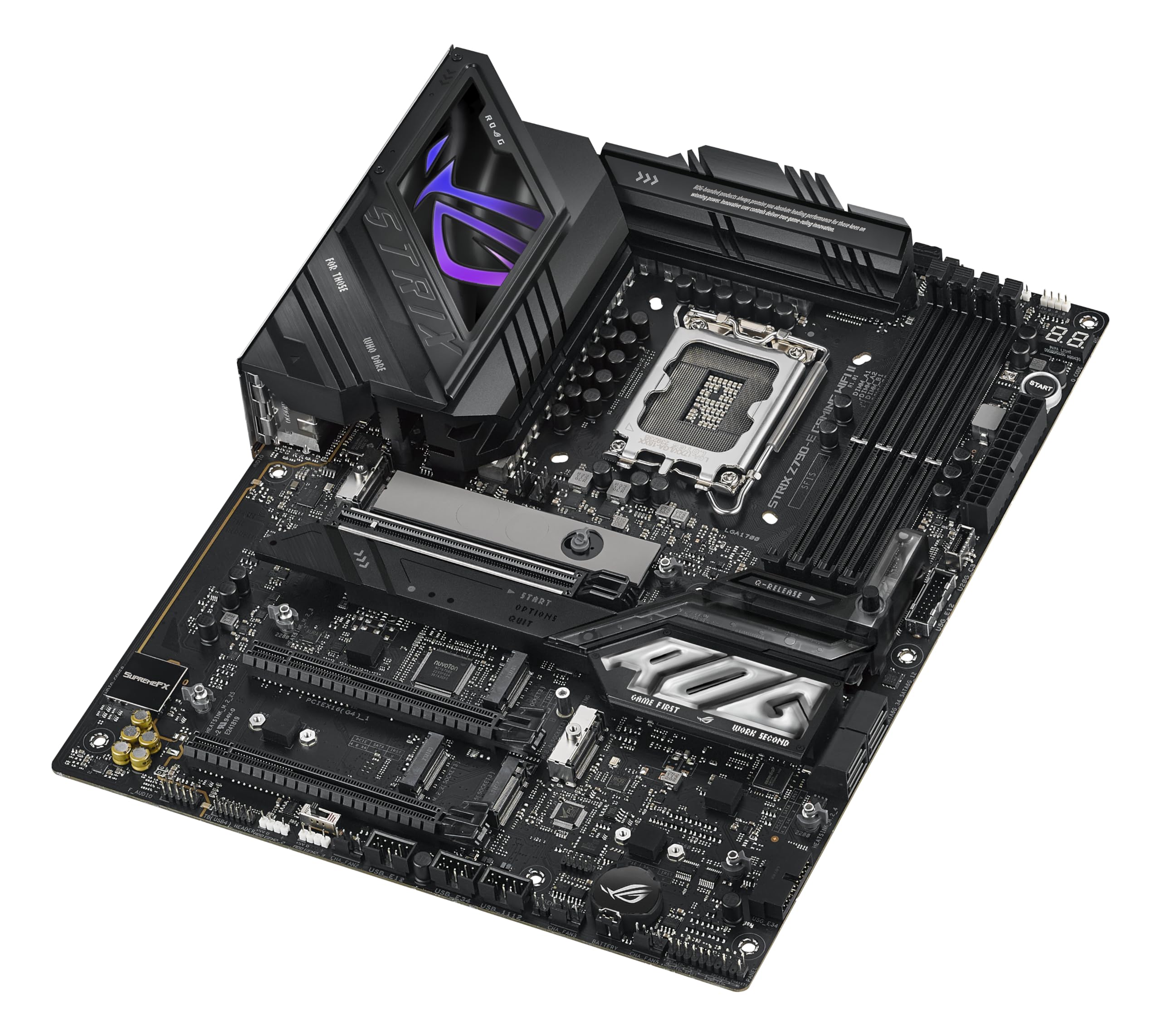

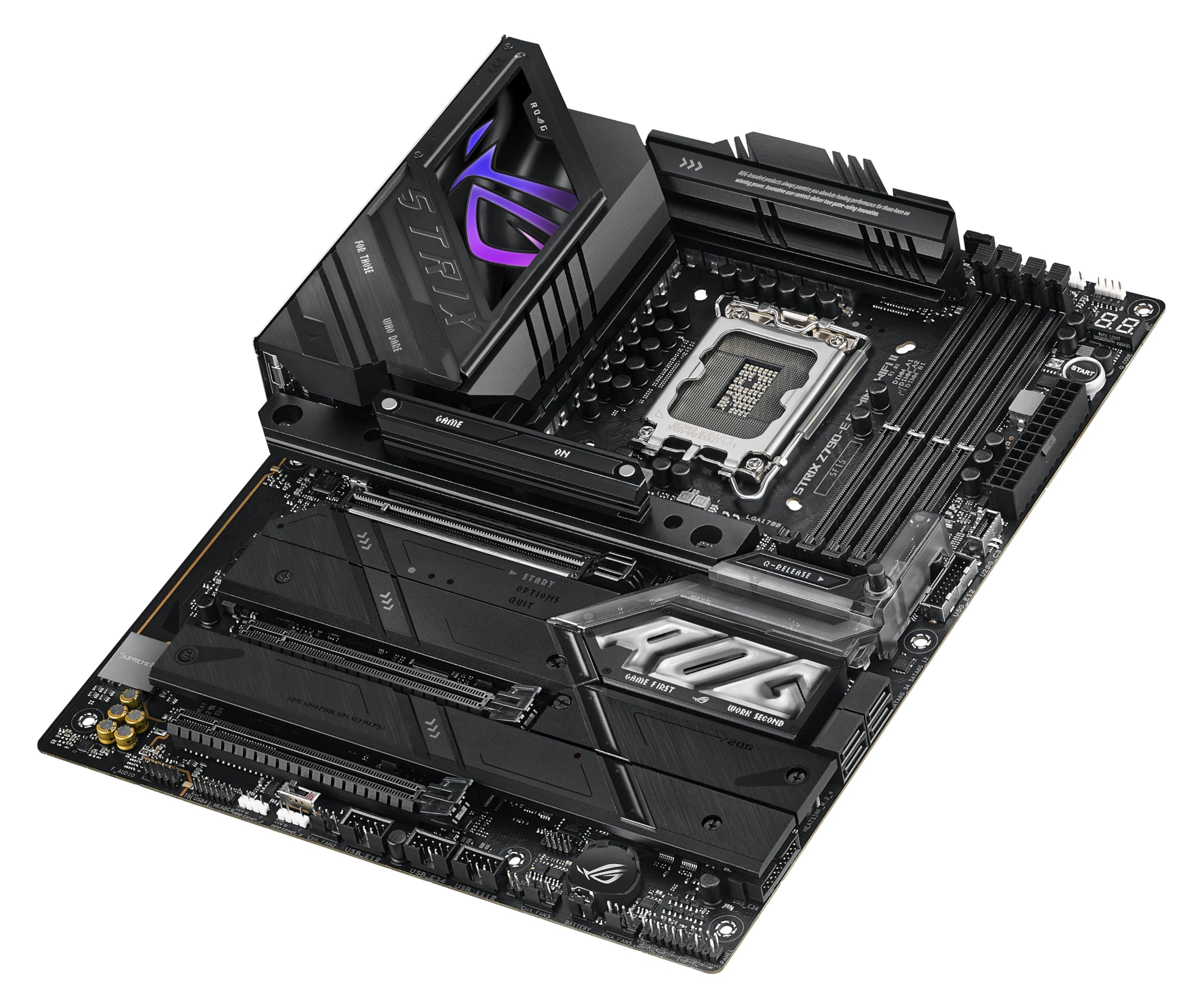
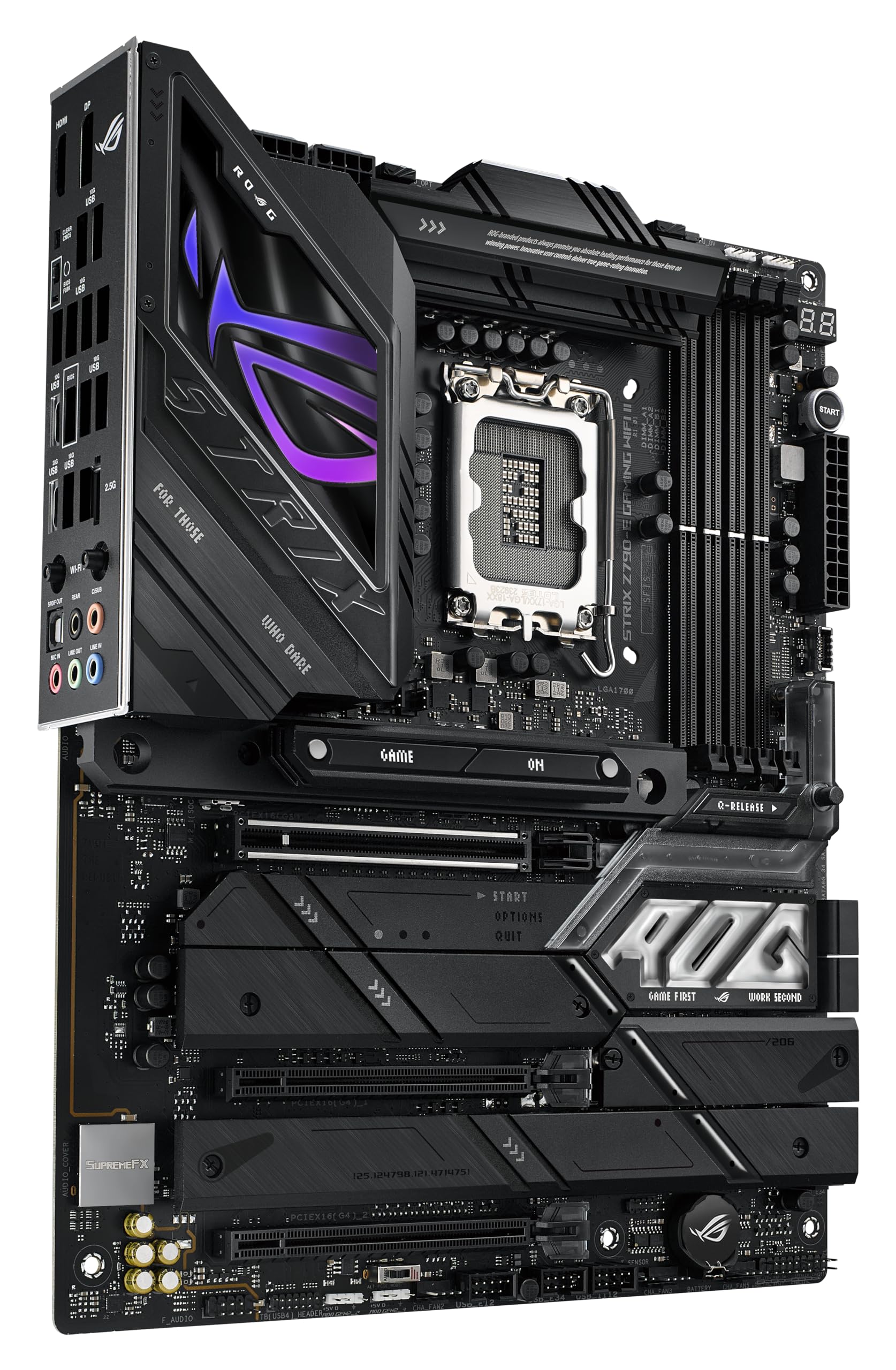
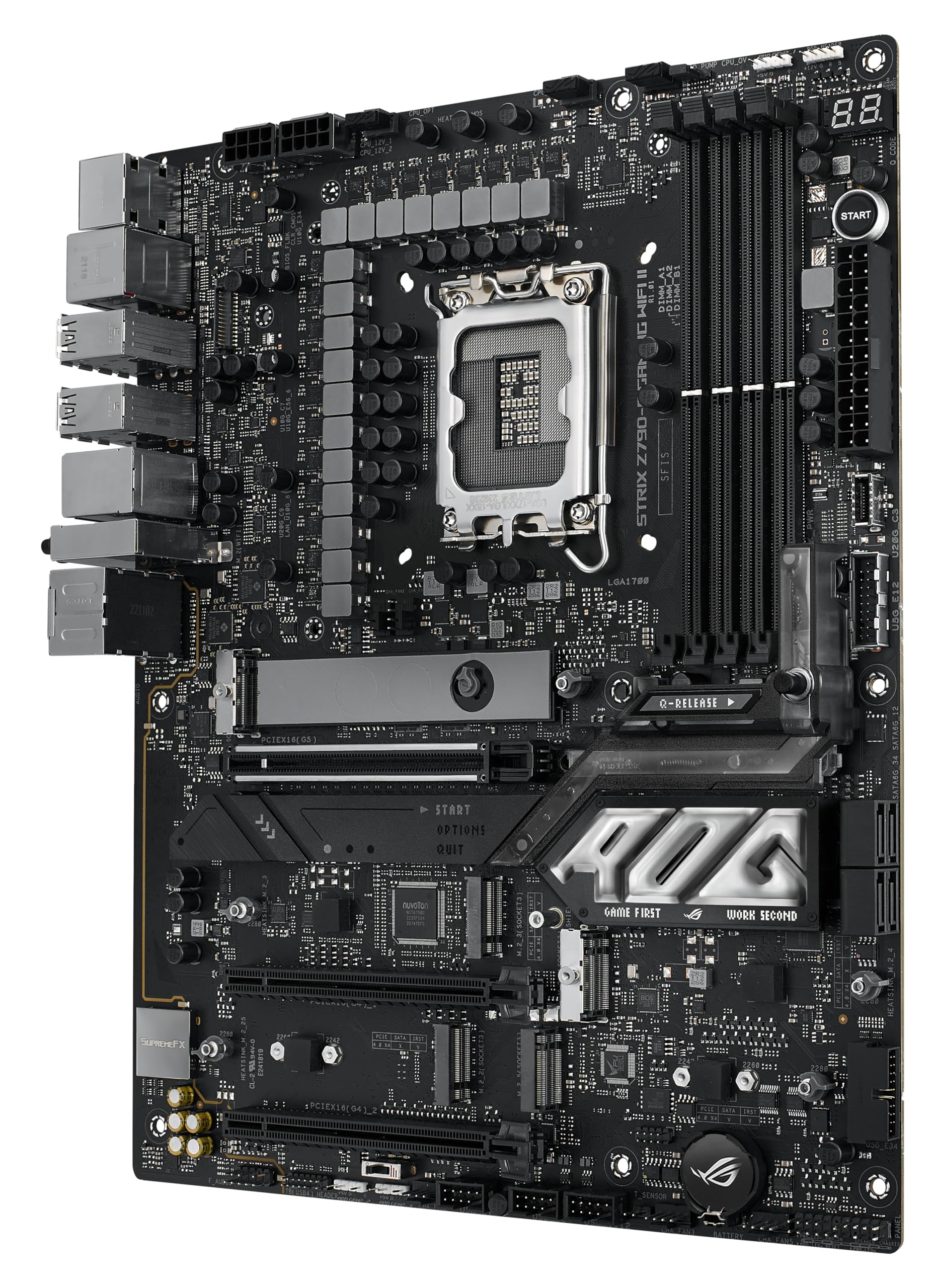
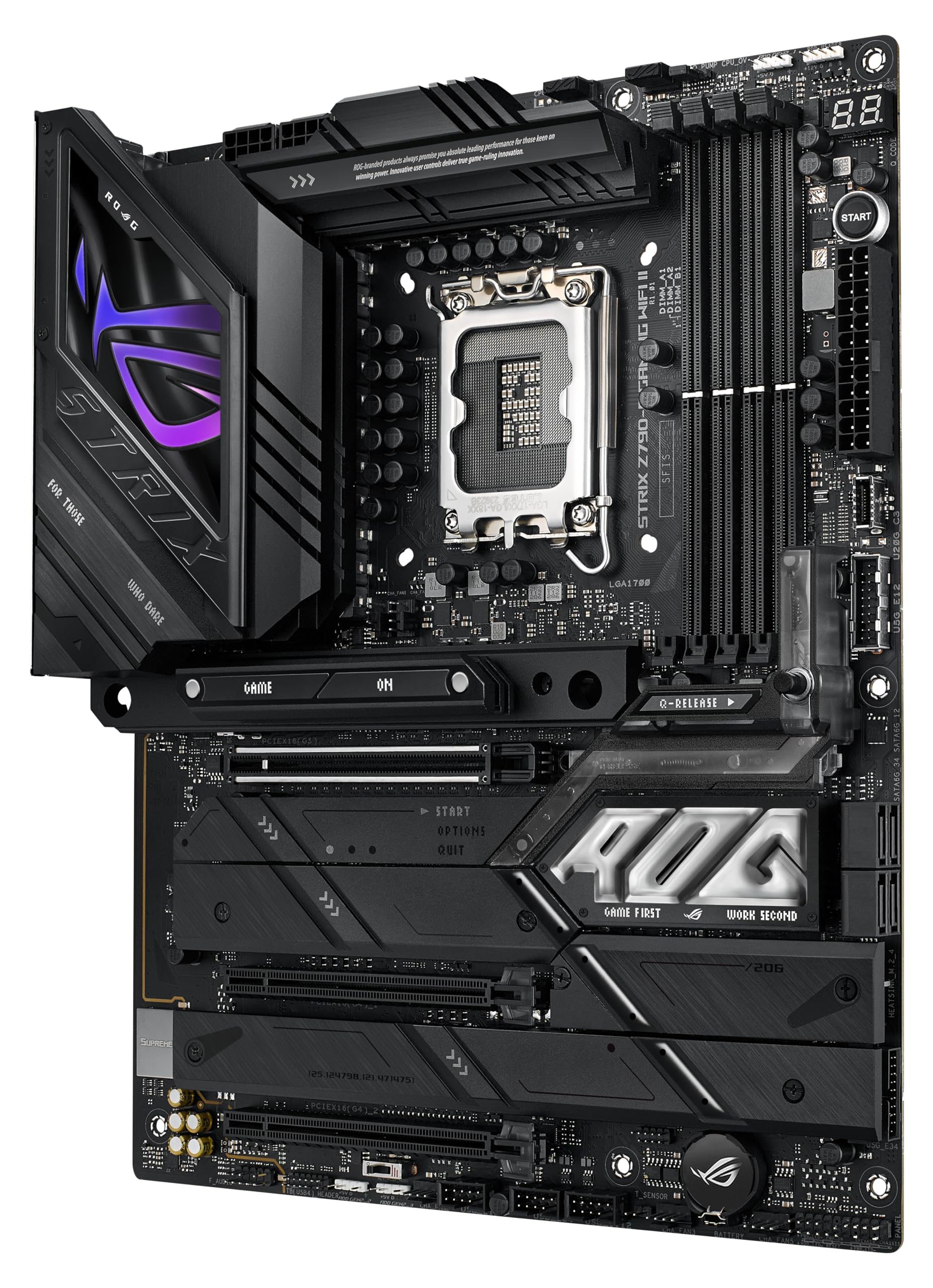
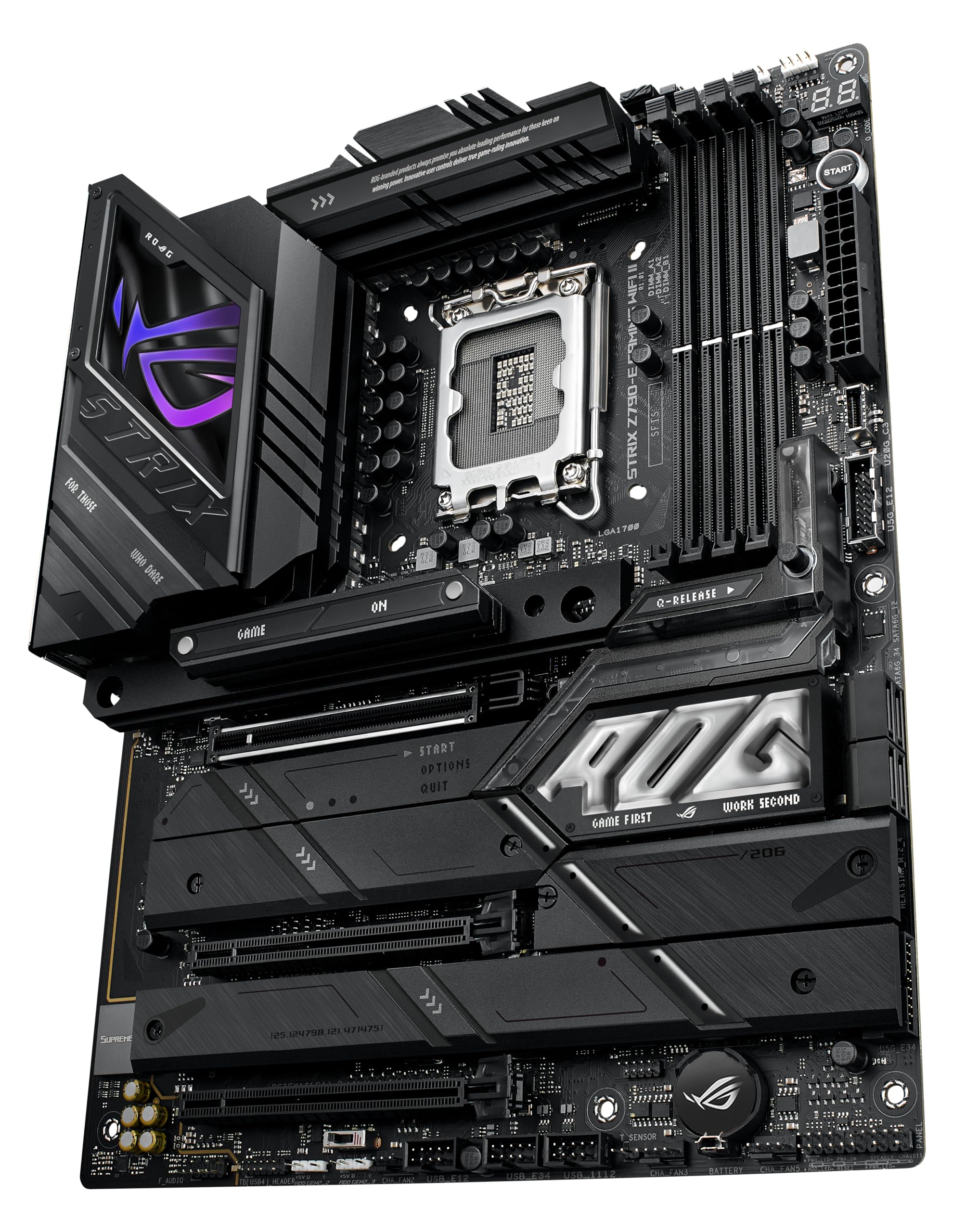
🚀 Elevate your build with the ultimate gaming motherboard — power, speed, and style in one sleek package!
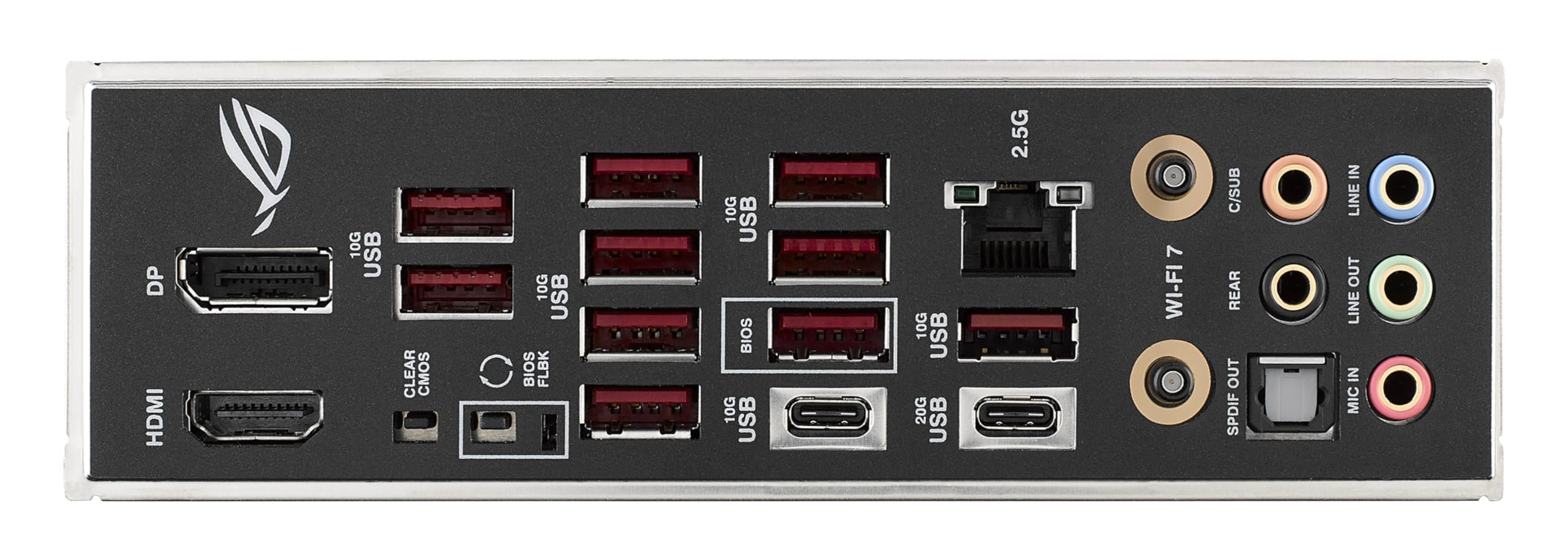
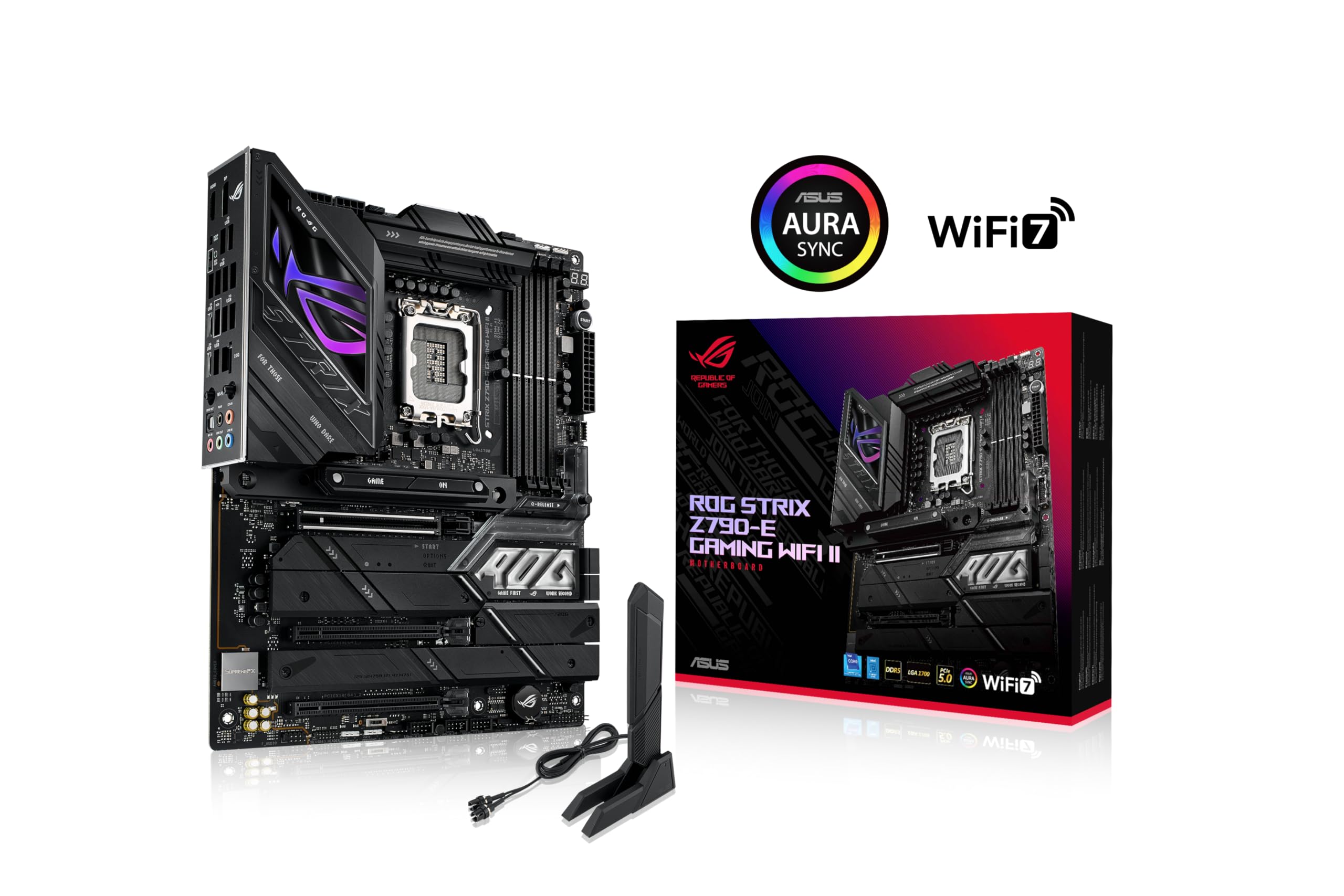
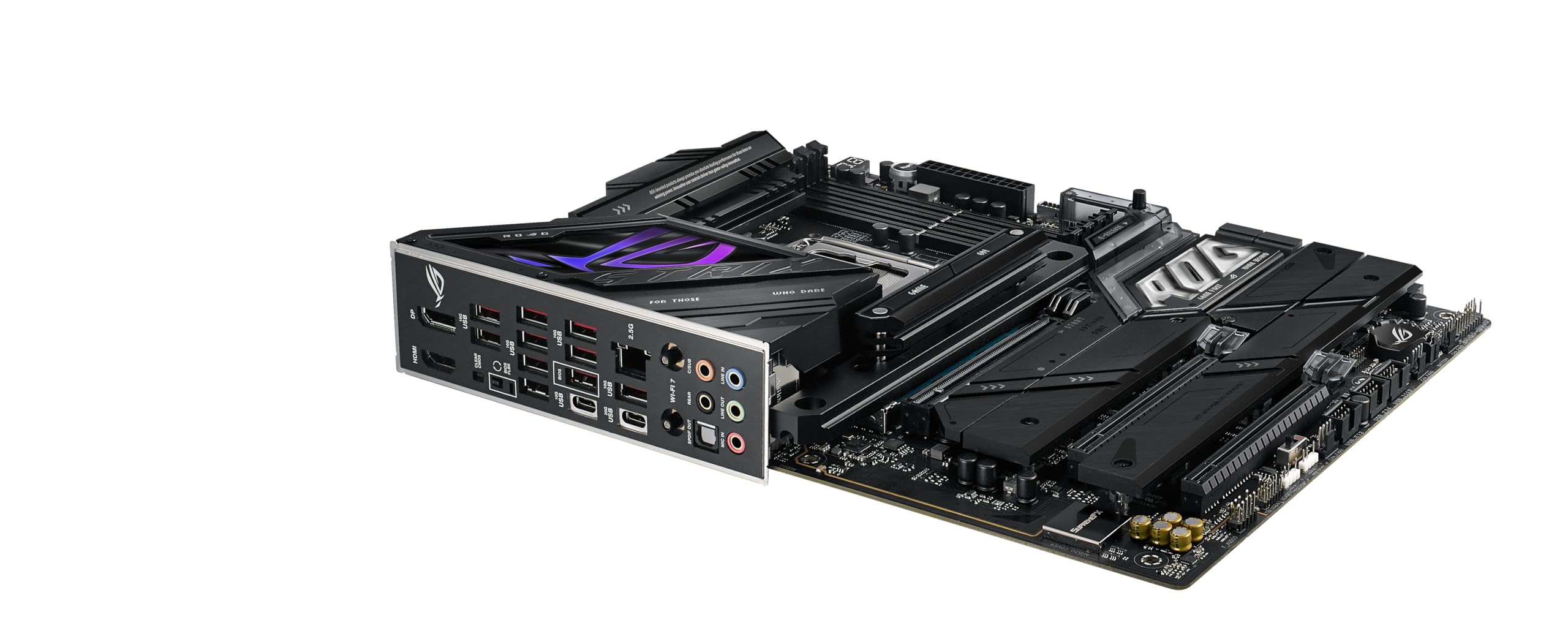
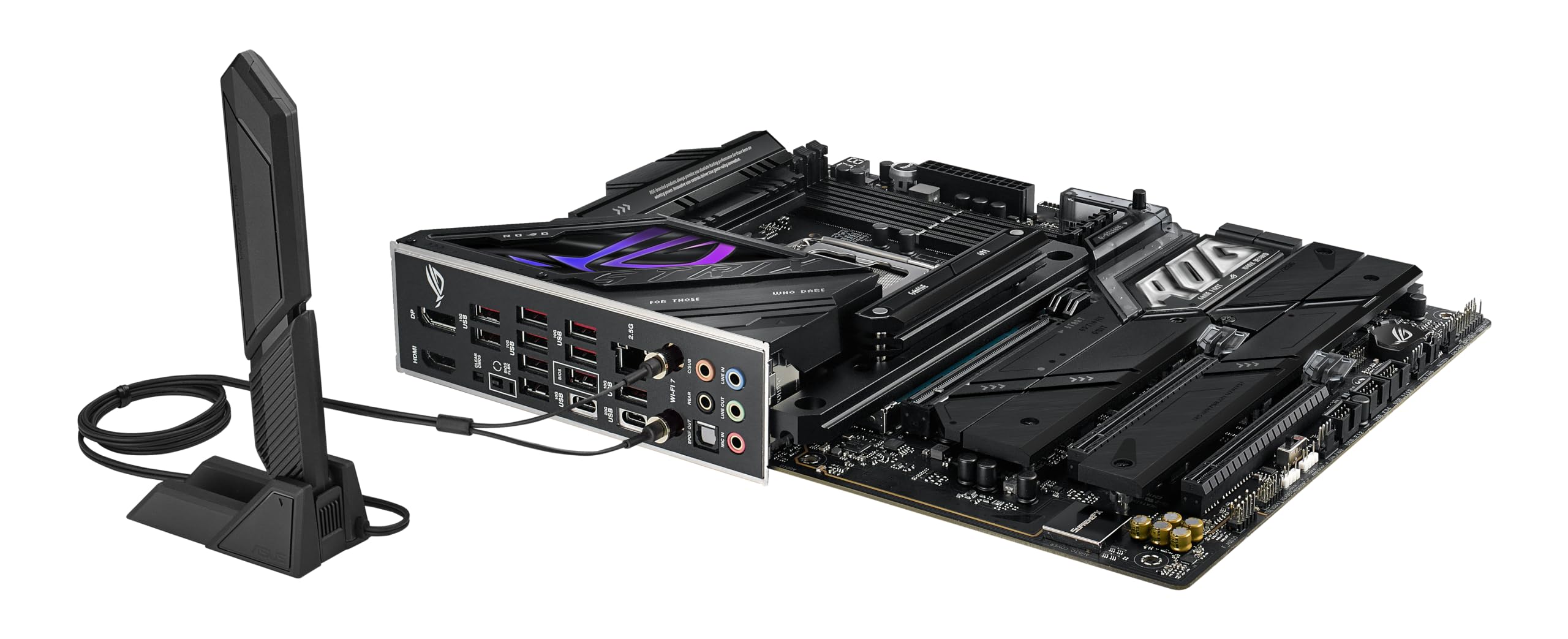
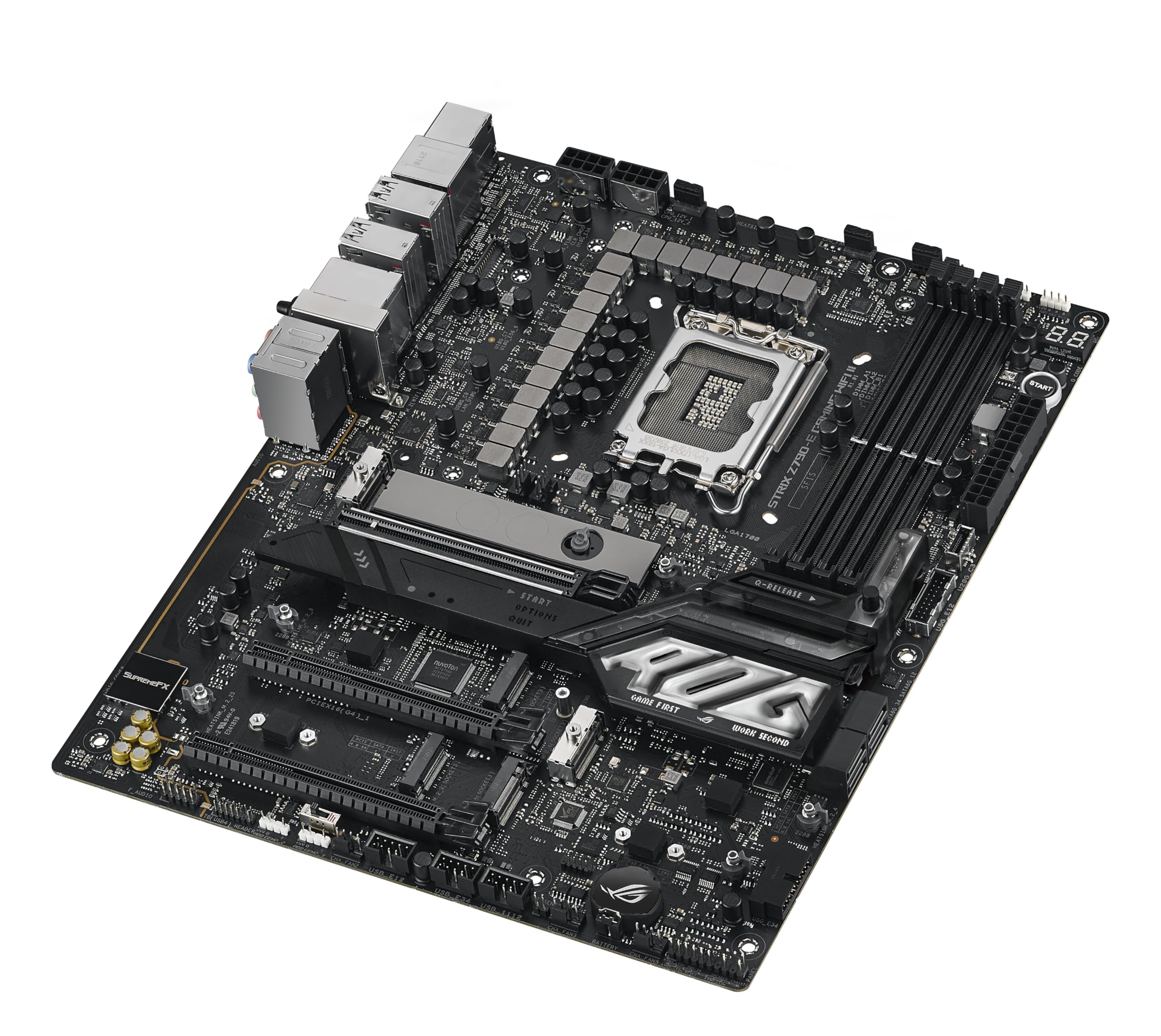
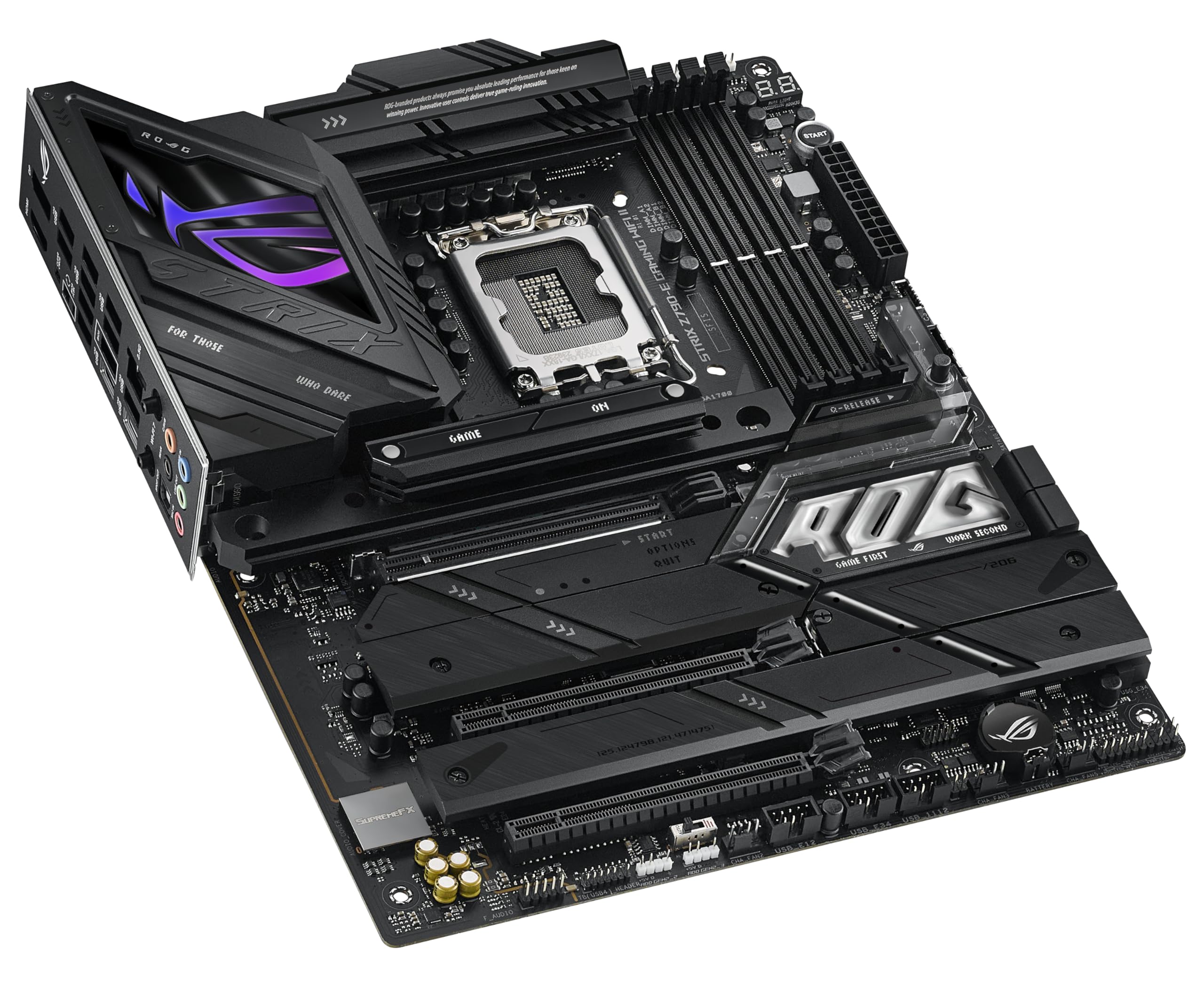
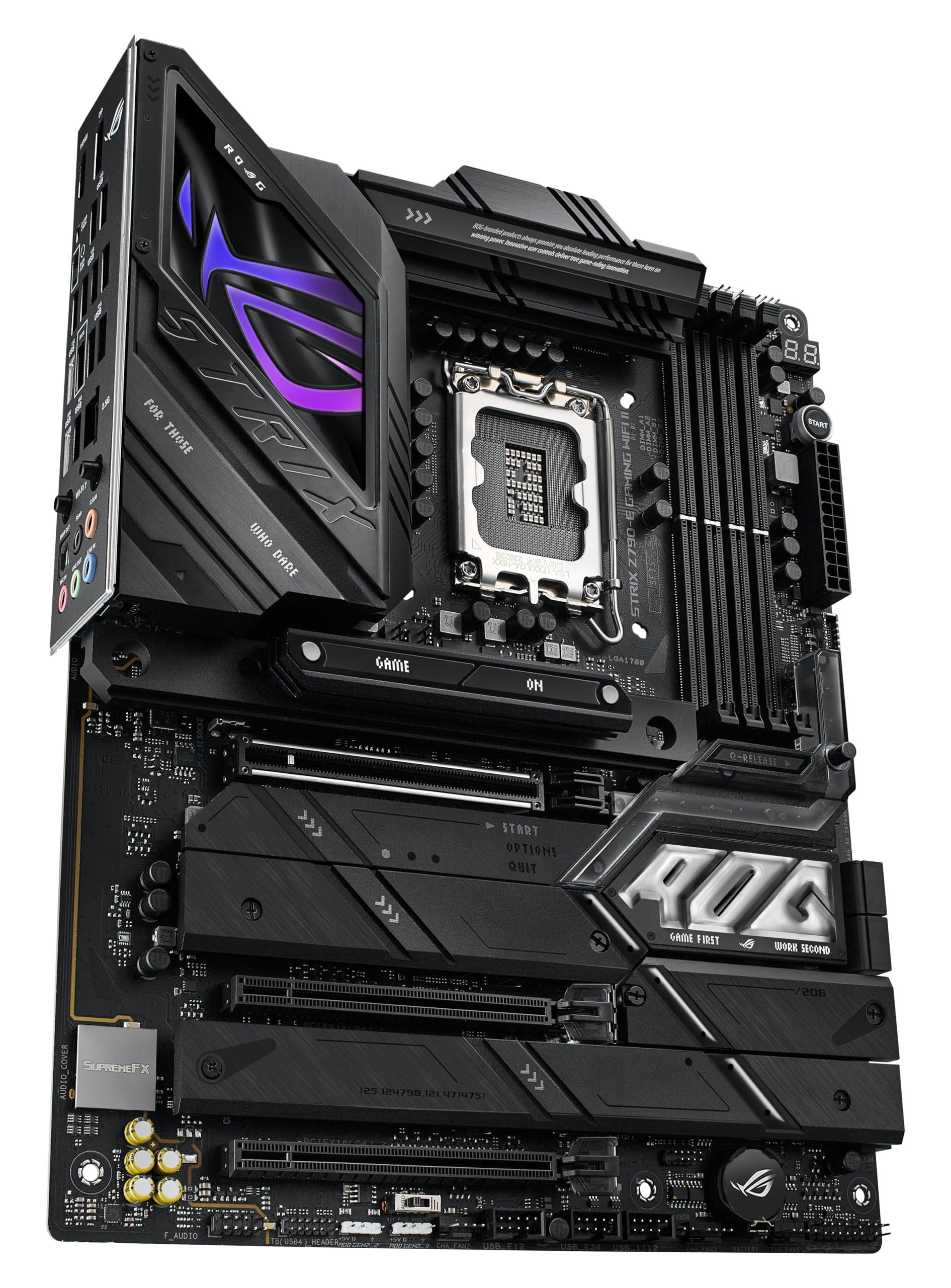
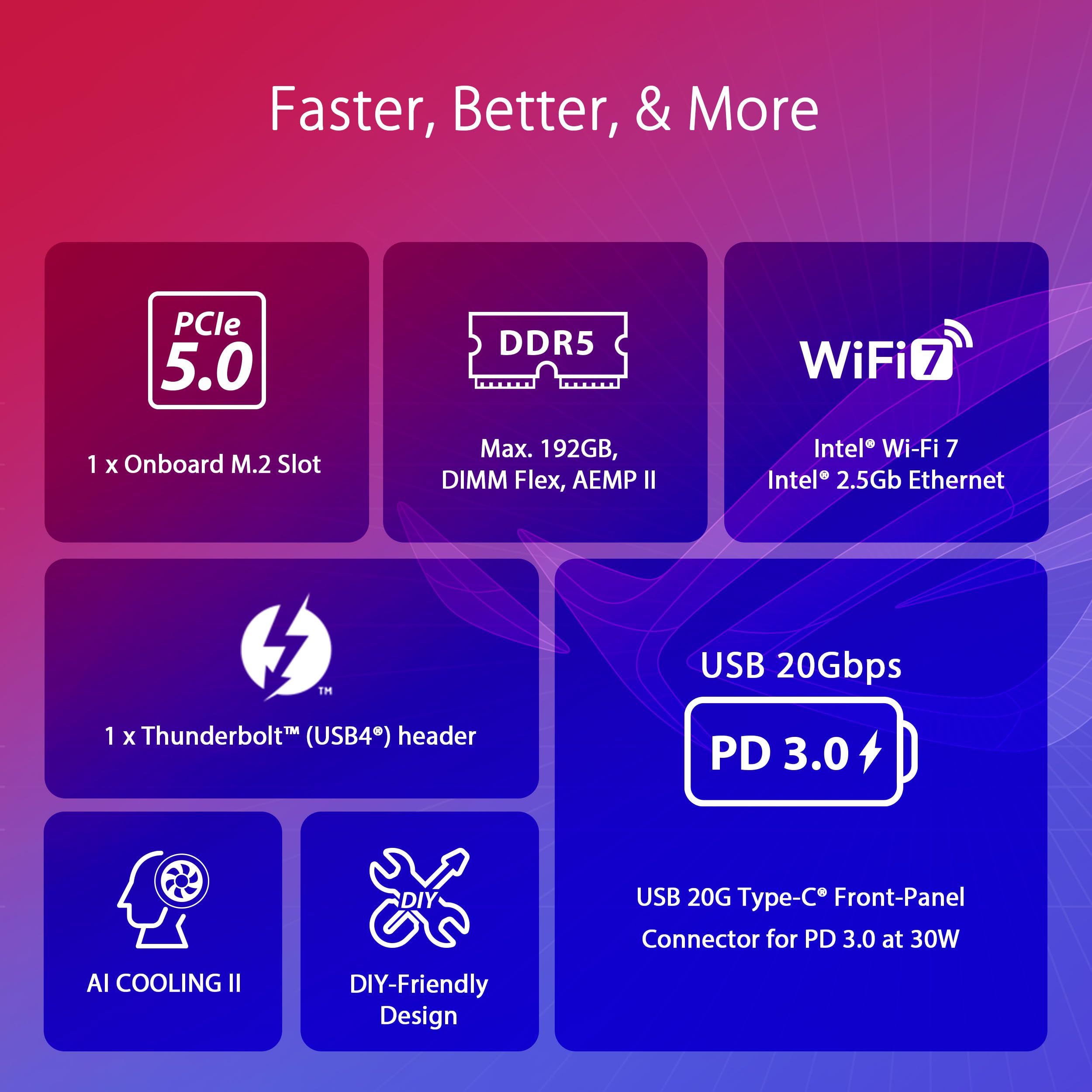
The ASUS ROG Strix Z790-E Gaming WiFi II is a premium ATX motherboard engineered for Intel 12th, 13th, and 14th Gen processors. Featuring an 18+1+2 power stage VRM, PCIe 5.0 support across M.2 and GPU slots, DDR5 memory compatibility, and cutting-edge WiFi 7 connectivity, it delivers unmatched performance and future-proofing. Its advanced thermal design and extensive USB 20Gbps ports ensure stability and versatility for both professional workloads and high-end gaming setups.


| ASIN | B0CJMQ2S5M |
| Best Sellers Rank | #222 in Computer Motherboards |
| Brand | ASUS |
| Card Description | Integrated |
| Color | BLACK |
| Customer Reviews | 4.2 4.2 out of 5 stars (172) |
| Date First Available | October 17, 2023 |
| Hardware Platform | PC |
| Item Dimensions LxWxH | 14 x 11.3 x 3.5 inches |
| Item Weight | 1.5 pounds |
| Item model number | ROG STRIX Z790-E GAMING WIFI II |
| Manufacturer | ASUS |
| Number of USB 2.0 Ports | 14 |
| Operating System | Windows |
| Processor | pentium |
| Product Dimensions | 14 x 11.3 x 3.5 inches |
| RAM | DDR5 |
| Series | ROG STRIX Z790-E GAMING WIFI II |
J**S
Third motherboards a charm?
Yes. I have rebuilt my PC 3 times in the last 3 months. Did I want to? Absolutely not!! I could not buy a motherboard or set of RAM stable enough to obviously not last more than a few weeks. Now, this is a VERY tentative 5 star rating but, maybe, just maybe this is the one??? I sure didn't want to pay $450 plus for a motherboard, but if it consists of actual quality and real stability, I'll obviously pay up. Just for a little background info, my CPU, 14700K, 1000W MSI PSU, 4070 Ti Super. Started with a TUF Z790 Gaming Plus Wifi. Most unstable product you can buy, at least for my CPU and nothing but RAM issues. I requested RMA but never sent it in because I kind of threw it after taking it out of the chassis. Oops. So that was obviously my loss and fault and I'm OK with that, BUT maybe if the mobo had been decent, that wouldn't have happened?? I dunno, just a thought. Second motherboard purchased one month later, ASUS ROG Strix Z790 A Wifi II. Supposed to be for 14th gen Intel out of the box. Well, it was OK some days, but most days was once again unstable especially with memory. So I decided to buy a new set of RAM. G-Skill Trident 7200MTs. Wasn't stable at any stock XMP setting until lowering the frequency. So Not 24 hours after installing that RAM the whole PC shut off. I don't know if it was the RAM or Motherboard so, I sent these back this time. I'm genuinely displeased and tired of playing this run around. So, I get my small once a month check again on the 1st and I buy this motherboard (I know you're thinking, why do you keep buying ASUS you idiot???) and a set of TeamGroup T-Force Delta 6800MT's and so far everything is going without a hitch. No memory errors, XMP actually works along with dimmflex. SO maybe the extra money was worth it, but time will tell because there's a serious lack of quality control on these high priced products which makes you company extremely untrustworthy. I hope this one works out
P**Z
Excellent motherboard, but make sure to update BIOS!
A nice update to Asus's STRIX series, future-proofed with WiFi 7, and plenty of USB inputs, with 2x Type C and plenty of USB-A. Some of the newly manufactured versions of these boards come with the Intel chip fix that was released over the summer, but this one came installed with the factory BIOS (v0801) from early in 2024. Before doing any installation, I made sure to flash and update to the latest BIOS (v1801) - Asus makes this super simple with the EZ Flash 3 feature that just lets you plug in your PSU to the 24- and 8-pin connector, then flash with a USB stick. After that, I proceeded to seat my CPU and other components. You could probably get away with booting it with the CPU straight into BIOS, but given Intel's issues the past year, best to do your first boot with the BIOS fix already in place to avoid any damage to the Raptor Lake CPU. Currently running an i7-14000K, works great, board fits perfectly fine into my Corsair 4000D case. Versatile for both work and play.
S**R
Defective Bluetooth Service and ASUS wanted more $$ to resolve
I anticipated this as a great motherboard for my new tower. All was going great until I found that the Bluetooth service would not work properly. I could get it to work temporarily until I restarted the machine, then the Bluetooth service would not restart on reboot. I invested a full day working with ASUS support online trying many iterations of uninstalling and installing the Bluetooth 'device', several versions of drivers, and working through nine levels of BIOS upgrades one by one. We ultimately had no success. I was able to install a separate USB-connected Bluetooth receiver and that worked perfectly even across restarts. The native on-board Bluetooth chip, however, would not survive across restarts. ASUS Support was very helpful and patient working across many online sessions trying countless iterations of possible solutions. They finally concluded that the board was defective and that it would have to be returned to them for 'repair'. By the way, that would be at my expense. I was shocked that for a brand new, premium priced, defective motherboard, ASUS wanted me to spend even more money to have a chance at getting it working, not even getting it replaced. I've grown used to manufacturers who are quick to send replacement devices in lieu of suffering through a costly and time-consuming repair process for a brand-new defective product. We all run across issues with these complex technologies, but I have never encountered a manufacturer who put the financial burden of resolving the defect on the customer. In today's world, a credible manufacturer would simply ship a replacement overnight. At the very least they would offer a return label at their expense to get the issue resolved. Even then, I would end up with a ‘refurbished’ product for a full retail price. Not exactly a tasteful outcome. Instead, the best ASUS could offer me, the customer, was to pay even more of a premium on an already costly product, and experience the delays of a shipping, repair, and return process of at least two weeks to attempt correct their quality issue. I'll clearly need to move to another brand for peace of mind.
R**L
Real deal
The ASUS ROG Strix Z790-E Gaming WiFi II is a solid choice for high-performance builds. Paired it with an i7-14700k and Corsair Dominator DDR5 RAM—runs flawlessly! PCIe 5.0 support is a huge plus, and the WiFi 7 is super fast. Build quality is top-notch, and setup was smooth. Highly recommend for gamers and power users!
D**D
Buy it
best and easiest board ive ever built with! Boot speed is great! Ai OC is awesome, build quality is top tier.
A**N
The ASUS ROG Strix Z790-E Gaming WiFi II is a solid choice for high-performance builds. Paired it with an i9-1200k and Corsair Dominator DDR5 RAM—runs flawlessly! PCIe 5.0 support is a huge plus, and the WiFi 6E is super fast. Build quality is top-notch, and setup was smooth. Highly recommend for gamers and power users!
K**K
calidad de producto de lo mejor
G**O
This is a very nice motherboard. I bought it to replace my Asus motherboard. Please note that ASUS support is horrible and it took weeks to get my existing board replaced this is why I had to buy this Motherboard
R**D
After a couple months the board started giving an error code 53, which is apparently a common problem for the Asus boards. We ordered an MSI board to see if we had faulty ram or if it was the board and it was indeed the board. We submitted an RMA with Asus and they replaced our board. Happy with the customer service but frustrated that this is a known problem and they haven't bothered to fix it.
S**A
la carte mere vien avec une boite bien ranger et proteger tout fonctionne extremement bien j'en suis a 2 semaine d'utilisation et je rencontre aucune perte de rien.
Trustpilot
3 days ago
2 weeks ago



