


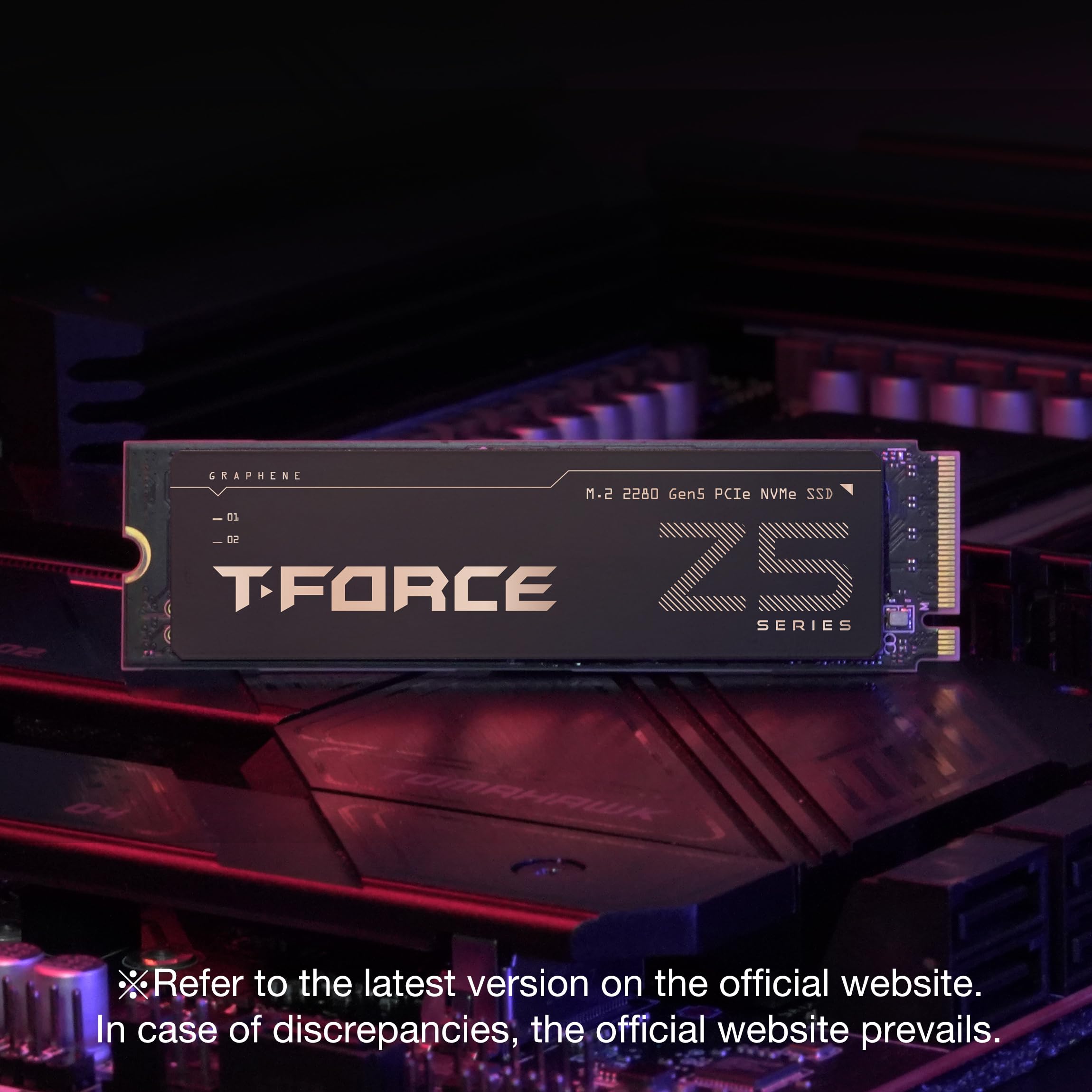


🚀 Unlock Ultra-Fast Gen5 Power & Stay Cool Like a Pro
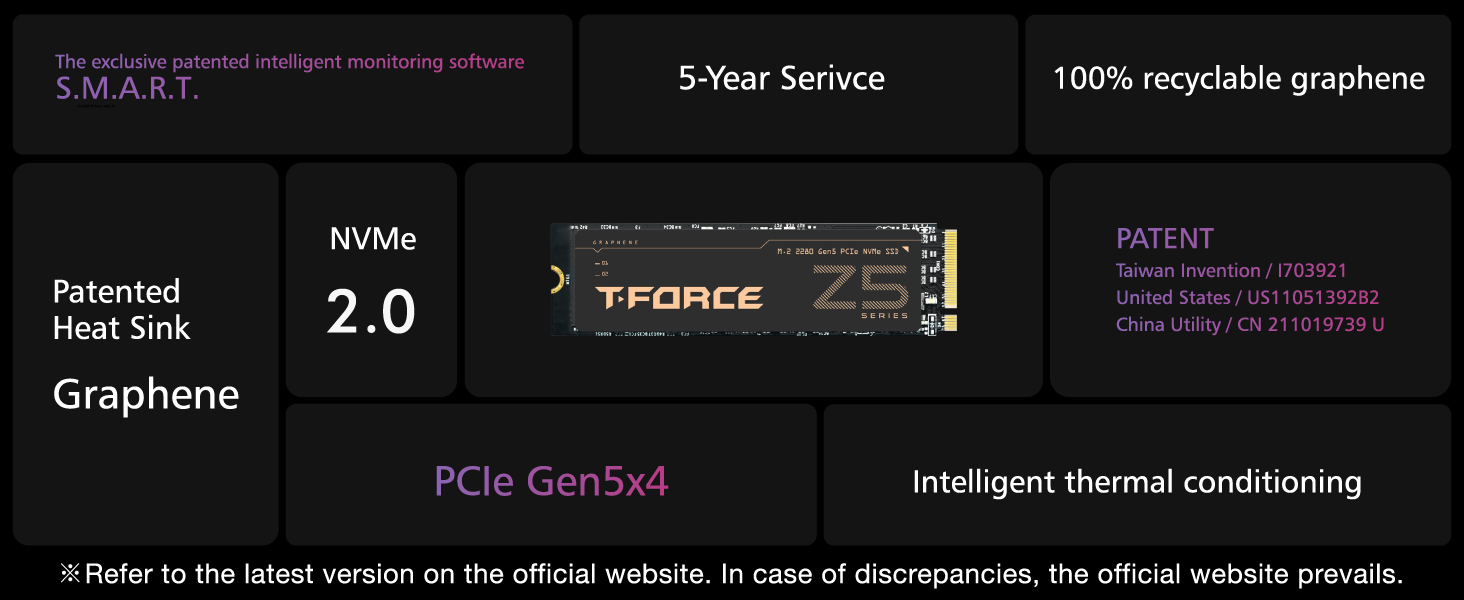
The TEAMGROUP T-Force Z540 2TB NVMe SSD leverages PCIe Gen5 x4 technology with Phison E26 controller and 3D TLC NAND to deliver blistering read/write speeds up to 12,400/11,800 MB/s. Its ultra-thin graphene heat spreader ensures efficient cooling, making it ideal for gamers, content creators, and professionals demanding top-tier performance and reliability backed by a 5-year warranty.




| ASIN | B0CGR7RNCD |
| Best Sellers Rank | #134 in Internal Solid State Drives #1,225 in Computer Internal Components |
| Brand | TEAMGROUP |
| Color | Black |
| Customer Reviews | 4.2 4.2 out of 5 stars (145) |
| Date First Available | September 23, 2023 |
| Flash Memory Size | 2 TB |
| Hard Drive | 2 TB Solid State Drive |
| Hard Drive Interface | PCIE x 4 |
| Item Dimensions LxWxH | 3.15 x 0.87 x 0.15 inches |
| Item Weight | 0.459 ounces |
| Item model number | TM8FF1002T0C129 |
| Language | English |
| Manufacturer | TEAMGROUP |
| Product Dimensions | 3.15 x 0.87 x 0.15 inches |
| Series | Z540 |
W**K
🌟🌟🌟🌟🌟 Blazing-Fast Gen5 SSD – Worth Every Penny!
I recently installed the TEAMGROUP T-Force GC PRO 2TB PCIe Gen5 NVMe SSD, and I am beyond impressed! 🚀 🔥 Performance That Lives Up to the Hype This SSD is lightning-fast, delivering sequential read speeds of 11,500 MB/s and write speeds of 11,400 MB/s in CrystalDiskMark—right in line with its advertised speeds. Compared to my previous SSDs, this thing obliterates load times for everything from Windows boot-up to game launches. • Windows boots in seconds • Massive file transfers (100GB+) take under 10 seconds • Games & apps load instantly For anyone working with 4K/8K video editing, AI workloads, or large game libraries, this drive is a game-changer. 🌡️ Thermals & Cooling Gen5 SSDs run hot, but I’m happy to report that this drive stays at 70°C under full load using my ASRock Z890 Steel Legend’s built-in M.2 heatsink. If you’re planning on heavy workloads, I’d recommend good case airflow or an aftermarket heatsink for extra cooling, but out of the box, it runs better than expected. ⚙️ Installation & Compatibility Super easy plug-and-play setup on my ASRock Z890 motherboard. No BIOS tweaks were needed—recognized at PCIe 5.0 x4 speeds immediately. Just make sure you’re using a Gen5 M.2 slot, or you’ll be limited to Gen4 speeds. ✅ Final Verdict: A Beast of an SSD If you’re looking for one of the fastest NVMe SSDs on the market, the T-Force GC PRO delivers. It’s future-proof, insanely fast, and perfect for high-performance users. At this price point, it’s one of the best Gen5 SSDs available right now. ⭐ Final Rating: 5/5 – Highly Recommended! 💯🔥
P**R
Great Product
Great M.2 card. Great preformance!
N**E
Very Fast Drive
I have used this for a while now and the performance and stability is exceptional.
D**S
Firmware update bricked my OTHER SSD?!? Read/write error on entire drive in less than 5 hours use.
I absolutely DO NOT recommend you buy anything from TeamGroup - definitely not this. I have built literally hundreds of systems. I generally have good luck with everything. I thought this time I would give a chance to a different SSD than Samsung, who I've really had by far the best luck with. I don't think I've seen more than 1 failure ever with Samsung in those systems I've built. So, I got this one. I bought a little SSD heatsink with fan for this one too, since others said it ran hot. I got my PC built, handed off my old one to my partner, installed the OS on a new Samsung 870 EVO I still had in box and just recently found, and used this 2TB drive as a storage drive. I got my drivers installed, Steam installed, and installed literally two games on it. While running one game, it crashed after around an hour and I experienced a very odd "read/write" error to the entire drive. I restarted the PC - that resolved it. I decided I would update the firmware. Holy smokes, my mistake! How dare I do something such as UPDATE THE FIRMWARE?! My reward: It literally bricked my Samsung SSD! The brand new one! Immediately after restart, I noticed it took around 5 minutes to start - and it went to BIOS. I ran a BIOS check on the SSD - all looked good, it passed the test - but then I noticed my BIOS didn't see my Samsung SSD plugged into a SATA port. I restarted - same issue. I restarted again after a hard power clear (unplug power, wait 15 seconds, hold power button for a bit, plug back in) - same issue. I tried a different SATA port - same issue. I tried a different SATA cable - same issue. I tried moving it to my "old" PC - having it plugged in also made it take about 5 minutes to boot! I saw the drive in Disk Management on old PC - showing 0 bytes total - Initializing failed, "This device does not exist." That's a very bad message, I'd rather have had an I/O error there. I tried to boot to the Samsung 870 EVO firmware installation image, but it just can't get to it - the bad drive causes it to fail when loading the Linux kernel. It legitimately bricked my freaking OTHER SSD - I mean, what do I even say? How can you trust a company who makes such bullcrap software?! I have NEVER seen that happen before! I know what I'm doing, and my poor brand new but old SSD got bricked. Unbelievable. Just after I'd gotten everything set up the way I wanted. I am highly disappointed, and furious that this could even happen. I also had the actual read/write error on the drive in less than 5 hours of use - something I've never seen before. Surely a bad sign. I'm returning it, and I suggest you stay far away. If price is an issue - just get a PCIe 4 SSD, instead. It really is fast enough. I'm very sad I wasted time on this drive. I like to try new things. How disappointing.
T**A
Amazing Speed, But Beware of Heat
The TEAMGROUP T-Force GC PRO 2TB is an absolute powerhouse when it comes to speed. It’s incredibly fast, with read speeds hitting an impressive 12,000 MB/s, making it feel like a beast. However, it does run pretty hot, so keep that in mind. A helpful tip: make sure to remove any stickers from the drive and skip adding the graphene thermal pad, as I found it unnecessary. I installed the drive on my ASRock B850M motherboard, which has solid heatsinks both at the bottom and top of the drive. This is a must for optimal cooling. Even with that setup, the drive still runs at around 60°C, making it the warmest component in my PC. Overall, the performance is mind-blowing, but be prepared to manage its temperature for the best experience.
M**Y
The best thing about this drive is that it's cheap compared to other gen5 m.2s
I've had it for a week now. Unlike the other reviews, the drive works just fine for me and it is blazing fast as advertised. However, in just the first couple days I had a drive error and also the idle temperature is hovering around 57-60C, which is higher than what an SSD should be at when idling (ideally around 50C or less). I am using my motherboard's built-in heatsink for the primary m.2. It's possibly that a dedicated cooler could help but it might be a tight fit. Using the ASUS Strix x870e-e gaming wifi motherboard. I'll revisit this review in a few weeks and report back if the drive starts getting hotter or experience any more issues. UPDATE: Been using it for 3 weeks now. Big thing to note: the graphene sticker actually increased temps by 10C. Don't use it if you already have a heatsink and thermal pads. At the moment the drive is idling anywhere from 55-58C for me. Which I think is probably pretty good and should last for 2-3 years. Hoping to replace it when Gen5 drives become more stable though.
M**N
Please add the Thermal foil to your Nvme.
Simple in 10s to install.
K**R
Screaming fast but Hot!
Be prepared to buy a cooler if you intend to use this to its full potential. Out of the box idling was 70 C and under load saw almost 90! It is screaming fast though, a huge upgrade.
D**.
Even though I had many people tell me this would be a waste of money they were completely wrong. I work with a lot of video files and I constantly move them from mechanical(3.5inch) hard drives to my main drive, back and forth. Before I installed this as my main drive I would see transfer speeds going up and down all the time and very slow. But now with drive I get solid consistent transfer speeds with no drops. I also replaced my motherboard so I have a Gen 5 MVME slot which is necessary to achieve the advertised speeds.
A**Y
so far is ok
L**E
Ha sido demasiado rápido desde que lo empecé a usar y descargar diferentes juegos y programas, como al prender la computadora, tarda como 5 segundos y como ya dije, es demasiado rápido. Y creo que no se calienta mucho o al menos no siento que baje su eficiencia. Por este precio lo recomiendo bastante, un poco caro pero vale la pena, y más por ser uno de los más nuevos
A**V
You'll need a beefy cooler on the motherboard or buy a seperate one specific for Gen 5 M.2 cause it runs in the 60-70's at times if you're not watching.
G**L
HIGH END NVME PCI 5 @ A VERY GOOD PRICE
Trustpilot
1 day ago
5 days ago



