







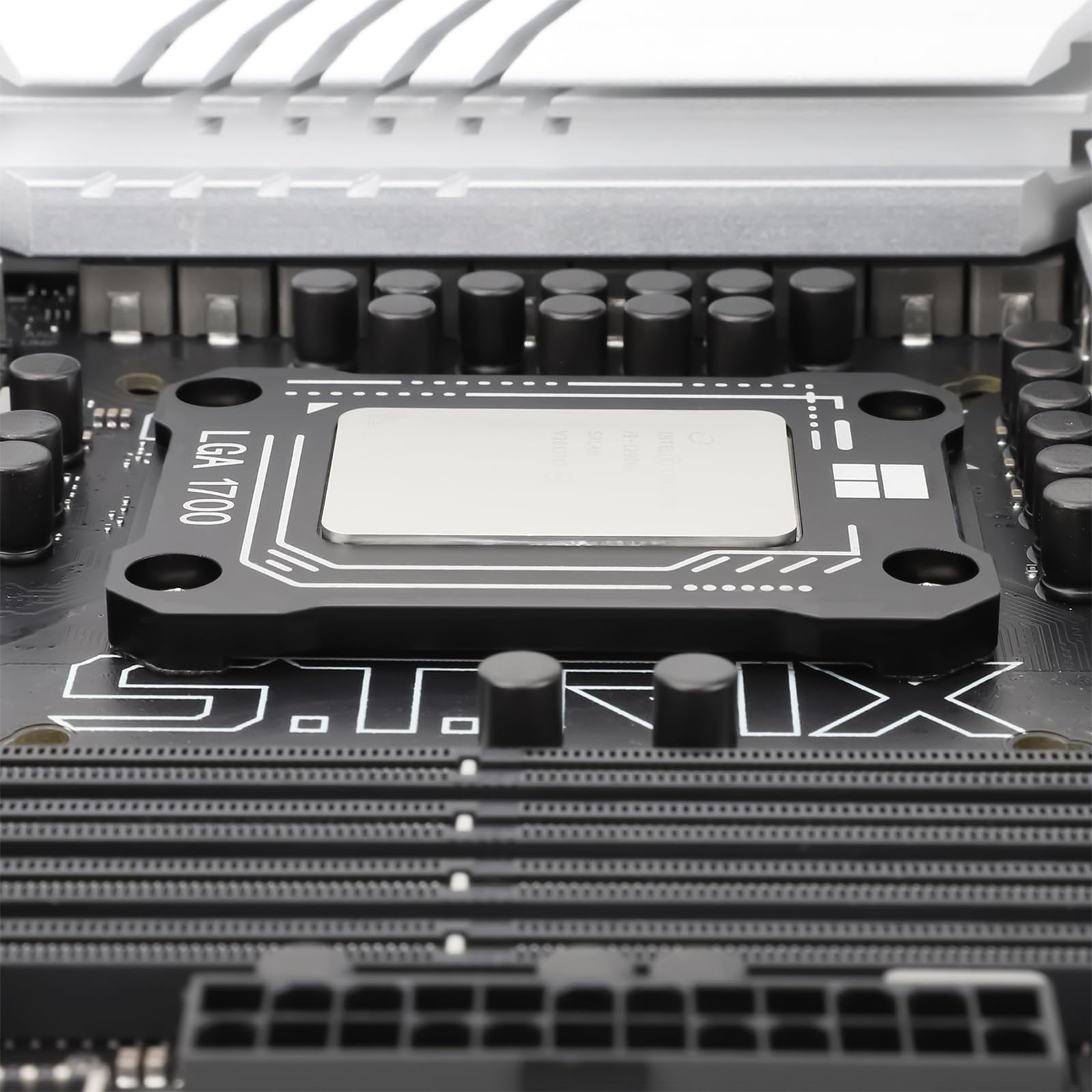
🧊 Keep your CPU cool and your system stable — because overheating is so last generation!
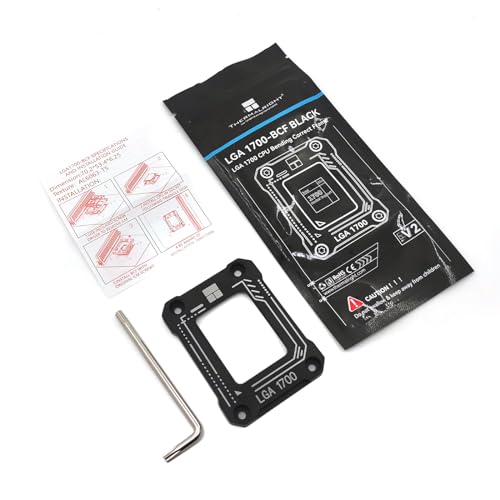
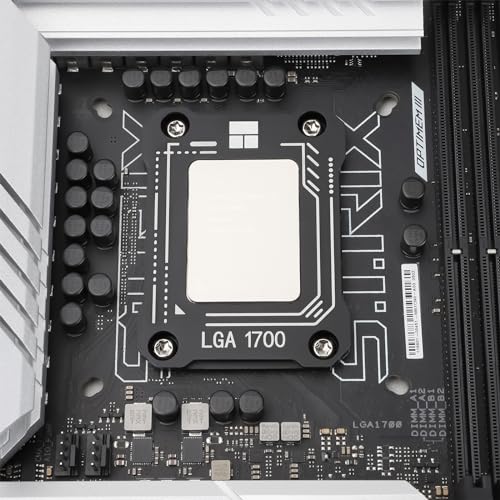
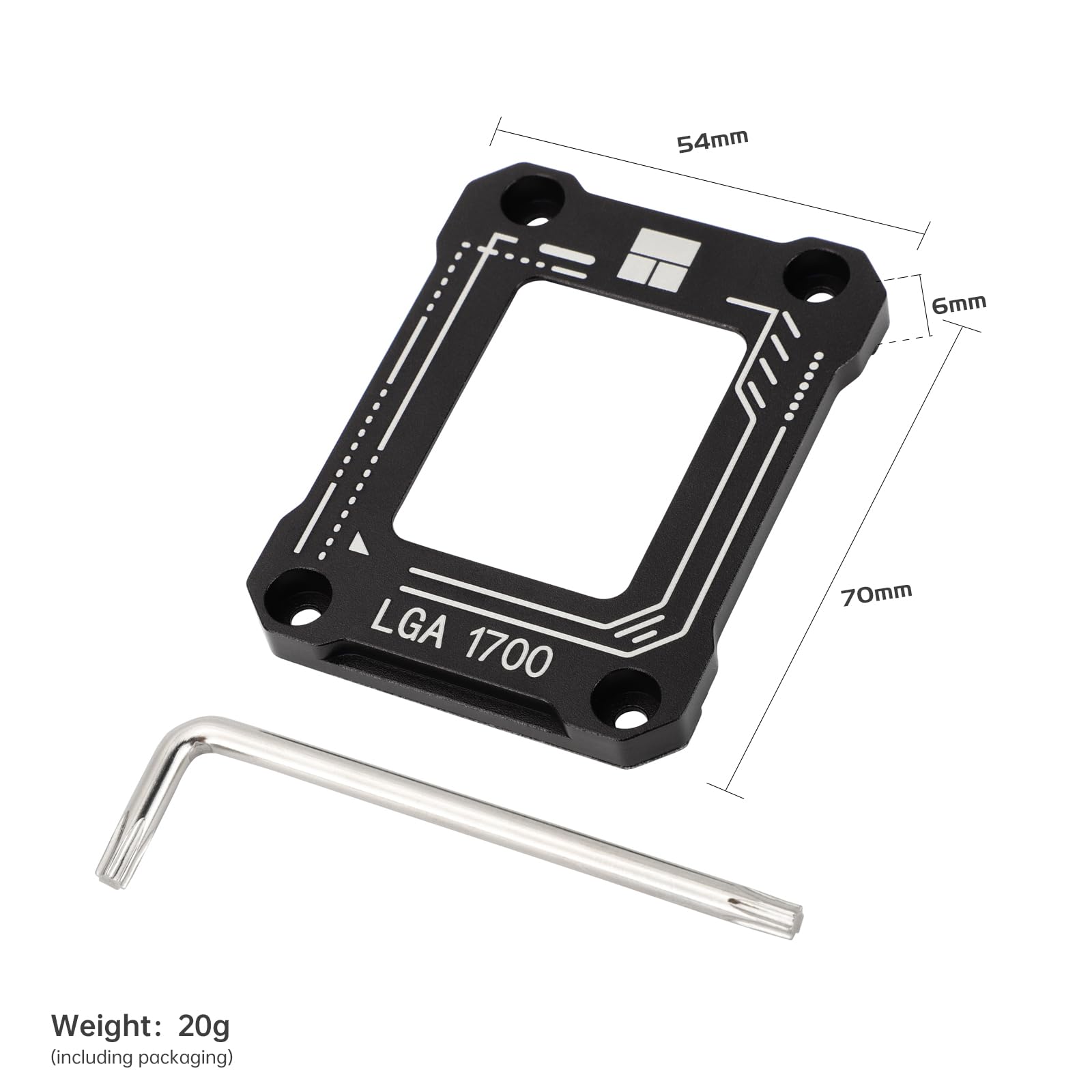
The Thermalright CPU Contact Frame V2 is a premium retrofit bracket designed for Intel LGA1700 sockets supporting 12th to 14th Gen CPUs. Made from durable CNC-machined aluminum with a gold anodized finish, it prevents CPU bending and motherboard flex, reducing temperature spikes and lowering idle temps by up to 5°C. Easy to install with included tools, it ensures stable, long-lasting performance for high-end Intel chipsets.


| ASIN | B0CXF16317 |
| Batteries Required? | No |
| Batteries included? | No |
| Best Sellers Rank | 8,937 in Computers & Accessories ( See Top 100 in Computers & Accessories ) 21 in CPUs |
| Customer Reviews | 4.8 4.8 out of 5 stars (234) |
| Date First Available | 7 Mar. 2024 |
| Item Weight | 32 g |
| Item model number | Black |
| Manufacturer | Thermalright |
| Material | Aluminium |
| Package Dimensions | 17.7 x 7.7 x 1.09 cm; 32 g |
| Part number | LGA1700-BCF-BLACK-V2 |
D**N
Works perfectly
Appears to have reduced the idle temp on my Intel 14900K by 3 degrees C with the same impact on max temp during a 30 minute Prime95 benchmark. More importantly; it stabilised the temperature spikes I'd been getting in normal use. I'd already re-pasted the AIO pump twice and had good coverage every time so was starting to wonder if the CPU needed a delid, very happy it was just the the motherboard flexing as it heated up and it looks like this contact frame has cured the issue. Relatively easy to install but make sure you keep hold of the backplate as you undo the screws on the stock CPU retaining bracket. I'd also leave the CPU in the socket to protect the pins during the removal of the stock bracket.
L**.
Works as intended.
Fit perfectly, temps around 5 degrees lower... good product.
T**N
Super
Super. Was easy to install and now my heat sits at 20c with water cooling
G**B
Easy to install and beneficial
Instructions were clear, easy to fit and install and so far looks to be making a slight difference to the cooling so performance is good too. Build quality is good and great value for money. Highly recommended
C**N
Lowered CPU temperature.
Easy to install, using clear instructions included. Overall, it took 20 minutes to install. Lowered my CPU temperature by 3 degrees Celsius. Happy with result. :o)
L**E
Fits 12400f
Easy to fit just remove the standard mounting mechanism and use the existing screws to fit this. Gamers Nexus have a useful video on how to fit it safely.
J**Y
Excellent for hot CPUs and large air coolers
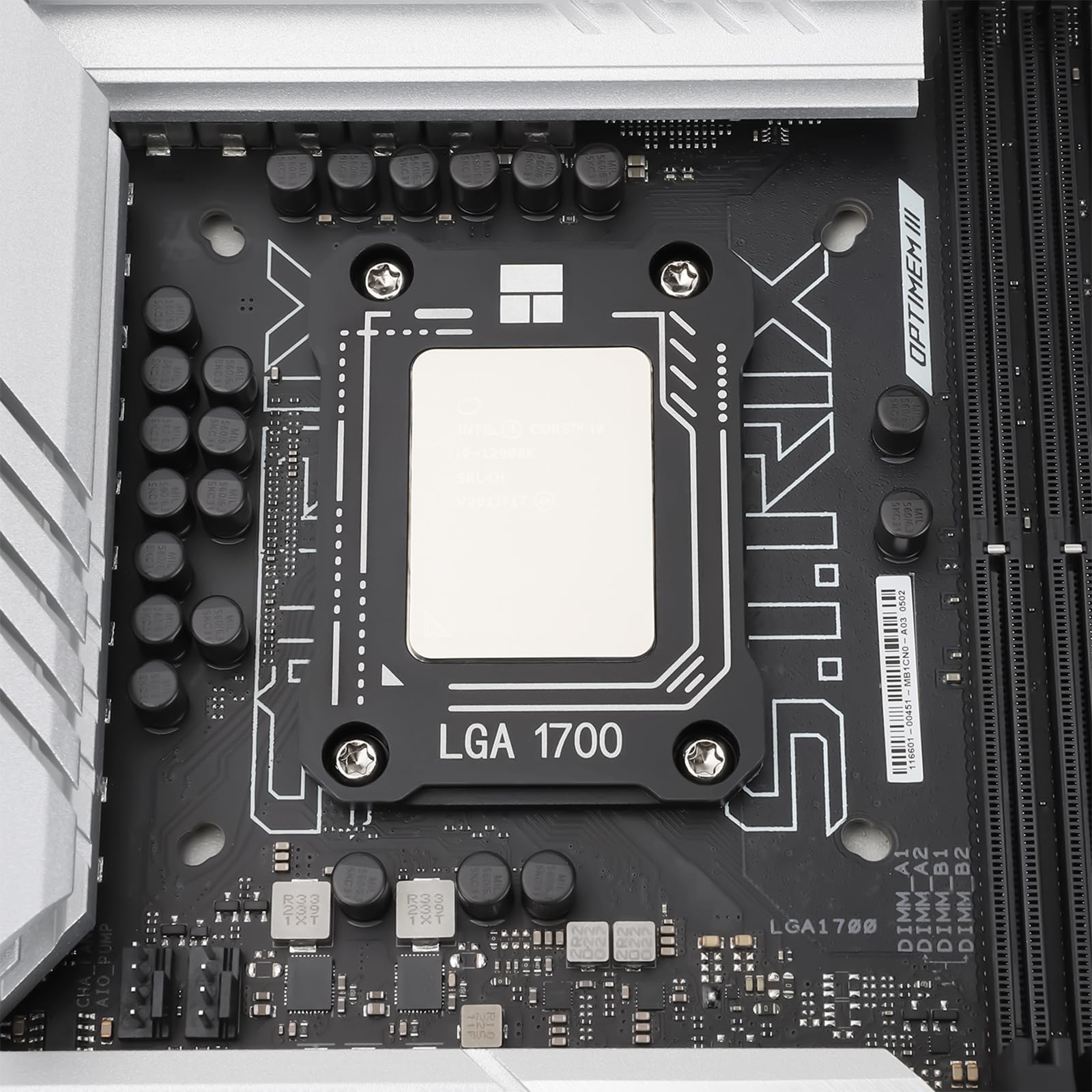
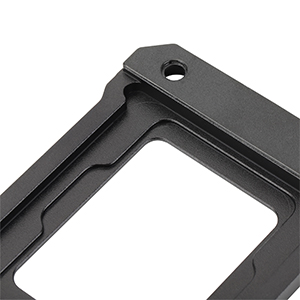
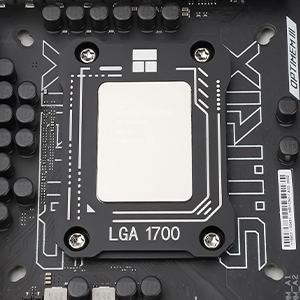
I've just built a computer based on an ASUS ROG STRIX Z790-H Gaming Wi-Fi motherboard, i7-14700K CPU with a Noctua NH-D15 CPU air cooler. ROG Support advised that an LGA 1700 CPU frame would be a good idea for this set up. I've reviewed the frame with photos, including temperatures running at XMP 1 overclocking profile. The first photo shows the motherboard and the standard CPU frame with the protective cap removed. Four screws hold the standard frame. These need to be carefully removed with the screwdriver that comes with the new frame; both are shown in the second photo. It's best to release the standard frame lever before removing the screws, as the arm is spring-loaded against the motherboard. The second photo shows the top of the new frame; note the small triangle on the bottom left corner of the frame that must line up with the small triangle on the bottom left of the CPU. The third photo is the underside of the new frame showing the recesses for the CPU. Carefully place the CPU in the underside of the new frame. Fit the new frame holding the CPU on the motherboard, and fix it with the four screws that you removed earlier, tightening each a small amount and working in a circle. It should now look like the fourth photo. I put a 2 mm dot of Noctua thermal paste towards each corner of the CPU, with a 4 mm blob in the centre, then ran the system for several hours without overclocking to ease in the system and thermal paste. The fifth photo shows the UEFI BIOS screen with XMP profile 1 applied. The CPU temperature is 39 degrees, DDR5 is 7200 MHz, the CPU is at 5900MHz, the motherboard is at 28 degrees (ambient 23 C). The i7-14700K CPU has a reputation for being difficult to cool, but this set up works comfortably. I have posted reviews on Amazon for the other components. Update 10 June 2025 It still doing a good job, running cool and as far as I can tell, no sign of bending.
A**U
Love it
Top quality . Did the job
ع**د
ممتازه جدا طبعا
D**.
Muy bueno, realmente me bajó la temperatura significativamente, le dió más rendimiento a mi enfriamiento líquido Coolee Martes. Si lo recomiendo!
K**I
Installed this with a new 13th gen intel cpu to help with mounting pressure issues with the LGA 1700 OEM bracket. Super easy install. Not only has it helped mount my cpu without the risk of bent pins of a fried cpu, it also helps decrease temps 5-10°! Highly recommend this product for anyone on the LGA 1700 socket.
T**U
Fits perfectly, high quality materials, improves connection between cooler and CPU
B**D
A friend pointed this to me when I purchased the i9-12900k in Oct 2023. I was having issues where the CPU was reaching high temps and pegging out close to 100 C and thermal throttling. I did not know that the ILM (CPU bracing bracket) on the newer chipsets tends to warp and cause the cooler not to sit properly on the CPU and keep it cooled. Once my order arrived I removed the factory ILM bracket and replaced it with this device. My water cooler now sits perfectly upon the CPU and hasn't caused any issues with cooling on my device. Max temps I have seen are around 80 C max depending on what I am working on. Even running programs such as Aida64 and stressing the CPU temps have dropped from the 100 C range down to 85 C range. This has definitely saved me from causing damage to my CPU due to heating issues. It is simple to install by simply removing the original bracket off the motherboard and utilizing the 4 screws from the original device and placing the CPU in place with thermal paste and simply mounting the bracket over the top of it and screwing it down and installing the cooler. My wife upgraded her PC in June and went with a 12th gen i5 LGA 1700. I didn't even bother trying to install the CPU until I ordered this device and had it in hand. I didn't want to have to remove and reinstall everything like I did on mine so I waited and installed this device to be safe from the start.
Trustpilot
3 days ago
3 weeks ago



