
DOWNLOAD THE APP


Customer Services
Copyright © 2025 Desertcart Holdings Limited
DOWNLOAD THE APP

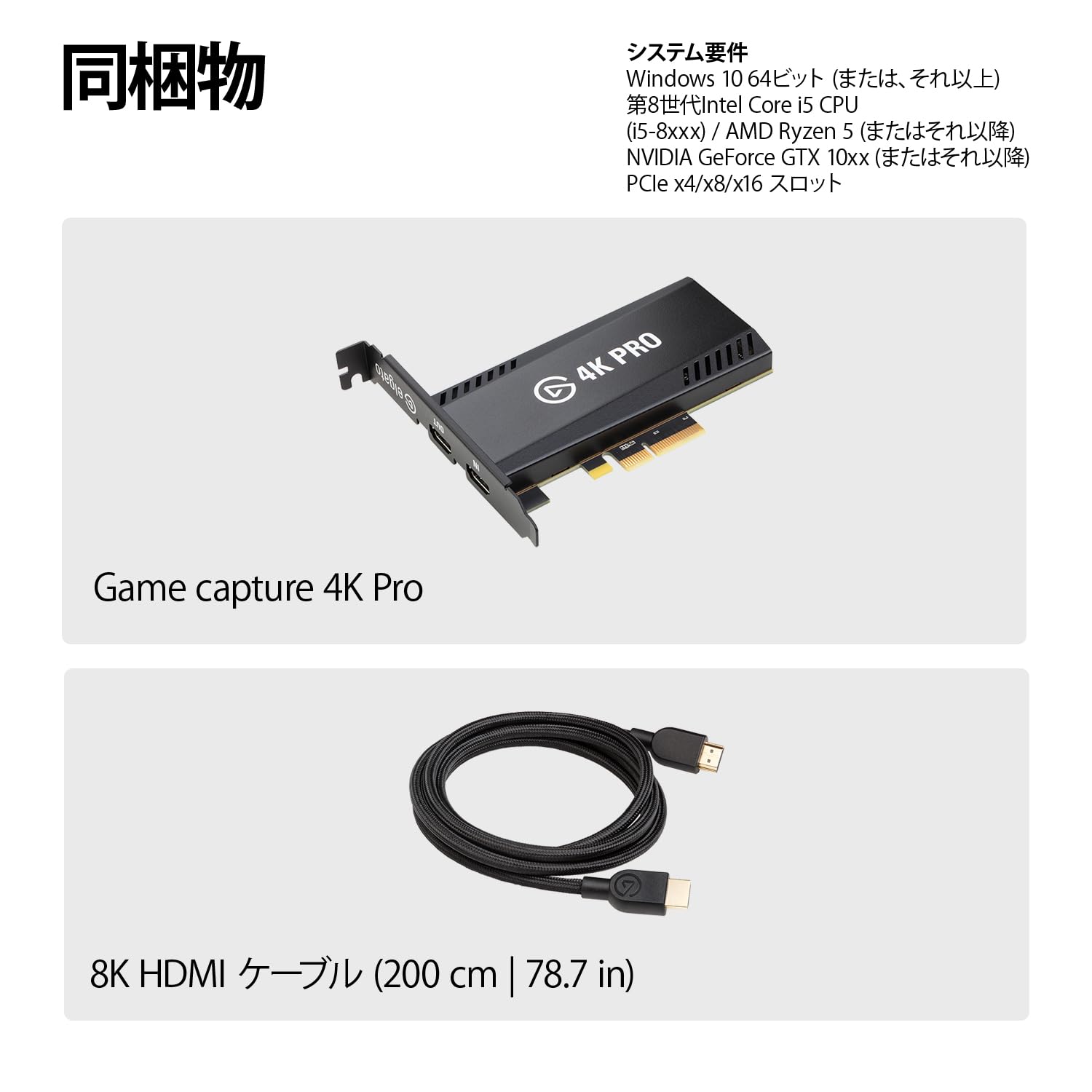



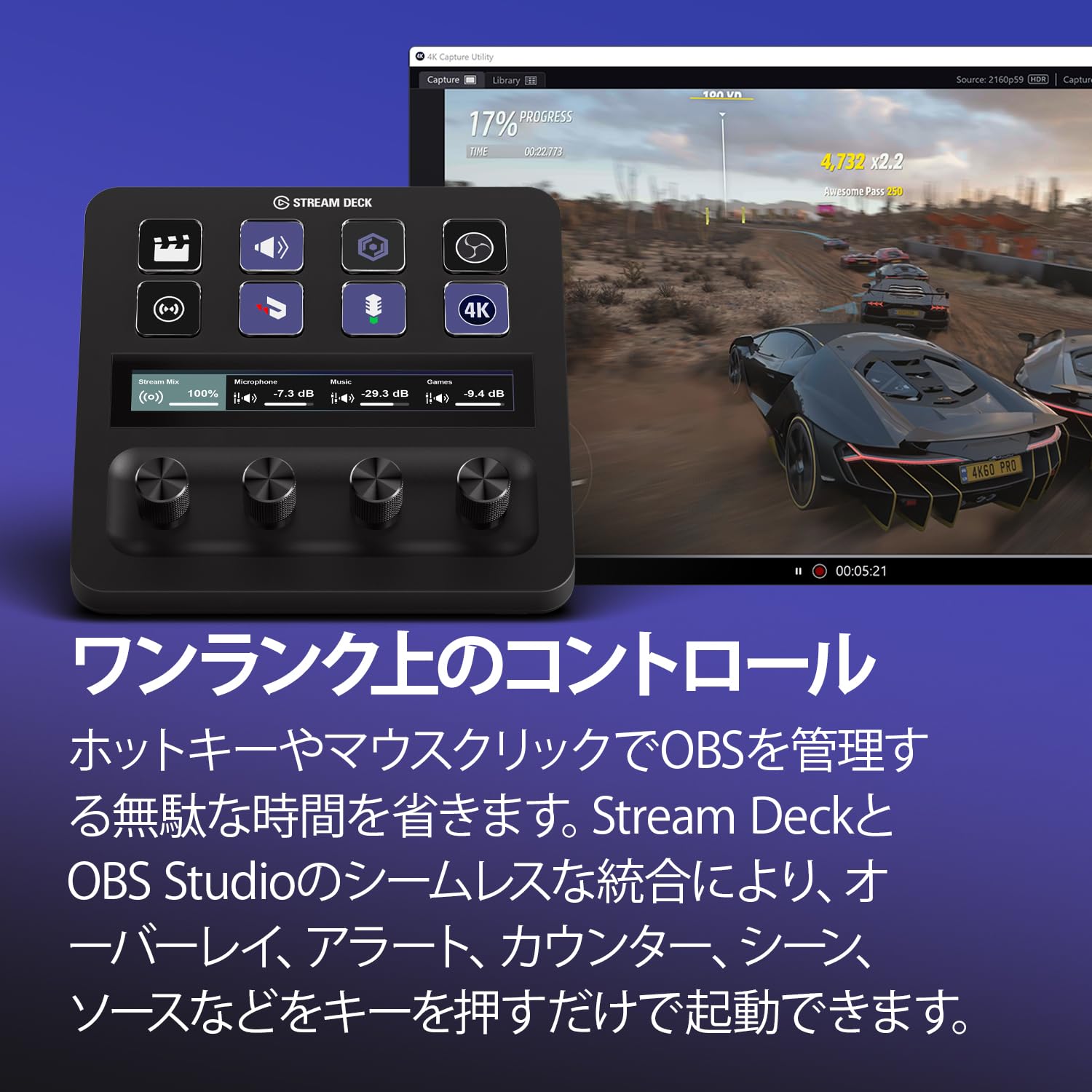
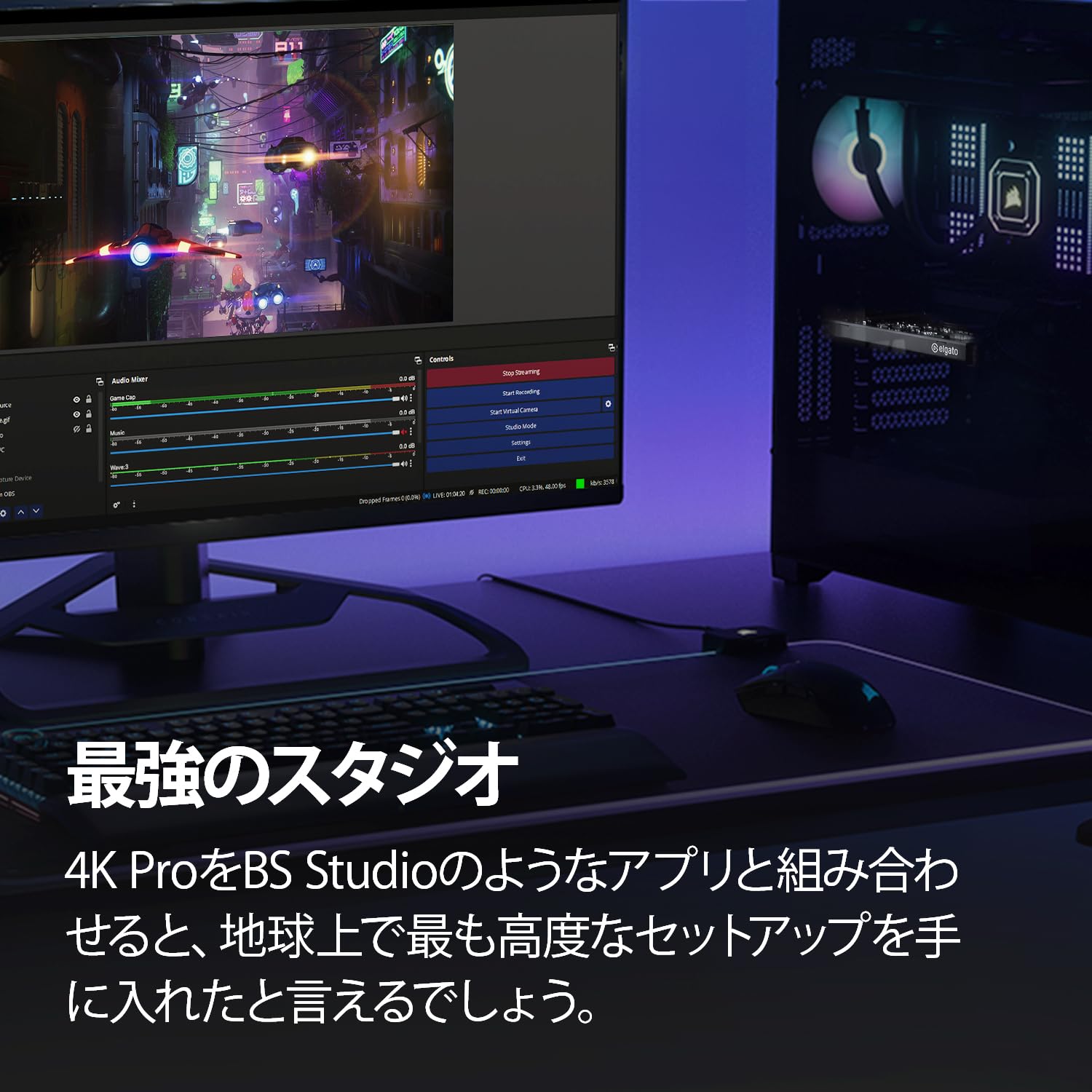
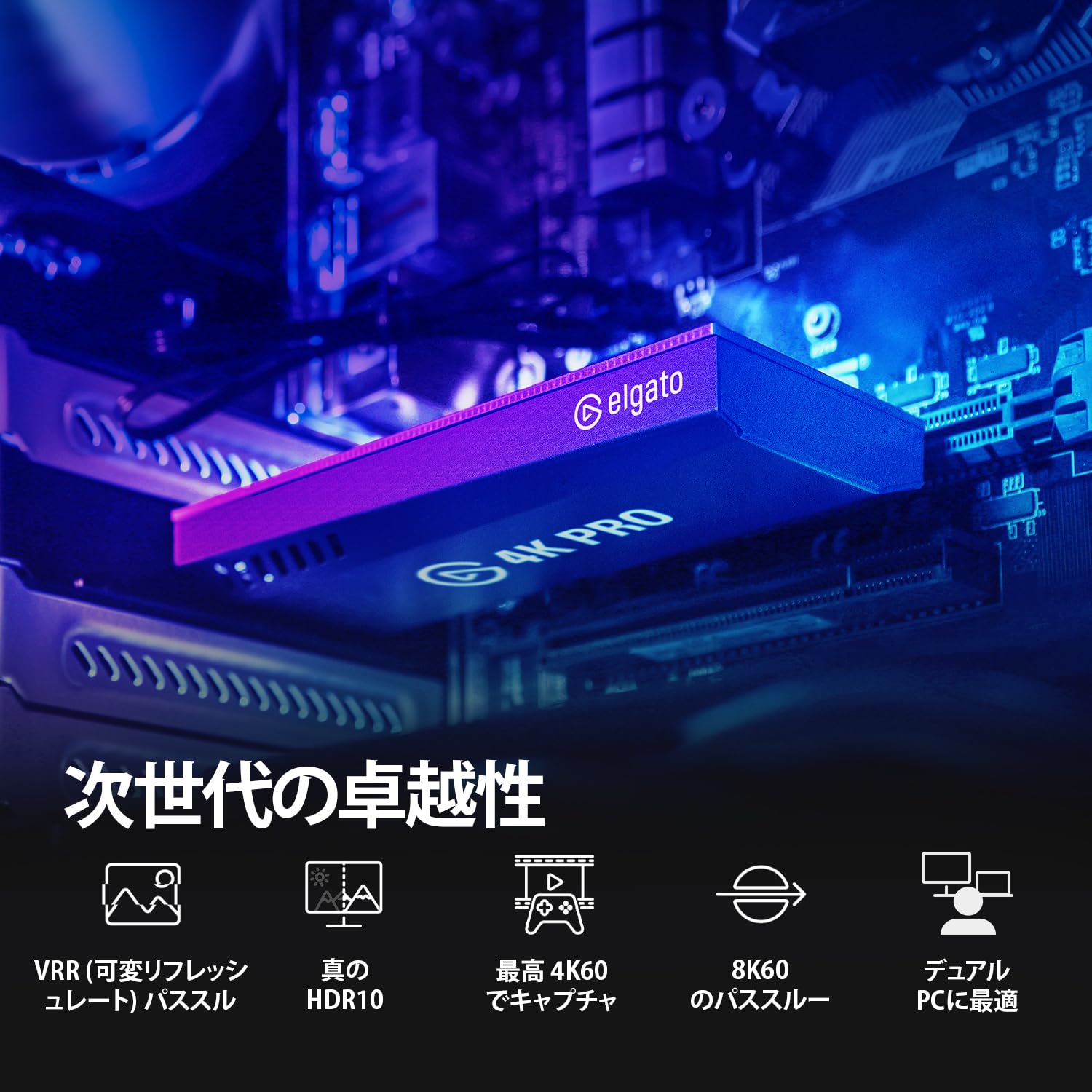
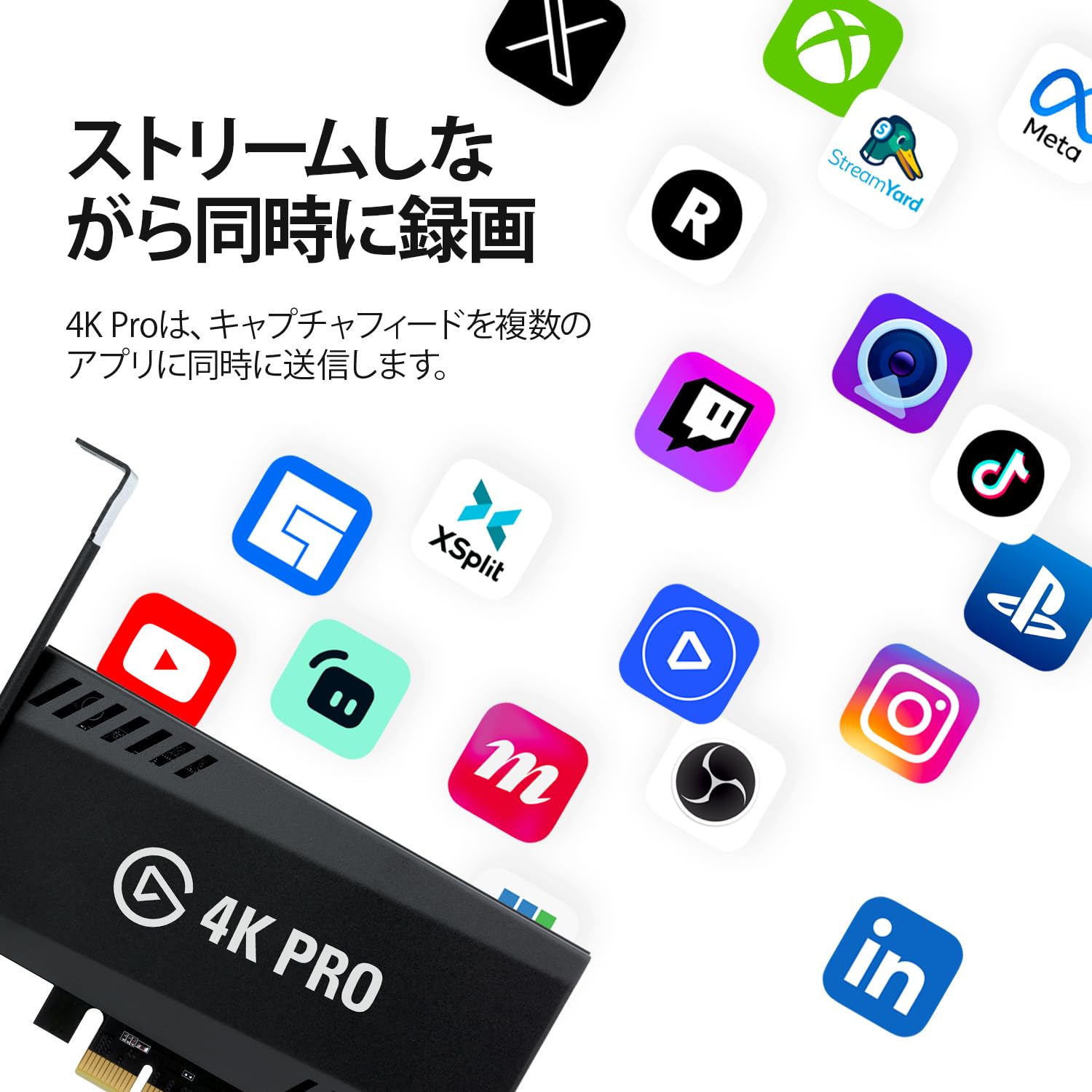
🎥 Capture the future of gaming—stream in 8K with zero lag and total style!
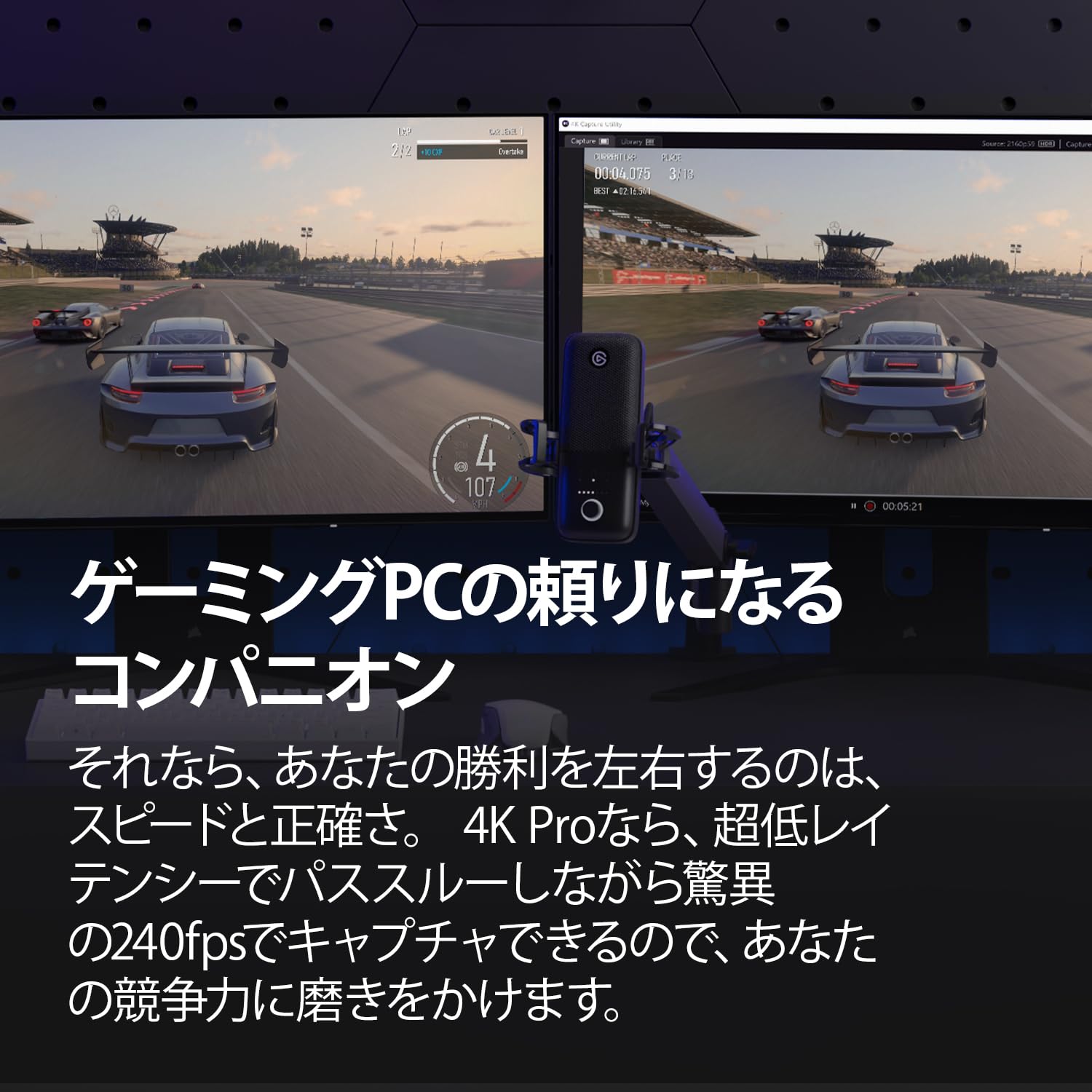
The Elgato 4K Pro is a cutting-edge capture card designed for professional-grade streaming and recording. It supports up to 8K60 HDR10 pass-through and 4K60 HDR10 capture with ultra-low latency, leveraging HDMI 2.1 for high frame rates up to 240fps. Compatible with major consoles and Windows PCs, it offers seamless integration for dual-PC setups. Beyond performance, Elgato commits to sustainability with 100% plastic-free packaging and a 2-year warranty, making it a top-tier choice for serious content creators.



| ASIN | B0CSJPDYDN |
| Amazon Bestseller | #28,859 in Computers ( See Top 100 in Computers ) #108 in External TV Tuners |
| Are Batteries Included | No |
| Brand | Elgato |
| Color | Black |
| Customer Reviews | 4.3 4.3 out of 5 stars (277) |
| Date First Available | March 3, 2024 |
| Item Weight | 110 g |
| Item dimensions W x H | 5.6 x 12.1 x 1.9 cm |
| Item model number | 20GBK9901 |
| Manufacturer | Elgato |
| Operating System | Windows |
| Product Dimensions | 5.6 x 12.1 x 1.9 cm; 110 g |
| Tuner Technology | ATSC 3.0 |
S**3
意外とトラブル多め。Elgatoだからなのかが見極められてないけれど、過去win10の頃には気が付いたら認識されなくなってたり、直近のwin11ではOBSで配信してるとPCがとんでもない過負荷状態になってそのままフリーズしたり…。 撮れる映像は綺麗だし、パススルーも直で繋いだ時と差は感じない。 TUF Gamingのクソでか3連ファンモデルとx870e nova wifiの組み合わせでも問題なく入るコンパクトさも魅力的。 お金に余裕があれば是非買って良い製品だと思う。 win10時代のトラブル時、サポートの方と色々教えてもらいながらやったけど通訳通しながらでも丁寧に教えてくれて良いなと思った。(解決はしてない)
S**M
ラグも無く取り付けもPCの内部を触った事のある方なら簡単です ただ私の場合はPS5とPS3のキャプチャーが最初出来ませんでした サポートの方に対応していただきそこは解決したのですが PCに取り付ける=PC起動時しか動作しない つまりパススルーが出来ない事に後に気づきました なので星は4つで
か**ん
某A社のUSB接続4K144Hzパススルーを搭載しているキャプチャーデバイスを使用しているのですが、使用モニターが4K160Hzなので先も見据えて4K240Hzパススルーに対応しているこのデバイスを購入しました。 目的は4Kのパススルー出力と4K60fpsの録画です。 まず購入時点では当たり前かもしれませんが4K160Hzの設定項目がありません。4K144Hzの上は4K240Hzまで飛びます。特殊解像度の追加みたいなもので追加できたかもしれませんが私のスキルでは無理でした。 設定も少々ややこしく感じました。 次に気になったのが、パススルー出力の不安定さ。 PC接続のみですが4K144Hzで接続したら認識したりしなかったり。特にHDRオンの状態で認識率が酷くなったように感じました。 某A社のを使用すると問題なく認識するのでケーブルは問題ないと思います。この手の出力はケーブルにも問題がある事が多いのでかなり厳選して使用しています。 一番気になったのは、認識した時にOBSで4K60fps録画してみたら、発色がめちゃくちゃ悪い(某A社のと比較して全体的に色が薄い)のと、文字が潰れて一部読みにくくなっており使える品質ではなかった事。 もうこの時点で原因を追求するのをやめてPCから取り外しました。 4K Proと謳ってますし4K144Hz以上の環境下の使用では唯一で期待したのですが、とても残念な結果でした。
チ**ニ
高いけど高いなりの性能なので文句ないです。 4KHDRでキャプチャしてYouTubeで記録用のアーカイブ残せるので自分にとってはベストバイです。
購**者
パススルー出力でPS5のGT7をプレーしてると数分で画面がクラッシュする 突然発生するのでオンラインプレー中に発生すると大惨事になる キャプチャ画面は異常無し パススルー出力だけがダメになる 初期不良かと思い交換対応してもらった(2回も)が全て同じ(合計3個) 未だにパススルーは全く使えない
た**ん
4K対応を謳いながら480pにしか対応していないとんでもない商品でした こちらのPCスペックはi7-13700F RTX4070Tiです スペック不足というわけではなさそうですが…
え**ー
キャプチャー環境:Windows11 キャプチャー元:Windows10.Switch 付属のソフトとOBSにてキャプチャー映像の取得は確認出来るものの、パススルーの映像が出力されません モニター入れ替えやHDMIケーブルを変更しても改善されず本体の不具合を疑っています。 現在お問い合わせ窓口にて連絡済み 返信待ちの状況です
H**A
4K Proのレビューです。 これは酷いです。 映像や音声が途切れたり、OBSでも4Kとして認識されずFHDになったり……。 とにかく安定しないです。 大人しくAverMediaを使っておくべきでした。高い勉強料だった…。
R**W
great for capturing images for my stream
V**.
Très bonne carte de capture ! fonctionne en tout point, je n'ai eu aucun soucis de lag, latence, freeze, artefact etc... supporte bien la 4K, le HDR10, s'installe directement sur la Carte Mère en PCIe La latence est tellement tellement faible, quasi pas du tout, que je ne joue plus sur via l'HDMI, mais directement via le logiciel Elgato ou OBS, et on ne ressent vraiment pas de latence
T**T
As a competitive Splatoon player, I needed a way to broadcast and screenshare gameplay from my Switch without compromising quality or audio. With the 4k Pro, I can bring my gameplay to my pc in full quality! Passthrough provides a lag-free experience, which surprised me since I am very sensitive to slight delays in my inputs; I felt no additional perceivable latency in passthrough. However, there is very noticeable delay when you play through the Utility software (10-30ms); this comes to no surprise though, as the incoming video signal must be re-encoded again before it can be displayed on your pc. If you're playing games that require as little latency as possible, play through passthrough. Installation was very simple: I located the pcie x16 slot on my motherboard (although x4 and x8 also work), unscrewed the chassis bracket, slotted in the capture card, and screwed it in. No additional usb power needed! I installed the 4k Capture Utility beforehand, so it worked instantly, although a slight detection delay can occur, this typically lasts 5-10 seconds before your signal is displayed. No biggie. One of the biggest benefits I've noticed from the 4k Pro is that I can be in a call on Discord with my friends while hearing my game audio through the relay in the capture utility software. Please note that there will be a very slight delay in audio from the Utility (because re-encoding) However, in my experience the delay is acceptable given that it is only the audio that I am sampling through the Utility while playing through passthrough. My estimation on the Utility software delay is around 10-30 milliseconds, which is comparable to playing on an older TV; not ideal for competitive games, but it can be palatable for some in a pinch. Video signal: The signal is very true-to-console as in the raw output of the console itself is being captured. Meaning that contrast and brightness is exactly as your console manufacturer intended. Software: the 4k Pro uses it's respective 4k Capture Utility which is a very simple and useful software. In the suite, you have access to custom video color settings for your gameplay, audio adjustment (including the console microphone if yours has one) a capture library; which houses your recordings and clips, and a fair bit of encoding and bitrate options similar to OBS. Speaking of OBS, it integrates perfectly with it, allowing your captured signal to be displayed easily with your applied settings. OBS isn't entirely necessary however, since you can record and take screenshots in the Utility software. Recordings can be as long as your storage allows! There is also a Flashback mode, which allows you to take clips from your past recordings, this allows easy access to highlights or other cool moments in your gameplay that you'd like to have separate from the entire recording. Please note that flashback has a maximum recording time of 4 hours. Compatibility: The Nintendo Switch works flawlessly with the capture card as previously stated. I assume every other console/PC works the same so long as it outputs via HDMI. I would still scout for other reviews that specify your specific console though. As for motherboard support, this requires a bit of technical know-how as you need to ensure that you have at least one spare PCIe x4, x8, or x16 slot in your motherboard. Please note that the card will not work with a pcie x1 slot as there are too many pins on the capture card. In conclusion, I am very satisfied with my purchase as it solved several headaches I had while trying to voice call with my friends and play Splatoon at the same time. It has great options in the Utility software, works well for beginners, and makes streaming, screensharing, and recording a breeze! 5/5 Stars for me since it fills my needs stupendously! [TL:DR] The 4k Pro is a great capture card for the Nintendo Switch, allowing smooth, crisp gameplay with no delay on the passthrough mode. However, there is a 10-30ms delay if you play through the 4k Capture Utility software. Installation is quite easy! Just make sure you have a spare pcie x4, x8, or x16 slot on your motherboard! It also has flawless OBS and Discord integration! Don't forget to install the 4k Capture Utility software before you install the card to make life way easier!
J**C
No lo hice antes por si elevado precio, pero al probarla debí haberlo hecho antes.
J**S
Ich habe die Elgato 4K Pro jetzt etwa eine Woche im Einsatz und hauptsächlich in 1440p gestreamt – in Kombination mit meiner Intel ARC A770. Die Karte macht genau das, was sie soll, und das absolut zuverlässig. Einbau & Einrichtung: Der Einbau war denkbar einfach: Karte in den PCIe-Slot stecken, System starten – fertig. Sie wurde sofort erkannt, ganz ohne zusätzliche Softwareinstallation. Genau so wünscht man sich das bei hochwertiger Hardware. Für Streamer und Creator mit etwas PC-Erfahrung ist das in wenigen Minuten erledigt. Leistung im Betrieb: Das Bildsignal wird sauber und ohne merkliche Verzögerung verarbeitet. 1440p-Streaming lief in meinen Tests stabil und mit hervorragender Bildqualität – klare Farben, gute Schärfe und kein Frameverlust. Die Zusammenarbeit mit der Intel ARC A770 funktionierte reibungslos, auch bei längeren Streaming-Sessions. Verarbeitung: Die Karte wirkt wertig verarbeitet, das Metallgehäuse ist robust und macht einen langlebigen Eindruck. Auch unter Dauerbelastung bleibt sie angenehm kühl – gute Thermik. Fazit: Wer eine Capture-Karte sucht, die ohne viel Aufwand in ein bestehendes Setup integriert werden kann, ist mit der Elgato 4K Pro bestens beraten. Sie läuft perfekt mit aktueller Hardware wie der ARC A770 und liefert eine Top-Leistung bei 1440p-Streams. Absolute Empfehlung für Content Creator, die auf Qualität und Stabilität setzen.
Trustpilot
2 days ago
2 weeks ago